Loading video…
Sound

original sound - tiktokwithhasan
TikTokWithHasan · Original audio
0:00–:––
Playing this video’s own audio, so you’ll hear the creator over the sound.
The video provides a clear, step-by-step tutorial on a useful feature for TikTok creators, emphasizing ease of use and potential for increased reach through trending audio and cross-platform sharing.
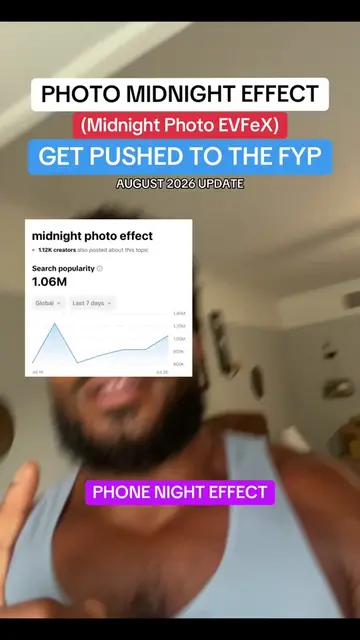
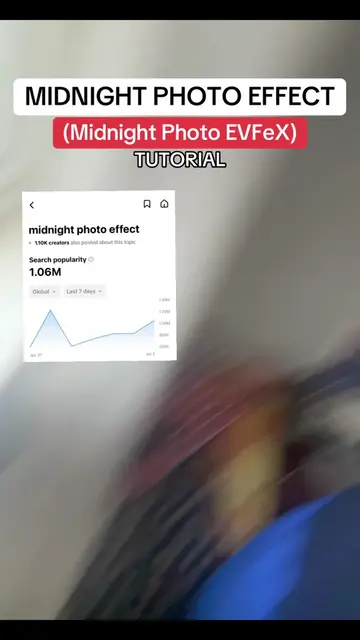
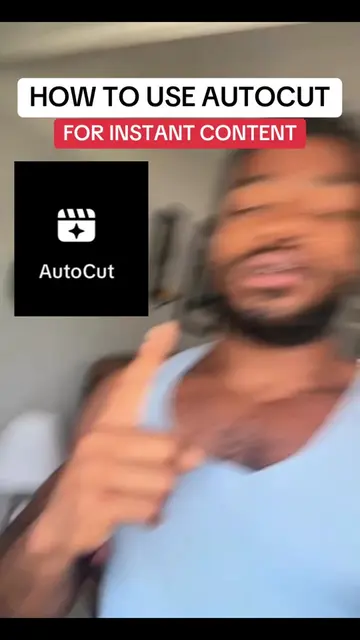
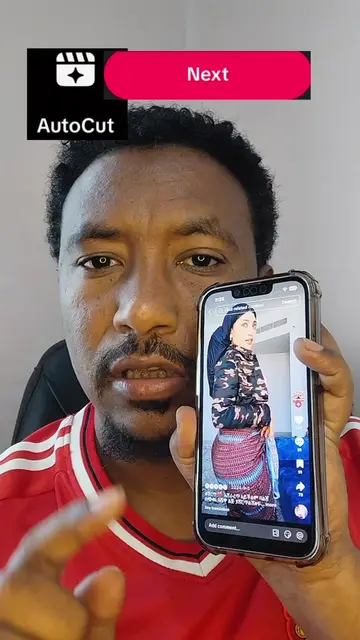
This video demonstrates how to use the AutoCut feature on TikTok to create instant video content. It guides viewers through selecting photos, choosing a template, and leveraging trending audio to maximize reach and engagement.
TIKTOK AUTOCUT UPDATE‼️‼️ TUTORIAL INCLUDED📖#creatorsearchinsights #howtogoviral #autocut #smallcreators
HOW TO USE AUTOCUT
Introduction to AutoCut for instant content
Navigating to the create post function
Selecting the AutoCut feature
Choosing photos and templates
Utilizing trending audio for reach
Sharing the video to stories for wider distribution
AutoCut: This is an app that automatically edits videos. It ACTS by generating video edits from user-selected photos and videos. Removing it would change what happens in the video.
Like and share this video for later, and follow me for more ways to grow on TikTok.
Playing this video’s own audio, so you’ll hear the creator over the sound.
Promotes 6 products. Create free account to see more.
Outliers and viral hits: their videos on Overshot, all time.
CNC quoting software for manufacturers estimating laser, plasma, waterjet, router and CNC jobs
All time.