Loading video…
Sound

original sound - pames.jawl
James Paul TikTok Growth · Original audio
0:00–:––
Playing this video’s own audio, so you’ll hear the creator over the sound.
The video provides a clear, concise, and actionable tutorial on a new and popular TikTok feature, making it highly relevant and valuable to users looking to create content more efficiently. The creator's direct and engaging presentation style, combined with a clear call to action, encourages viewer interaction and follows.
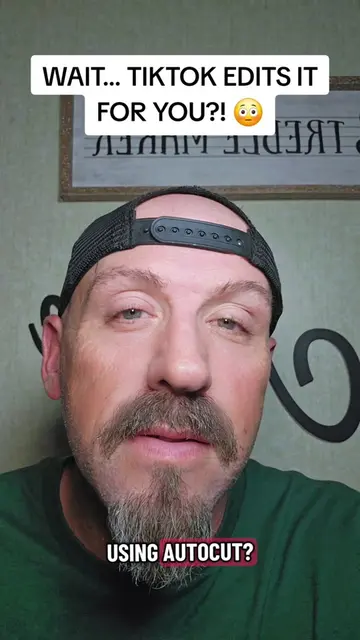
This video demonstrates how to use TikTok's Autocut feature to quickly create videos from photos or short clips. The creator explains the steps involved, from opening the feature to uploading media and selecting a template, highlighting its ability to add transitions and sounds automatically.
Tutorial included. How to use Autocut to make instant content #tiktokfeature #tiktoktutorial #autocut
How to use Autocut to make Instant Content
Introduction to Autocut and its popularity on TikTok
Demonstration of Autocut's capabilities
Step-by-step guide on how to use Autocut
Explanation of uploading media and choosing templates
Advice on posting the generated video
Call to action to follow for more tips
Autocut: This is a video editing tool that is popular on TikTok. It can turn photos or short videos into a video with transitions and sound in a matter of seconds. It is used to make instant content. (ACTS - its interface is operated, it generates a visible result, someone says what it does for them. Removing it would change what happens in the video.) TikTok: This is a social media platform where Autocut is popular and used to create content. (SUBSTRATE - the video merely runs ON it to create unrelated content rather than making that product useful or desirable. Removing it would change what happens in the video.)
Follow me, because I share tips like this every single day.
Playing this video’s own audio, so you’ll hear the creator over the sound.
Promotes 5 products. Create free account to see more.
Outliers and viral hits: their videos on Overshot, all time.
CNC quoting software for manufacturers estimating laser, plasma, waterjet, router and CNC jobs
All time.