Loading video…
Sound

original sound - tech.addis23
Tech Addis · Original audio
0:00–:––
Playing this video’s own audio, so you’ll hear the creator over the sound.
The video addresses a common user pain point on a popular communication app (IMO) by providing a practical, step-by-step solution to a privacy concern. The clear demonstration and the promise of a useful tip likely resonated with viewers seeking to manage their communication preferences.
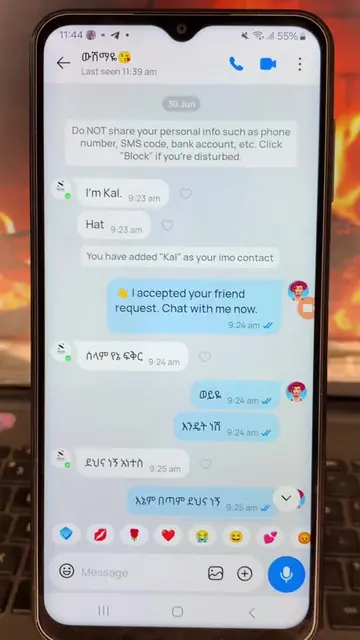
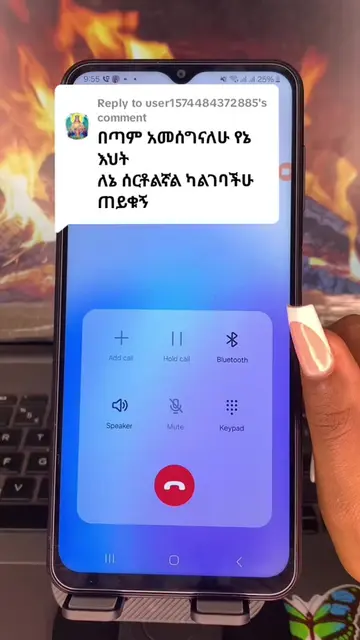
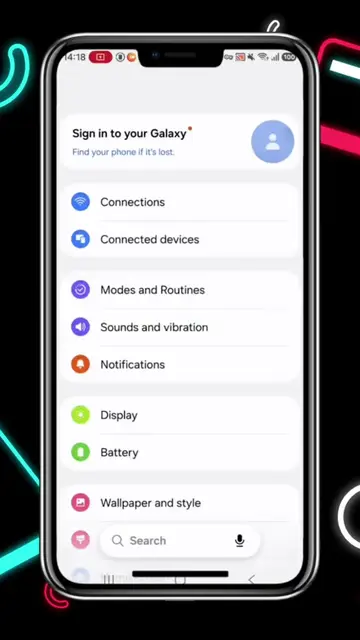
This video demonstrates how to prevent specific contacts from calling you on IMO without blocking them. It guides users through the app's security and privacy settings to add contacts to a 'Never Allow' list, effectively blocking their calls while still allowing messages.
በኢሞ ሰዎችን ብሎክ ሳታደርጉ ስልክ እንዳይደውሉ ለማደረግ #ፍቅር➻ብቻ🖇ፍቅር➻ብቻ❤🥀🔐 #የማዳም_ቅመሞች #saudiarabia🇸🇦 #fyppppppppppppppppppppppp #imo
በኢሞ ሰዎችን ብሎክ ሳታደርጉ ስልክ እንዳይደውሉ ለማደረግ
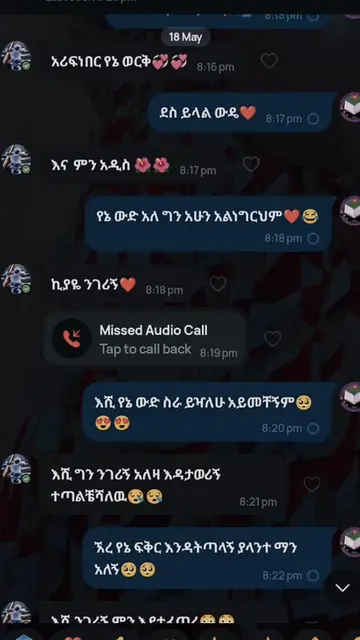
Introduction to IMO calls and the problem of unwanted calls
Navigating to the 'Me' section in IMO
Accessing 'Security & Privacy' settings
Selecting 'Call' settings
Choosing 'Never Allow' to block calls
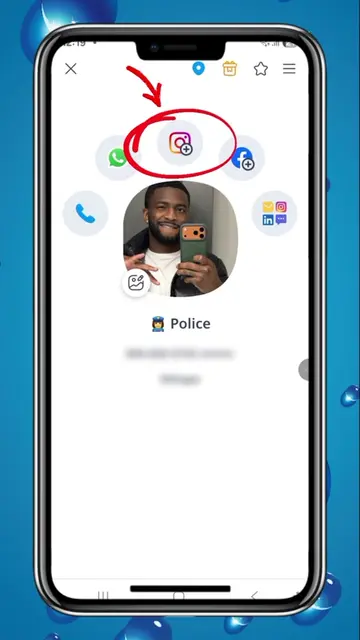
Adding specific contacts to the 'Never Allow' list
IMO: a communication app that allows users to make calls and send messages. The video demonstrates how to block calls within the app. The app itself ACTS as the interface for the tutorial, and its features are operated. Removing IMO would change what happens in the video.
Tap "Add" to add friends to the list
Playing this video’s own audio, so you’ll hear the creator over the sound.
Promotes 11 products. Create free account to see more.
Outliers and viral hits: their videos on Overshot, all time.
Mobile app for free video calls and messaging with friends and family
All time.