Loading video…
Sound

original sound - tech.addis23
Tech Addis · Original audio
0:00–:––
Playing this video’s own audio, so you’ll hear the creator over the sound.
Hook
Posted Jul 21, 2026Video · 0:45by @tech.addis23
The video provides a practical, step-by-step guide to a specific phone setting that many users might not be aware of, offering a clear benefit (controlling app data usage). The use of on-screen visual cues and clear language makes it easy to follow and replicate, encouraging saves and shares.
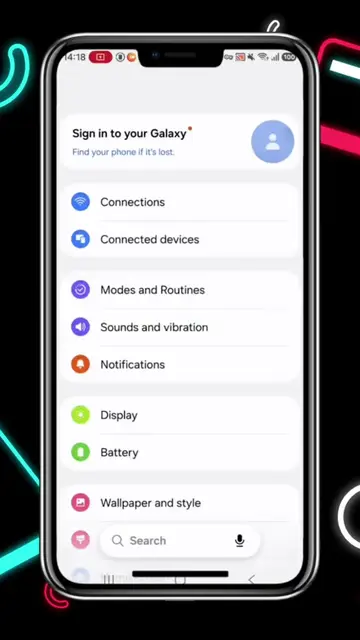
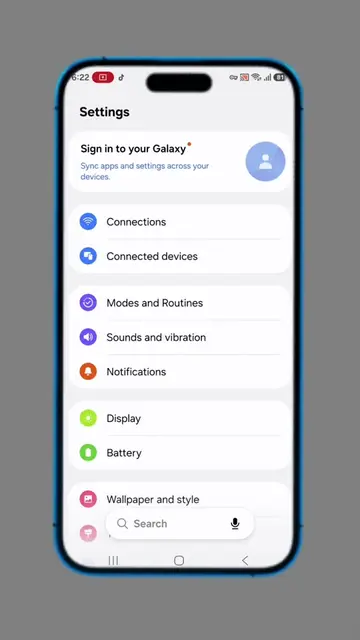
This video demonstrates how to access and modify specific settings on a Samsung phone. It guides the viewer through the settings menu to find and enable certain features, suggesting that these settings are useful for Samsung users.
if you are Samsung user you have to check this setting 👍⚠️ #fyppppppppppppppppppppppp #የማዳም_ቅመሞች #ፍቅር➻ብቻ🖇ፍቅር➻ብቻ❤🥀🔐 #saudiarabia🇸🇦 #samsung
if you are Samsung user you have to check this setting 👍⚠️
Navigate to Settings
Access Apps
Go to Special Access
Select 'Apps that can always use data'
Enable desired app permissions
The video demonstrates navigating through the Samsung phone's settings menu to access 'Apps that can always use data' and then toggles the permission for specific apps like Chrome and Facebook.
Playing this video’s own audio, so you’ll hear the creator over the sound.
You can keep tabs and set limits on your data using your Galaxy phone's settings. They really come in handy when you're running low on data.
All time.
Promotes 11 products. Create free account to see more.
Outliers and viral hits: their videos on Overshot, all time.