Loading video…
Sound

original sound - am_naimaaa
Naima💕 · Original audio
0:00–:––
Playing this video’s own audio, so you’ll hear the creator over the sound.
The video demonstrates a practical use case for Canva by showing how to create a vision board, which is a popular and relatable topic. The use of visually appealing stickers and the clear, step-by-step process make it engaging and informative.
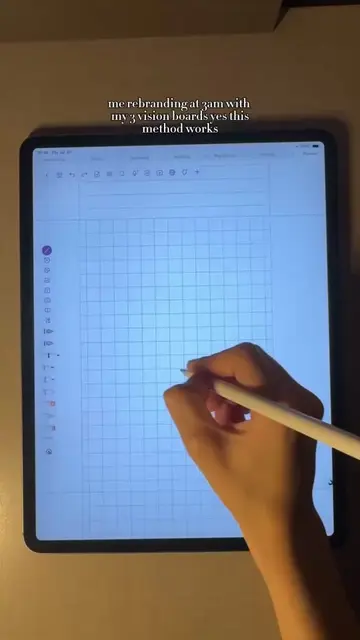
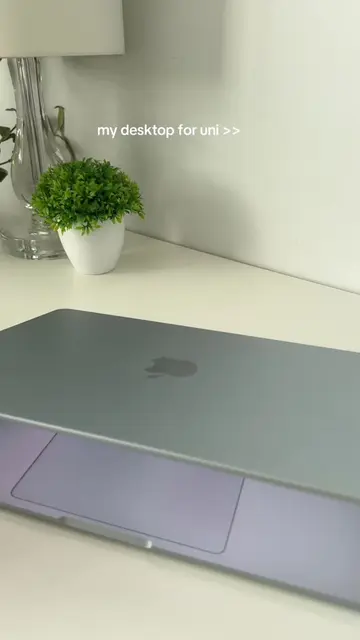
The video shows a laptop with various stickers, then transitions to a screen recording of someone using Pinterest to search for sticker designs. They then move to Canva, search for "sticker sheet," and then "vision board." Finally, they select a vision board template, customize it, and download it as a PDF print.
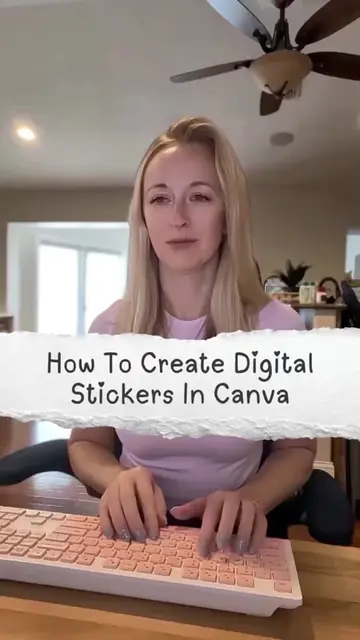
How to make your own stickers??? Maxaan kale ee tuturial idinka soo sameeya @SheLink Hub #SheLink #naima_muse
HOT GIRLS STUDY HARD
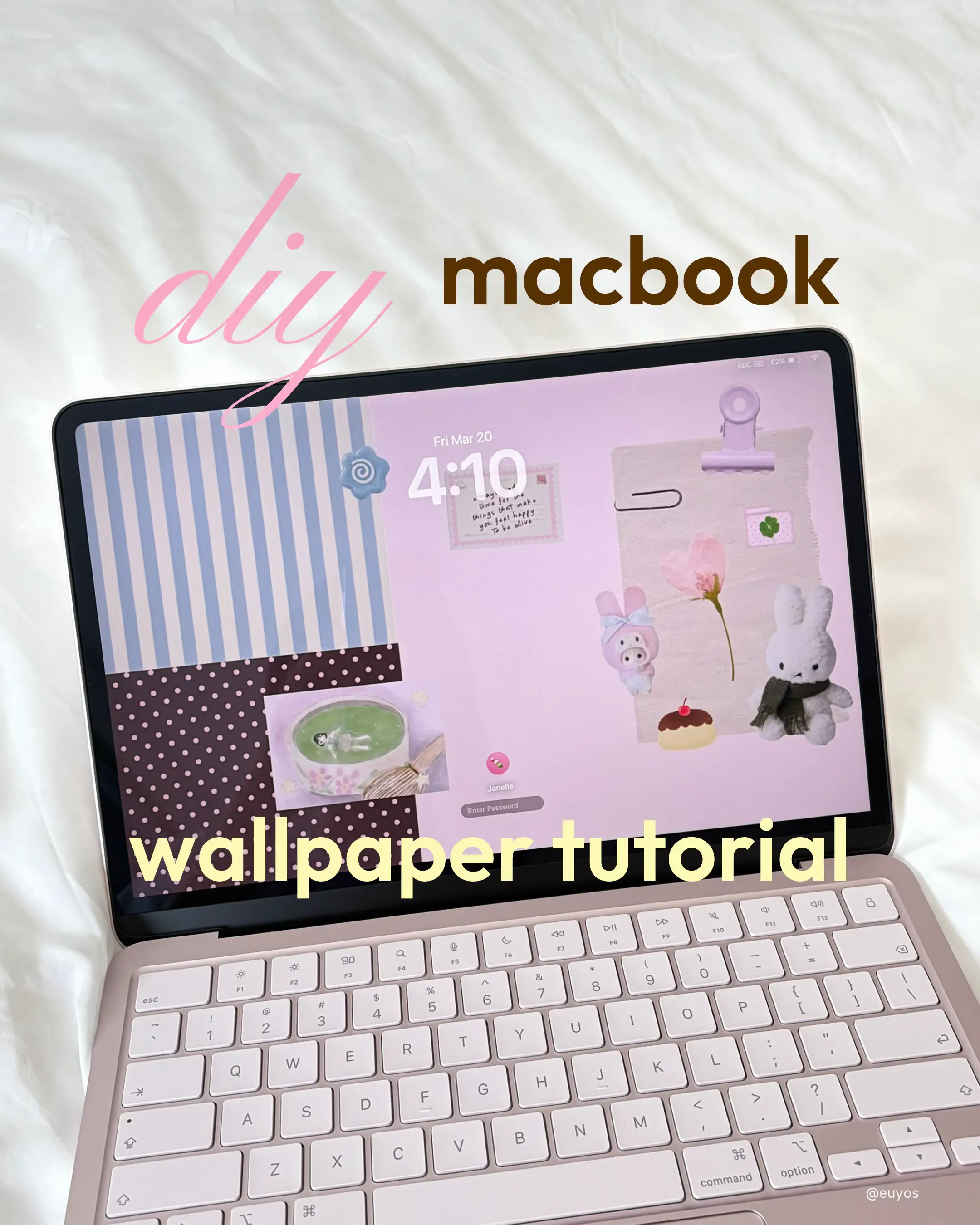
Show laptop with stickers
Search for sticker designs on Pinterest
Search for sticker sheets and vision boards on Canva
Select and customize a vision board template
Download the design as a PDF print
HP (appears, removing it would not change what happens in the video), Canva (acts, its interface is operated to create a design, removing it would change what happens in the video), Pinterest (acts, its interface is operated to search for designs, removing it would change what happens in the video), Redbubble (appears, removing it would not change what happens in the video)
Playing this video’s own audio, so you’ll hear the creator over the sound.
Promotes 1 product. Create free account to see more.
Outliers and viral hits: their videos on Overshot, all time.
Design app for people creating presentations, worksheets, and other visual content
All time.