Loading video…
Sound

original sound - gianyapan
GianYapan · Original audio
0:00–:––
Playing this video’s own audio, so you’ll hear the creator over the sound.
The video provides a practical solution to a common user problem (difficulty uninstalling apps) using readily available Windows features. Its clear, step-by-step demonstration, combined with the use of keyboard shortcuts, makes it easily digestible and shareable, driving engagement through its utility.
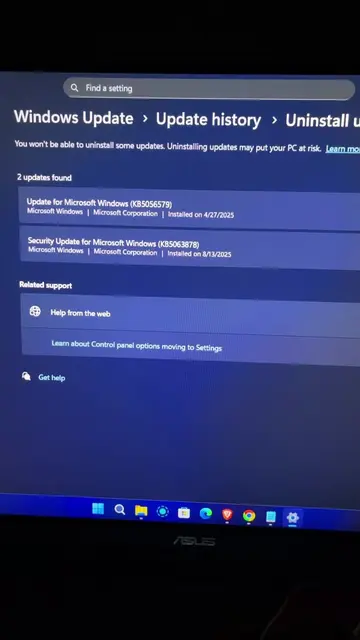
This video demonstrates two methods for uninstalling applications on Windows. The first method involves navigating through Windows Settings to the 'Installed apps' section, while the second method uses the 'Run' command with 'appwiz.cpl' to access the 'Programs and Features' control panel. The video explains how to find and uninstall applications using both approaches, and briefly mentions potential issues like running services or permission problems.
App ayaw ma uninstall? try mo to #windowssettings #pctips #howto #uninstallapp
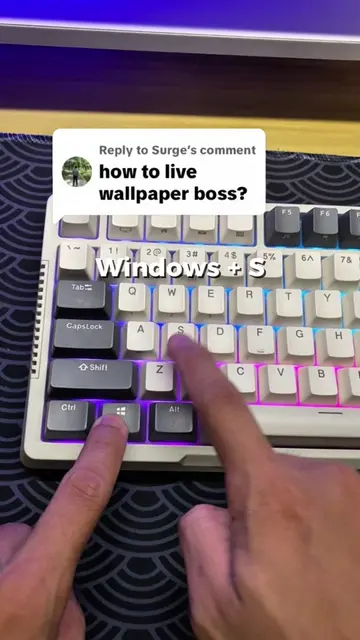
Windows + I
Open Windows Settings
Navigate to Apps > Installed apps
Uninstall app via Settings
Open Run command
Type appwiz.cpl and press Enter
Uninstall app via Programs and Features
Windows: The operating system whose settings are being accessed and manipulated to uninstall applications. It ACTS as the platform for the demonstration. Removing it would change what happens in the video. Apps: A section within Windows settings that allows users to manage and uninstall applications. It ACTS as a functional component of the operating system. Removing it would change what happens in the video. Core Temp 1.18.1: A program listed in the 'Programs and Features' control panel. It APPEARS as an installed application that can be uninstalled. Removing it would change what happens in the video. ALCPU: The publisher of Core Temp. It APPEARS as the publisher of the application. Removing it would not change what happens in the video. http://www.alcpu.co...: The help link for Core Temp. It APPEARS as a link associated with the application. Removing it would not change what happens in the video.
Playing this video’s own audio, so you’ll hear the creator over the sound.
Experience the Windows difference | Microsoft Windows
All time.
Promotes 2 products. Create free account to see more.
Outliers and viral hits: their videos on Overshot, all time.