Loading video…
All breakouts
107Talking HeadOther hookConsumer Apps
Hook
HOLY CRAP PETER
@griffinsteachtech
1.3K followers · usually 3.2K views a post
Views
331.9K
Likes
19.3K
Comments
180
Shares
1.3K
Why it worked
The video provides a quick, actionable solution to a common problem faced by PC gamers: stuttering and low FPS. By demonstrating a simple, free tweak within a built-in Windows tool, it offers immediate value and encourages engagement through the call to action to share results.
Summary
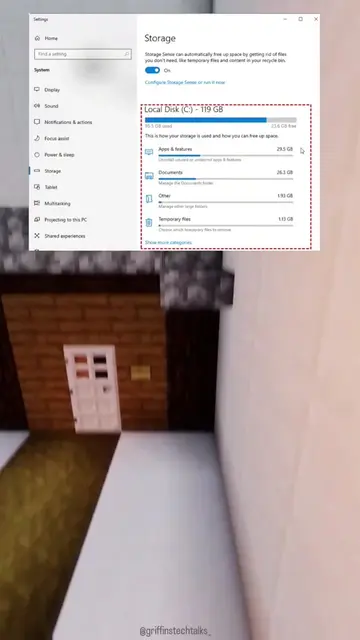
This video explains how to improve gaming performance on a PC by adjusting the CPU priority of a game within Windows Task Manager. It demonstrates how background applications can consume CPU resources, leading to stuttering, and shows how setting the game's priority to 'above normal' can resolve this issue.
Structure
- 1Introduce the problem of stuttering gameplay due to Windows resource allocation.
- 2Explain how background apps and Windows itself can starve games of CPU power.
- 3Instruct viewers to open Task Manager and find their game's executable.
Original caption
how to get hidden performance on your gaming PC 🤯 #gta6gameplay #pctricks #TechTips #gaming #foryoupage
More from @griffinsteachtech
More breakout videos from this creator.