Loading video…
All breakouts
3.3App DemoWarning hookSaaS
Hook
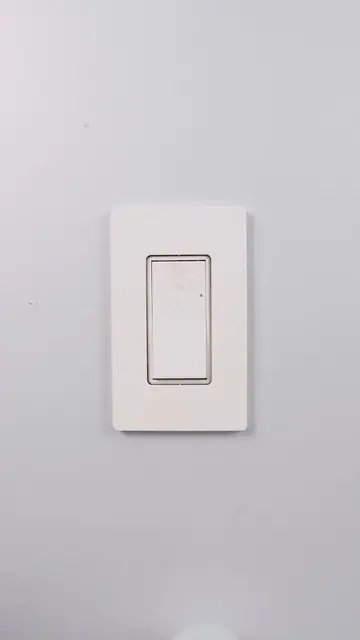
don’t replace the switch. just hide this Matter module behind it
@moessmart_official
198.8K followers · usually 9.2K views a post
Views
29.7K
Likes
248
Comments
3
Shares
15
Why it worked
The video provides a practical, step-by-step demonstration of installing a smart home device, appealing to DIY enthusiasts and those looking to upgrade their home automation. The use of a clear, concise caption with relevant hashtags also aids discoverability.
Summary
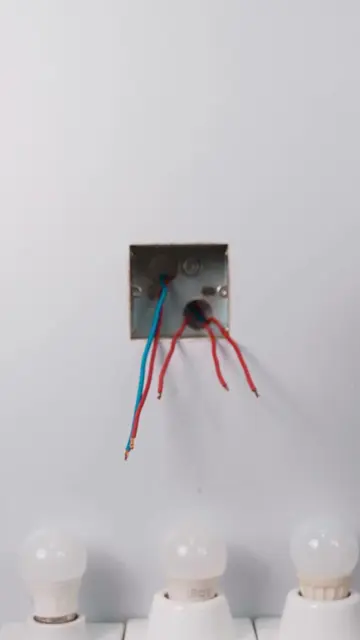
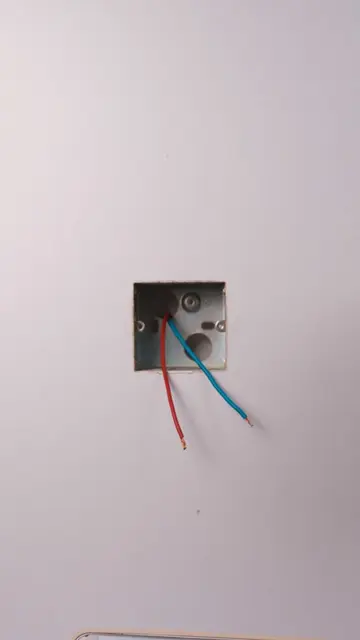
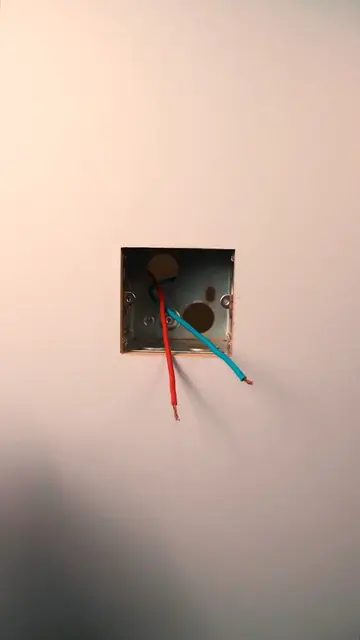
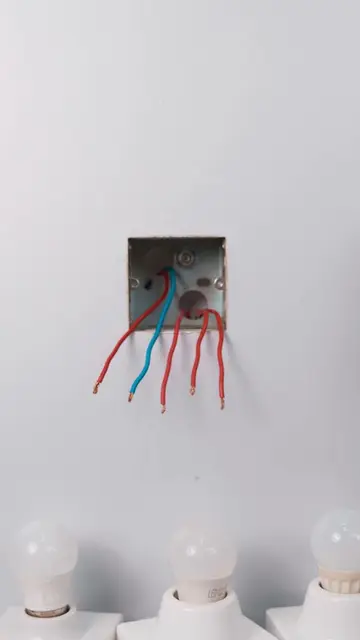
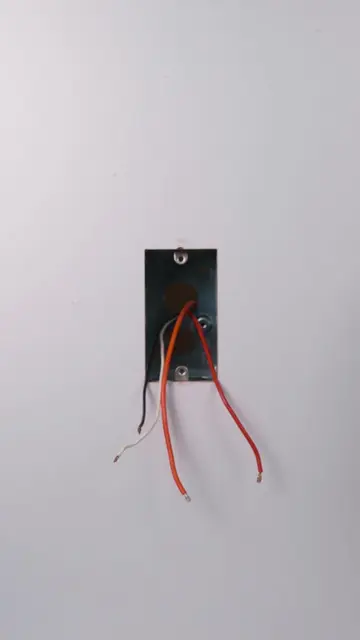
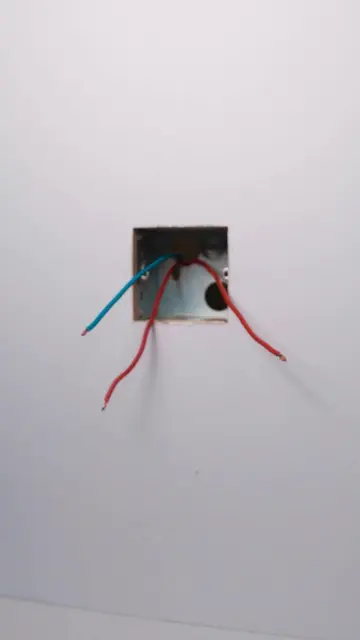
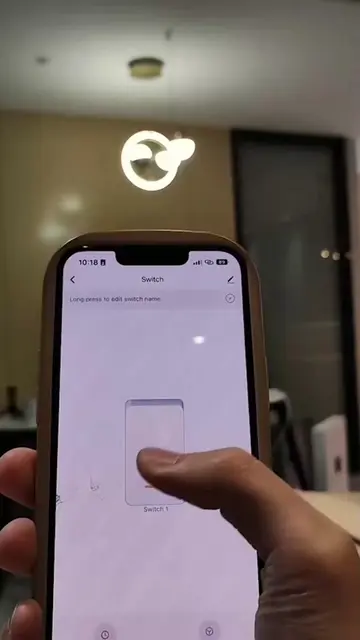
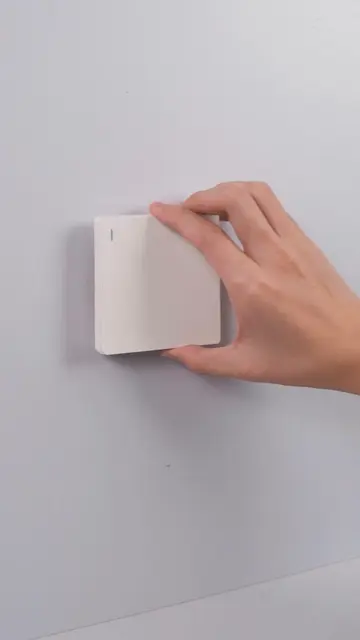
The video demonstrates how to install a MOES Mini Matter Smart Switch Module behind a standard light switch. It shows the wiring process and then uses a smartphone app to control a light connected to the module, highlighting its smart home functionality.
Structure
- 1Wiring the smart switch module
- 2Connecting the module to the light switch
- 3Testing the module with a smartphone app
- 4Demonstrating smart control of the light
Original caption
don’t replace the switch. just hide this Matter module behind it #moes #smart #matter #smarthome #homegadgets
More from @moessmart_official
More breakout videos from this creator.