Loading video…
Sound

original sound - filmora.editor
Filmora Video Editor · Original audio
0:00–:––
Playing this video’s own audio, so you’ll hear the creator over the sound.
Hook
Posted Oct 9, 2026Video · 0:23by @filmora.editor
The video uses a high-quality, visually engaging demonstration of a specific, complex editing feature, making the software's value immediately clear to creators.
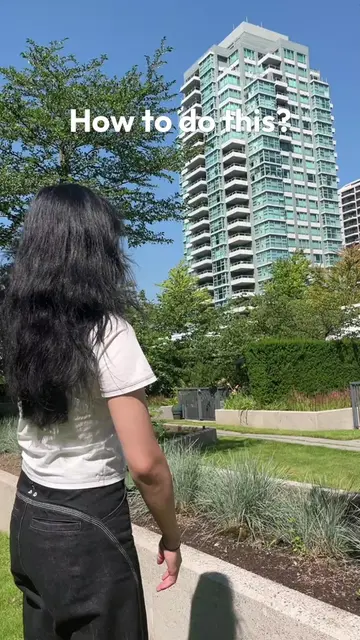
The video demonstrates the 360-degree panoramic video editing feature in Filmora 16, showing how a user can reframe a continuous shot into different perspectives. It highlights the software's capability to explore multiple angles from a single take.
See how 360° Panoramic Video Editing lets you explore every direction🌐 Turn one continuous take into the perspective you imagine with smooth, creative reframing! Try this feature built into Filmora 🎬 #wondershare #filmora16 #madewithfilmora #filmoradesktop #360video #editing360 #panoramicvideo #videoedit #videoediting #viral
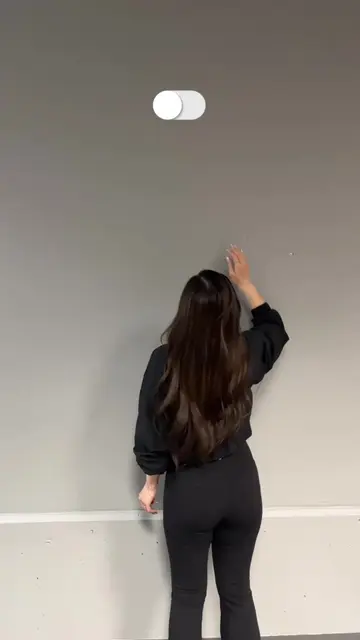
One moment can hold more than a single point of view.
Introduction to 360-degree video potential
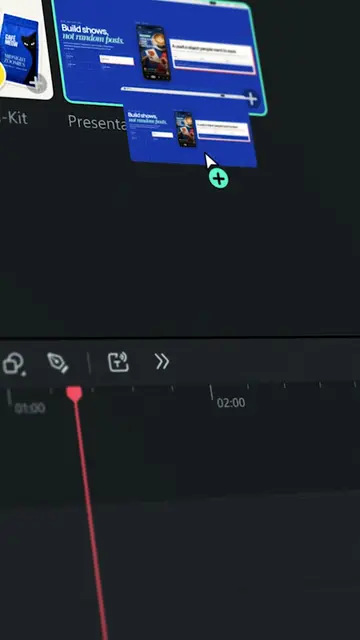
Demonstration of the reframing interface
Showcasing different frame zoom options
Final result of the edited perspective
Call to action for Filmora 16
Filmora 16 (a) ACTS: the video demonstrates its interface, specifically the 360-degree panoramic video editing and reframing features, and the creator operates the software to edit a video. Removing it would change the entire video as it is the subject of the demonstration.
Try Filmora Now
Playing this video’s own audio, so you’ll hear the creator over the sound.
Video editing software for creators editing and refining videos
All time.
Promotes 2 products. Create free account to see more.
Outliers and viral hits: their videos on Overshot, all time.