Loading video…
Sound

original sound - filmora.editor
Filmora Video Editor · Original audio
0:00–:––
Playing this video’s own audio, so you’ll hear the creator over the sound.
The video leverages a high-engagement visual trend (the arrow transition) to demonstrate a specific, actionable capability of the software, making the product feel like a creative enabler rather than just a tool.
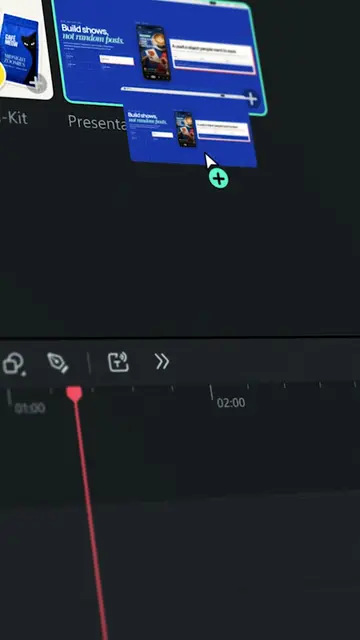
The creator demonstrates how to create a seamless arrow-shooting transition effect using the AI features in Wondershare Filmora. The tutorial guides the viewer through filming, taking snapshots, and using the 'Start/End Frame to Video' tool within the software.
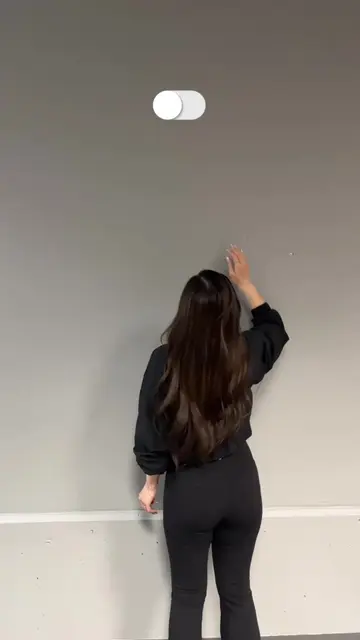
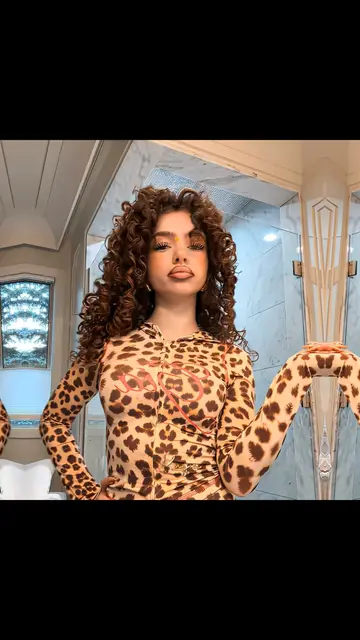
She pulled back the arrow – and released it sending it forward into the sky. 🏹 Then, she caught it on the other side. ✨ 💬 Comment "ARROW" for the prompt 🎬 Made with Filmora's Image to Video, try this now! #wondershare #filmora15 #ArrowEffect #ImageToVideo #AIVideo #madewithfilmora #filmoradesktop #arrow #aiprompt
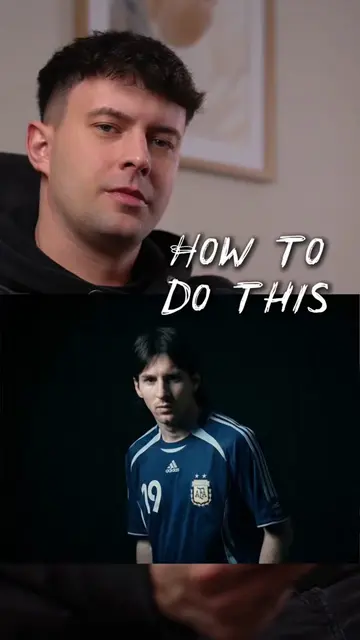
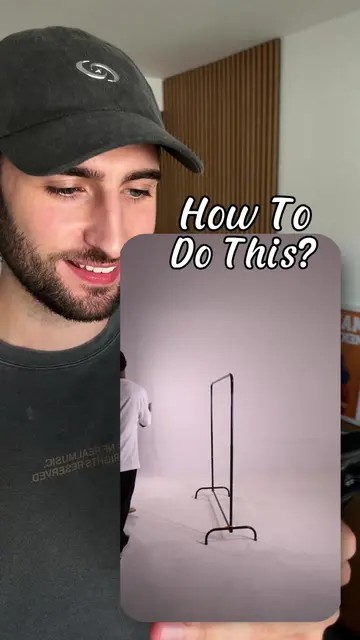
How to do this?
Creator poses the question of how to achieve the arrow effect.
Instruction to film two separate clips.
Demonstration of importing clips and taking snapshots in Filmora.
Application of the AI 'Start/End Frame to Video' feature.
Final result showing the completed transition.
Wondershare Filmora (a) ACTS: its interface is operated to edit clips, generate AI video, and apply effects. Removing it would change the video entirely as it is the subject of the tutorial.
Comment "ARROW" for this prompt!
Playing this video’s own audio, so you’ll hear the creator over the sound.
AI video editing software for video creators
All time.
Promotes 2 products. Create free account to see more.
Outliers and viral hits: their videos on Overshot, all time.