Loading video…
Sound

original sound - filmora.editor
Filmora Video Editor · Original audio
0:00–:––
Playing this video’s own audio, so you’ll hear the creator over the sound.
Hook
Posted Oct 9, 2026Video · 0:21by @filmora.editor
The video uses a clear, high-quality screen recording to solve a specific pain point for content creators—syncing multiple sources—making the product's utility immediately obvious.
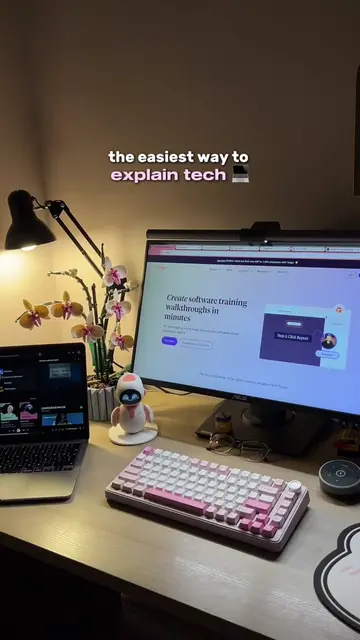
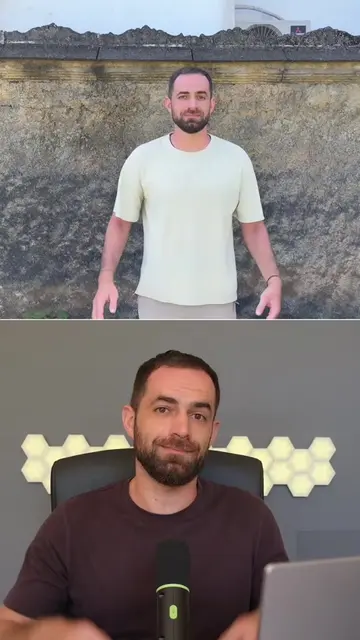
The video demonstrates the multi-source recording feature within the Filmora 16 video editing software. It shows how the tool allows creators to sync multiple video and audio sources to create clear educational content.
Multi-Source Recording keeps every source perfectly in sync👇 Capture multiple video and audio sources together to keep your content clear, connected, and easy to follow! Try these features built into Filmora 🎬 #wondershare #filmora16 #madewithfilmora #filmoradesktop #multisourcerecording #screenrecordingchallenge #videoedit #videoediting #contentcreator #viral
When you're teaching, every perspective adds something.
Introduction to the value of multi-perspective teaching
Visual demonstration of the Filmora 16 interface
Explanation of the multi-source recording feature
Final call to action to try the software
Filmora 16 (a) ACTS: its interface is operated to demonstrate multi-source recording and editing features. Removing it would change the video entirely as it is the subject of the demo.
Try Filmora Now
Playing this video’s own audio, so you’ll hear the creator over the sound.
Promotes 2 products. Create free account to see more.
Outliers and viral hits: their videos on Overshot, all time.
Video editing software for creators editing and refining videos
All time.