Loading video…
Sound

Chill Funky Ride
海绵音乐厅
0:00–:––
Playing this video’s own audio, so you’ll hear the creator over the sound.
- Videos using it
- 3
- Creators
- 2
- Views on those videos
- 94.0K
The video effectively demonstrates a cool DIY project with clear on-screen text and visual cues, making it appealing to makers and hobbyists. The "link in bio" CTA combined with the promise of a full guide and STL files creates strong incentive for viewers to learn more and potentially engage with the creator's platform.
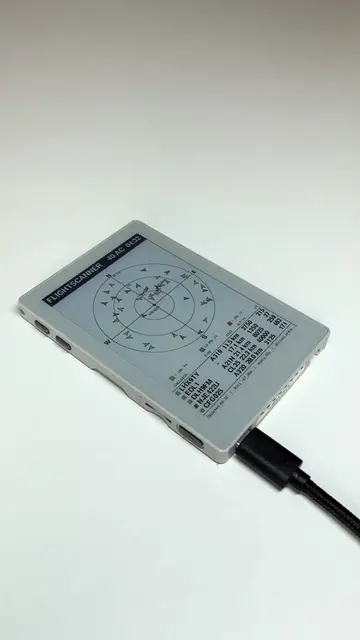
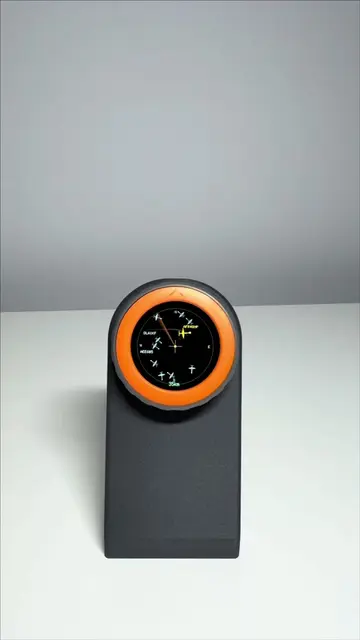
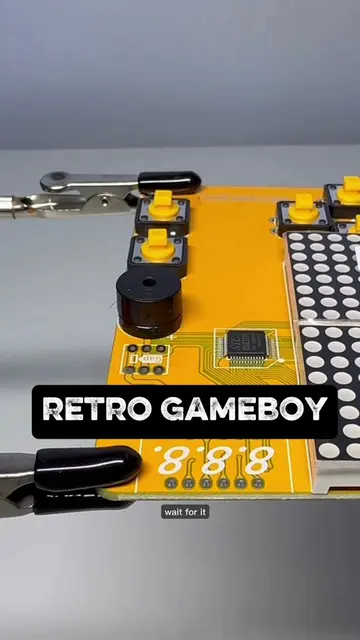
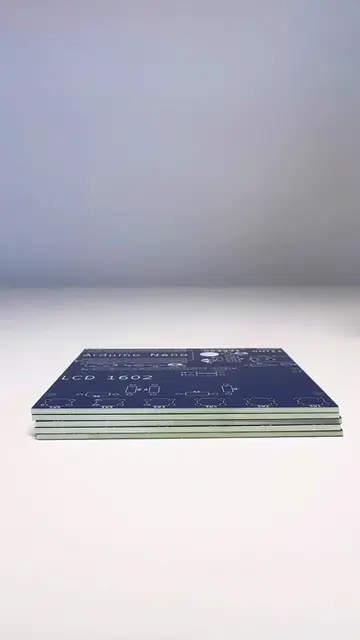
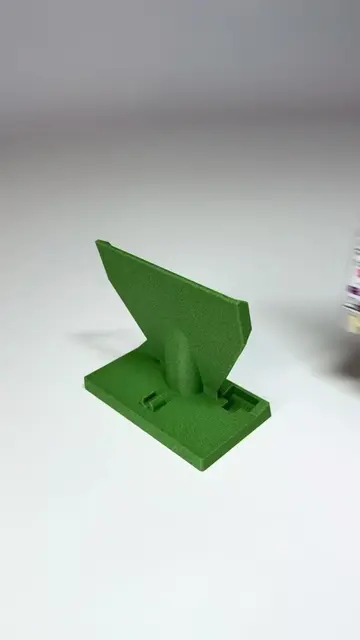
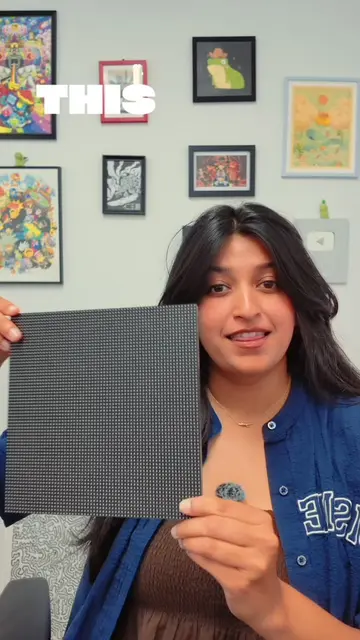
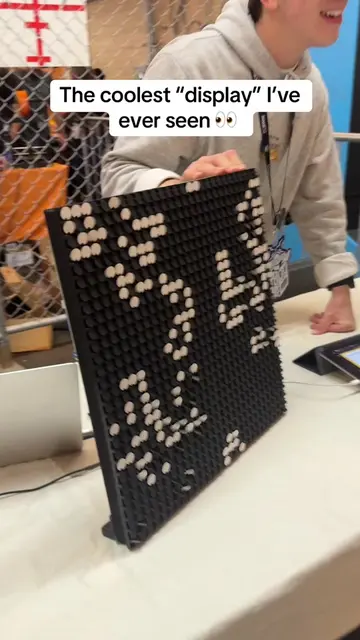
The video showcases the creation of a "Magic Desk LED Matrix Display" project, highlighting that a full project guide, including STL files, is available via a link in the bio. It demonstrates the assembly and functionality of the project, which is built using Schematik and powered by a "Norm".
Amazing Magic Desk Display Project Files are Available! #DIY #maker #3dprint
FULL PROJECT GUIDE IS FINALLY LIVE
Introduction of project components
Assembly and connection of electronics
Code deployment and project build
Demonstration of the final LED matrix display
Call to action for project guide
Schematik: ACTS - The video demonstrates the creation and use of a project built with Schematik, implying it is a tool for generating code, wiring, and guides. Removing it would change the context of the project's creation. ESP32 DevKit v1: ACTS - This is a microcontroller board used in the project, shown being connected and programmed. Removing it would mean the project cannot be built as shown. PowerBoost 1000: ACTS - This is a power supply component shown being used to power the project. Removing it would mean the project cannot be powered as shown. FastLED: ACTS - This is a library mentioned in the code comments, used for controlling LEDs. Removing it would mean the code would not function as intended. Norm: ACTS - The video states the project is "POWERED BY A NORM", implying it's a component or system that enables the project's functionality.
LINK IN BIO
Playing this video’s own audio, so you’ll hear the creator over the sound.
Outliers and viral hits: their videos on Overshot, all time.
AI hardware development tool that generates code, wiring diagrams, and build instructions
All time.