Loading video…
Sound

Click_Mouse_Click_02(864360)
Destiny
0:00–:––
- Videos using it
- 73
- Creators
- 28
- Views on those videos
- 12.9M
The video provides a practical and actionable tip for a widely used productivity tool (Outlook) by leveraging AI (Copilot). The 'secret prompt' format creates intrigue, and the clear, step-by-step demonstration makes it easy for viewers to replicate the process and achieve a tangible benefit.
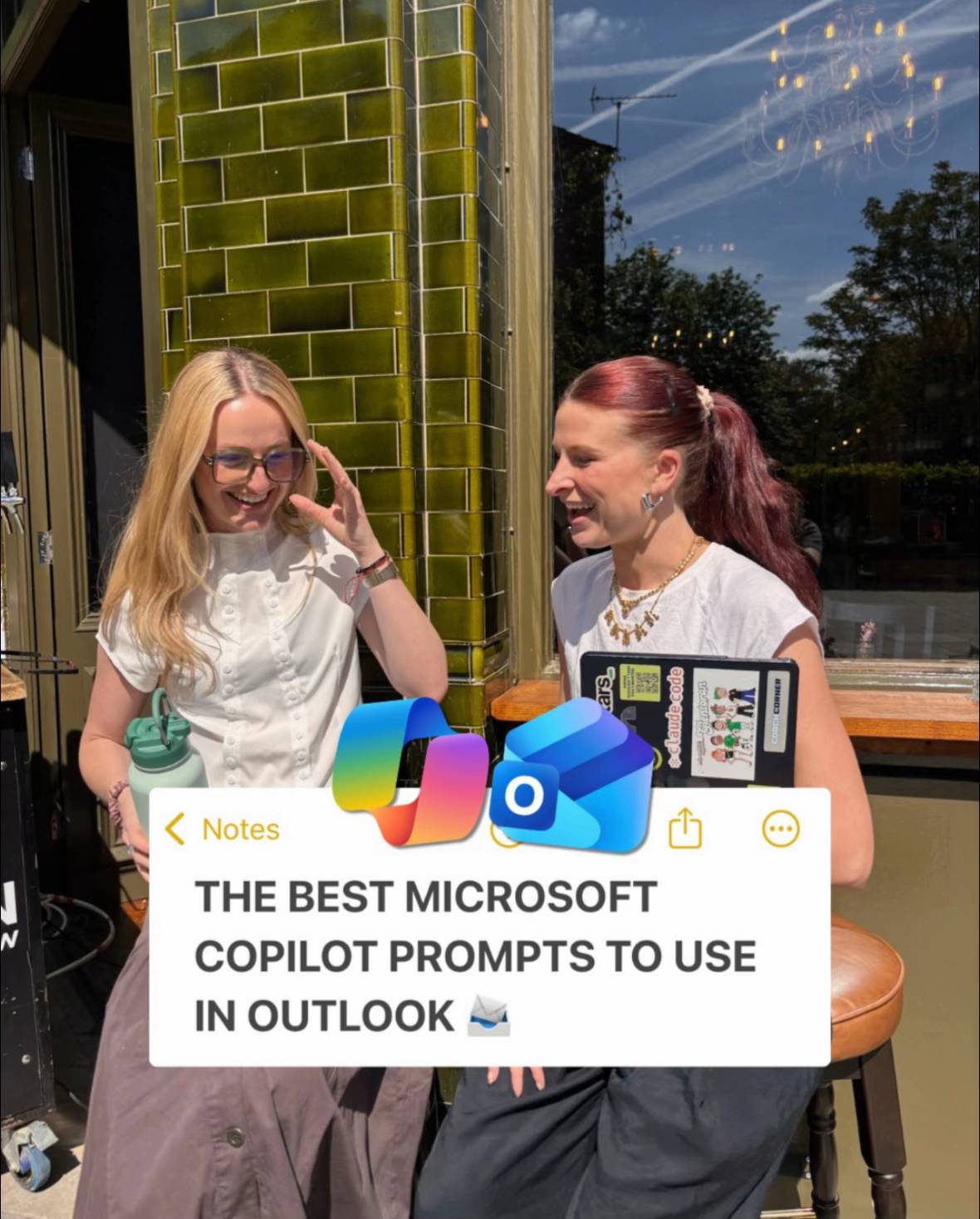
The video demonstrates how to create custom instructions for Microsoft Copilot in Outlook to match a user's writing style. It explains how to paste a prompt into Copilot, have it analyze sent emails, and then use the generated personalized instructions to ensure future emails sound exactly like the user.
Check the comments for the full prompt 🤩 #mscopilot #microsoftcopilot #microsoftai #microsoftoutlook #aitoolsforbusiness
WAIT, COPILOT CAN DO THIS?
Introduce the surprising capability of Copilot for Outlook.
Present the custom prompt for Copilot.
Explain how to use the prompt to analyze sent emails.
Show how to apply the generated instructions in Copilot.
Highlight the benefit of emails sounding like the user.
Microsoft Copilot (ACTS - its interface is operated to generate personalized instructions for drafting emails, and removing it would change what happens in the video), Microsoft Outlook (ACTS - its interface is operated to draft emails, and removing it would change what happens in the video)
Send this to your team if you guys use Copilot a lot and follow us for more Copilot tips that will save you hours.
AI assistant for drafting emails, analyzing documents and handling everyday tasks
All time.
Promotes 2 products. Create free account to see more.
Outliers and viral hits: their videos on Overshot, all time.