Loading video…
All breakouts
5.8App DemoWarning hookCreator Economy
Hook
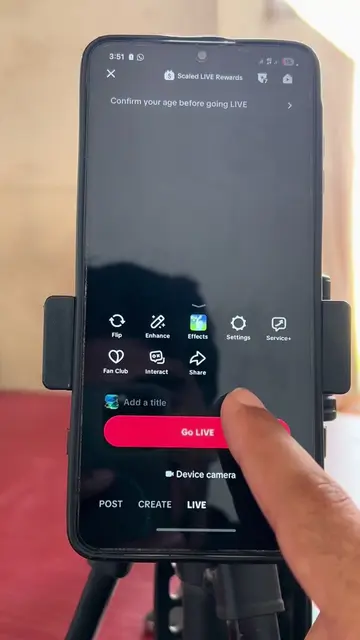
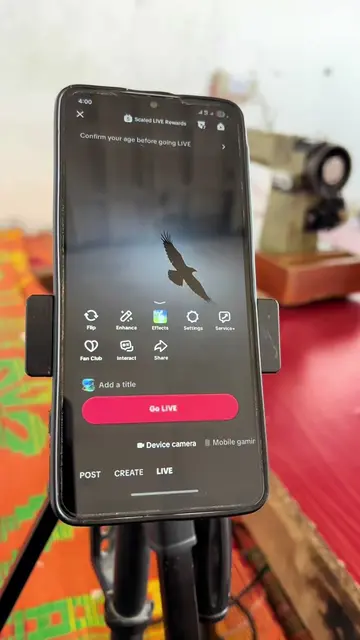
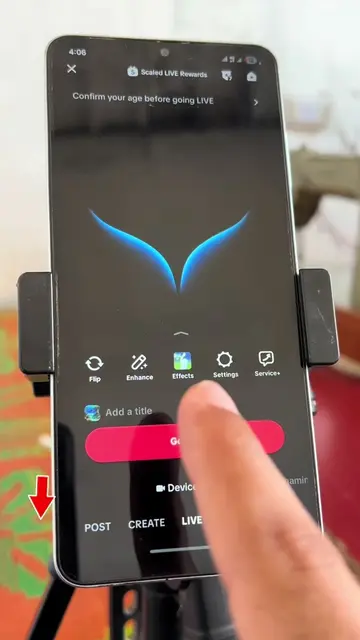
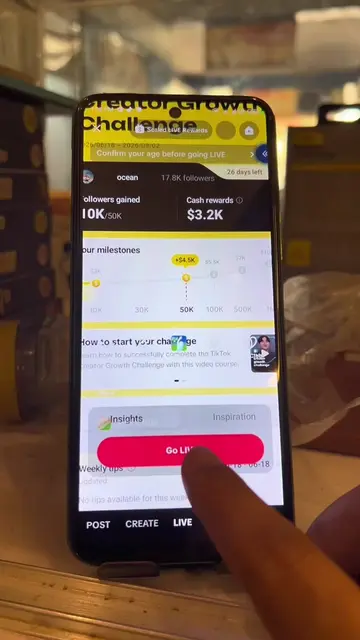
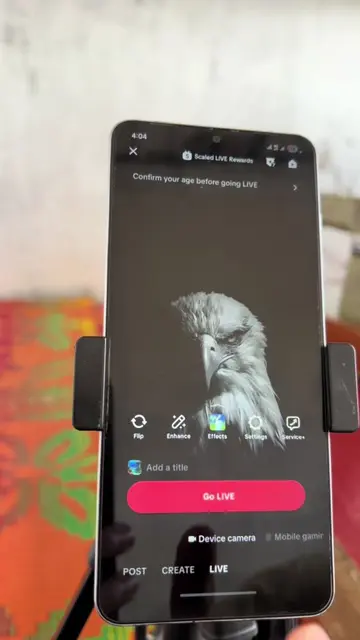
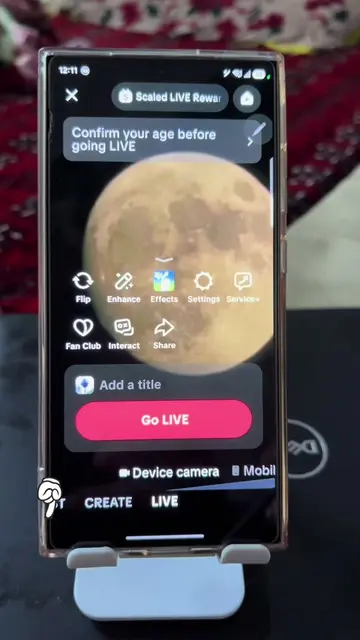
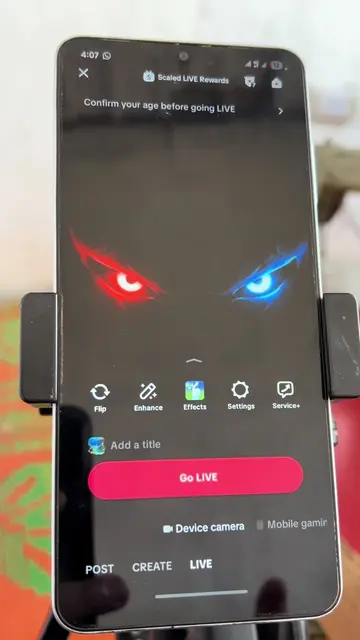
Confirm your age before going LIVE
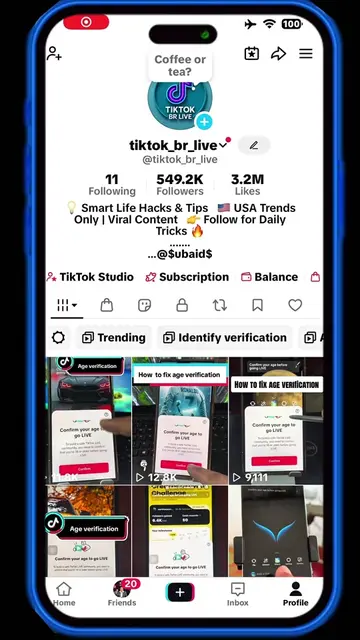
@tiktok_br_live
551.1K followers · usually 2.3K views a post
Views
20.0K
Likes
347
Comments
13
Shares
24
Promoted product
TikTok
Why it worked
The video addresses a common user pain point (age verification for TikTok LIVE) and provides a clear, step-by-step demonstration of how to resolve it, making it highly relevant and useful for viewers looking to access this feature.
Summary
The video demonstrates the age verification process on TikTok required to go LIVE. It shows the user being prompted to confirm their age, choosing to use a selfie, and then proceeding through the selfie-taking and age confirmation steps.
Structure
- 1Prompt to confirm age for going LIVE
- 2Options for age confirmation (selfie, ID, credit card)
- 3Selecting selfie option
- 4Preparing camera and placing face in frame
- 5Age confirmed
- 6Closing the confirmation screen
Product placement
TikTok: Acts - a social media platform where users can create and share videos. Its interface is operated to confirm age for going LIVE. Removing it would change what happens in the video. Yoti: Appears - a third-party service used by TikTok to estimate age. Its interface is not directly operated by the user in this video, and its primary function here is to support TikTok's age verification process. Removing it would change how TikTok verifies age, but not the core function of the TikTok app itself.
Original caption
#ageverification #tiktoktips #LIVEIncentiveProgram #LIVEIsEasy #PaidPartnership
More from @tiktok_br_live
More breakout videos from this creator.