Loading video…
Sound

original sound - fromsagexoxo
fromsagexoxo · Original audio
0:00–:––
Playing this video’s own audio, so you’ll hear the creator over the sound.
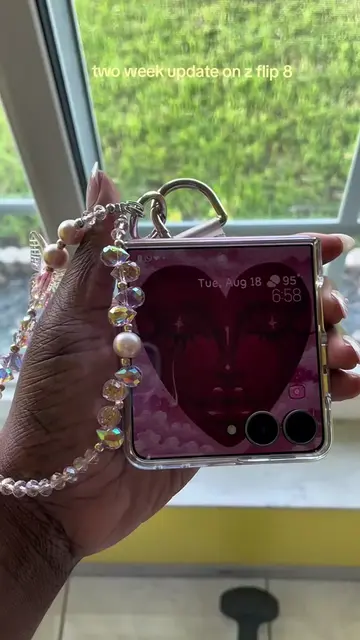
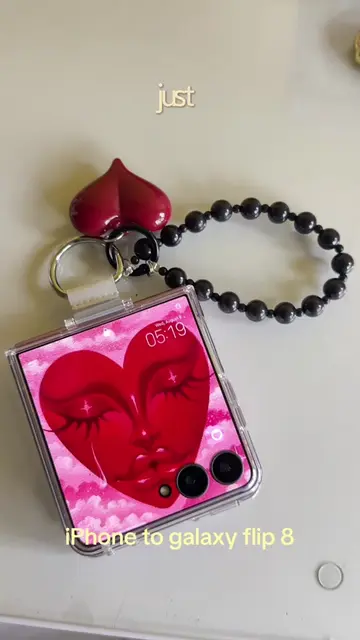
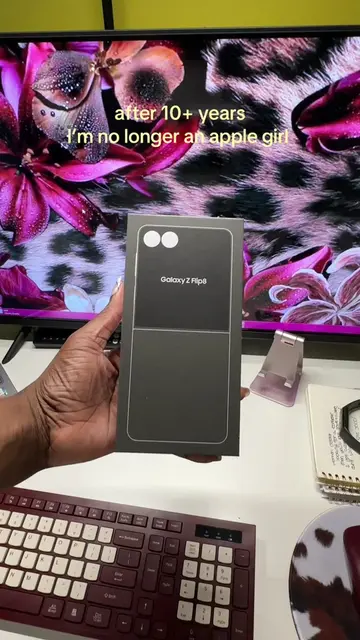
The video provides a clear, step-by-step tutorial for a popular customization feature on a widely recognized phone model, appealing to users who enjoy personalizing their devices.
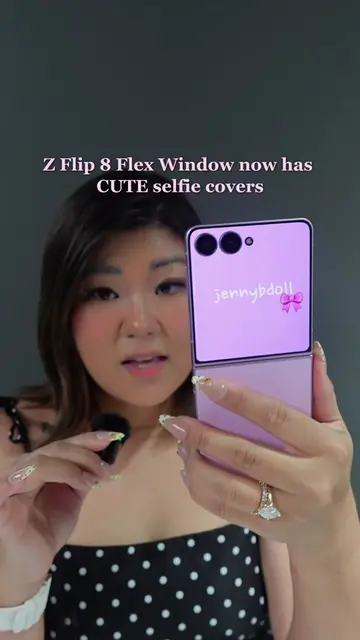
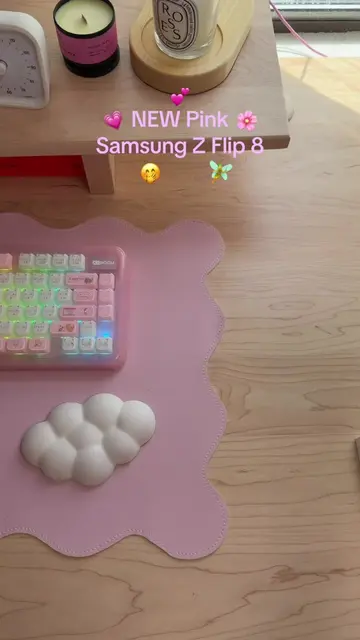
This video demonstrates how to customize the keyboard on a Samsung Z Flip 8 using the Keys Cafe app. It shows users how to select different key colors and effects, including adding custom icons like cherries that appear while typing.
customizing your z flip 8 keyboard so cherries or other cute icons shown as you type 🍒💕 #zflip #galaxycreator #samsung
customizing your z flip 8 keyboard
Introduce keyboard customization for Z Flip 8
Download and open Good Lock app
Navigate to Keys Cafe
Select keyboard design and customize key colors
Choose custom icons for typing effects
Apply changes to the keyboard
Samsung Galaxy Z Flip 8 (phone): appears, but removing it would not change what happens in the video. Samsung Good Lock (app): acts, it is operated to customize the phone's keyboard, and removing it would change what happens in the video. Samsung Keys Cafe (app): acts, it is operated to customize the phone's keyboard, and removing it would change what happens in the video.
Playing this video’s own audio, so you’ll hear the creator over the sound.
Promotes 3 products. Create free account to see more.
Outliers and viral hits: their videos on Overshot, all time.
Phone app for customizing Samsung keyboard colors, effects and icons
All time.