Loading video…
All breakouts
2.9Talking HeadOther hookConsumer Apps
Hook
TECHNO SKILLS
@technoskil
1.1M followers · usually 119.7K views a post
Views
352.6K
Likes
12.3K
Comments
214
Shares
708
Why it worked
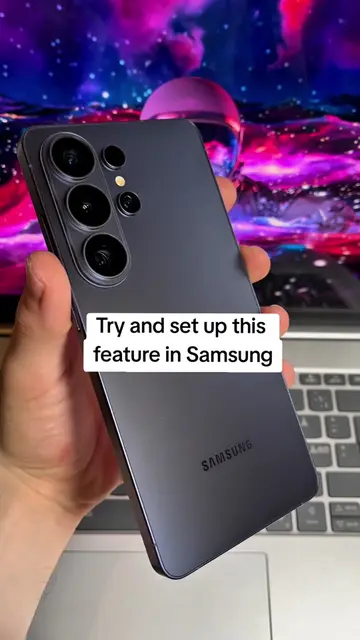
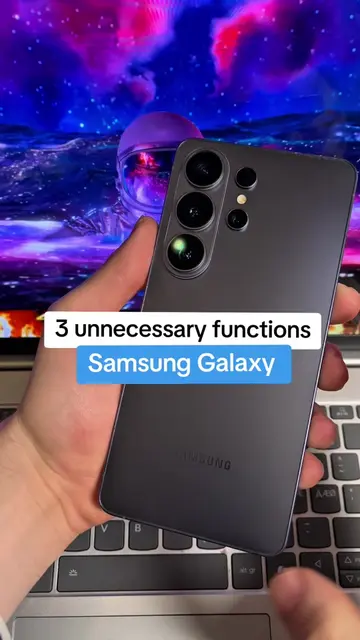
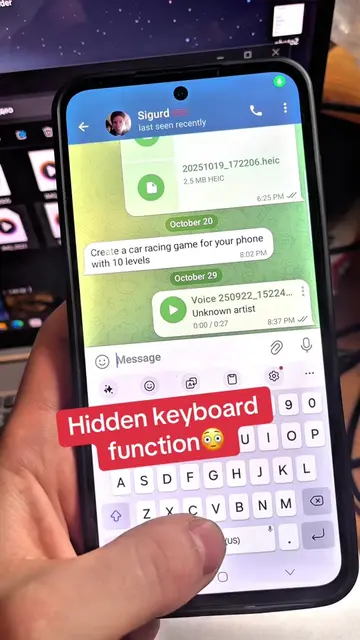
The video provides a clear, step-by-step demonstration of useful customization features for a popular smartphone operating system, appealing to users who enjoy personalizing their devices.
Summary
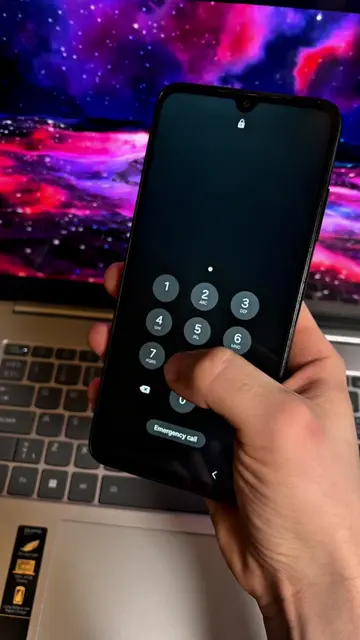
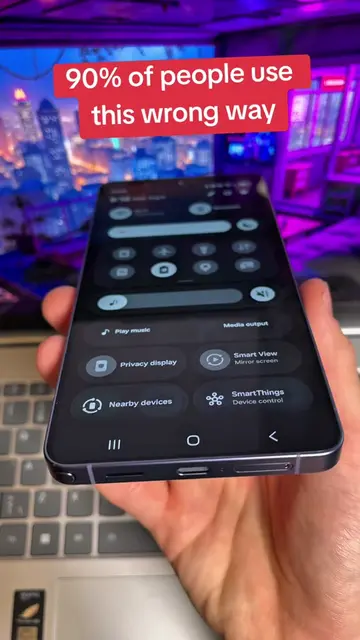
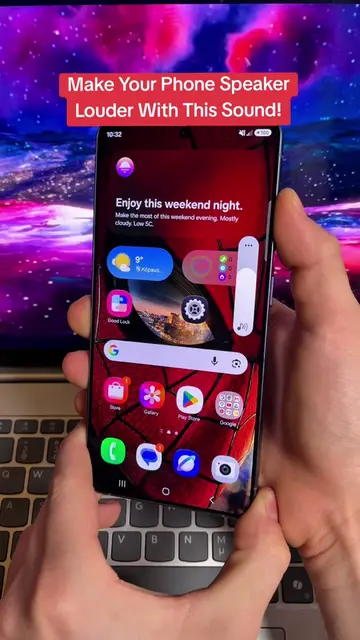
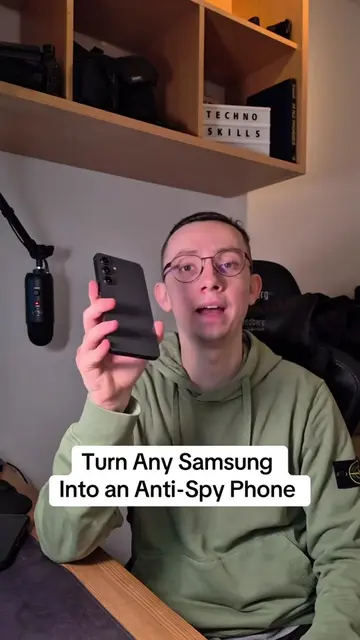
This video showcases new customization features available in Samsung's Good Lock app for One UI 8.5. It demonstrates how to personalize the notification shade, app icons, folder sizes and transparency, keyboard layouts with custom emojis, and unlock screen animations.
Structure
- 1Introduction to Good Lock features for One UI 8.5
- 2Customizing the notification shade with QuickStar
- 3Personalizing app icons and folder appearance with Home Up
- 4
Original caption
New Good Lock features for Samsung with One UI 8.5 #setting #android #creatorsearchinsights #samsung
More from @technoskil
More breakout videos from this creator.