Loading video…
Sound

original sound - notacomputers
abiynota · Original audio
0:00–:––
Playing this video’s own audio, so you’ll hear the creator over the sound.
Hook
Posted Jul 20, 2026Video · 0:54by @notacomputers
The video provides a practical and time-saving tip for users of common productivity software (Word and Excel). By demonstrating a feature that simplifies workflow and keeps information consolidated, it offers immediate value and encourages engagement.
The video demonstrates how to insert and edit a Microsoft Excel worksheet directly within a Microsoft Word document. This feature allows users to streamline their workflow by keeping all data in a single file, saving time and effort.
word tips and trick 🤯 Did you know you can use Microsoft Excel directly inside Microsoft Word? Instead of switching back and forth between Word and Excel, you can insert an Excel worksheet right inside your document. Steps: ✅ Open Microsoft Word. ✅ Click Insert. ✅ Select Object. ✅ Choose Microsoft Excel Worksheet. ✅ Click OK. ✅ Start editing your Excel data directly inside Word. 🚀 This simple trick saves time and keeps all your work in one document. 💬 Have you ever used Excel inside Word? Let us know in the comments! 📍 Visit us መስቀል አደባባይ inside the Sematate Museum. Location available on Google Maps 📍 https://maps.app.goo.gl/1pEoFDJWBqV4qFjN7?g_st=atm #MicrosoftWord #MicrosoftExcel #ExcelTipsandtricks #WordTipsandtricks #Office365 #MicrosoftOffice #ComputerTips #Productivity #TechTips #Excel #Word #OfficeHacks #DigitalSkills #NOTATechnology #fyp
word tips and trick 🤯 Did you know you can use Microsoft Excel directly inside Microsoft Word?
Introduction to the tip
Demonstration of inserting an Excel object into Word
Explanation of the steps involved
Showcasing editing within Word
Highlighting the benefits of the feature
Call to action and engagement prompt
Microsoft Word: ACTS - its interface is operated to insert and edit an Excel worksheet within a Word document. Removing it would change what happens in the video. Microsoft Excel: ACTS - its interface is operated to insert and edit data within a Word document. Removing it would change what happens in the video. Dell Laptop: APPEARS - a Dell logo is visible on a box in the background. Removing it would not change what happens in the video. NOTA: ACTS - the brand name appears on the creator's shirt and as a watermark. The creator is demonstrating a feature related to the NOTA brand's ecosystem. Removing it would change what happens in the video. NOTA Beyond: ACTS - the brand name appears on the creator's shirt. The creator is demonstrating a feature related to the NOTA brand's ecosystem. Removing it would change what happens in the video.
Follow, comment, like, share
Playing this video’s own audio, so you’ll hear the creator over the sound.
Promotes 1 product. Create free account to see more.
Outliers and viral hits: their videos on Overshot, all time.
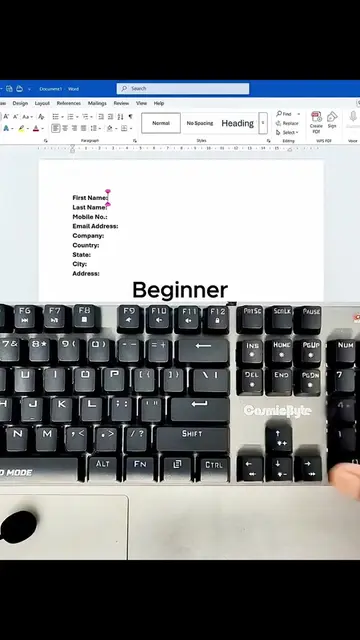
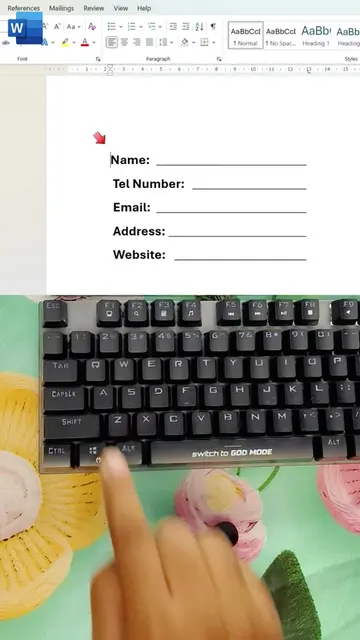
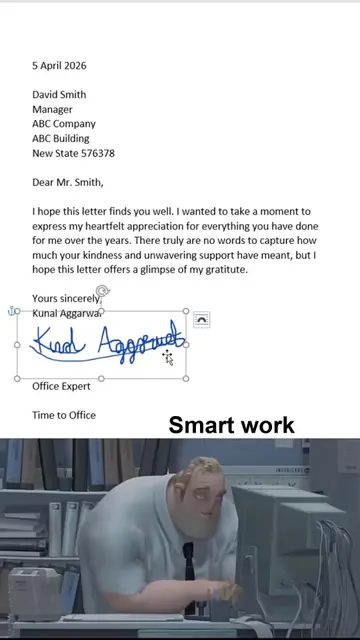
Microsoft Word is a word processing software used to add signatures, create fillable lines, format tables, and insert various line styles into documents.
Views and creators: posted in the last 30 days (English videos). Videos: all time.