Loading video…
All breakouts
21.8App DemoHow-To hookEducation
Hook
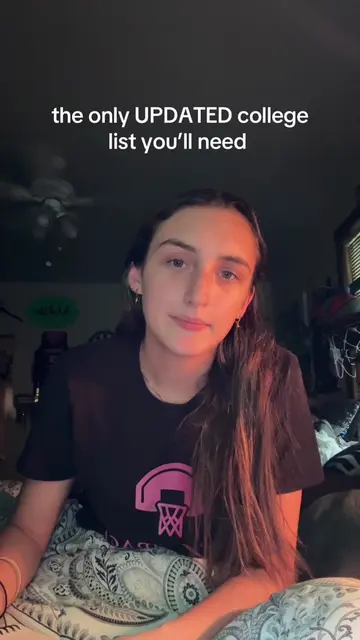
HOW TO USE GOODNOTES: RECORD & SUMMARIZE
@abbie_groy
24.8K followers · usually 3.9K views a post
Views
82.1K
Likes
9.3K
Comments
23
Shares
360
Why it worked
The video provides a practical, step-by-step demonstration of a useful app feature, catering to students looking for efficient note-taking methods. The creator's relatable explanation and clear visual guidance make the tutorial easy to follow and implement.
Summary
This video demonstrates how to use the "Record & Summarize" feature in the GoodNotes app. The creator explains that while they personally don't use it often for their own notes, it's beneficial for large classes to automatically summarize and break down lecture content, saving the user from constant note-taking.
Structure
- 1Introduction to GoodNotes and the "Record & Summarize" feature
- 2Navigating folders and creating a new quick note
- 3
Original caption
GOOD NOTES TUTORIAL: RECORD AND SUMMARIZE | #goodnotes #recordandsummarize #goodnotestutorial #howto #collegehack
More from @abbie_groy
More breakout videos from this creator.