Loading video…
Sound

original sound - pames.jawl
James Paul TikTok Growth · Original audio
0:00–:––
Playing this video’s own audio, so you’ll hear the creator over the sound.
We didn’t find a product being promoted in this video. Its hook, format and structure below still show why it took off.
Browse products winning on TikTokThe video provides a clear, actionable tutorial on a popular platform feature, leveraging a common creator desire to go viral. The step-by-step instructions, combined with a friendly and encouraging tone, make it easy for viewers to replicate the process, driving engagement and shares.
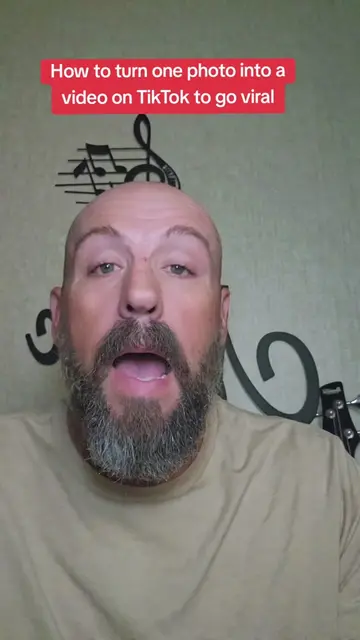
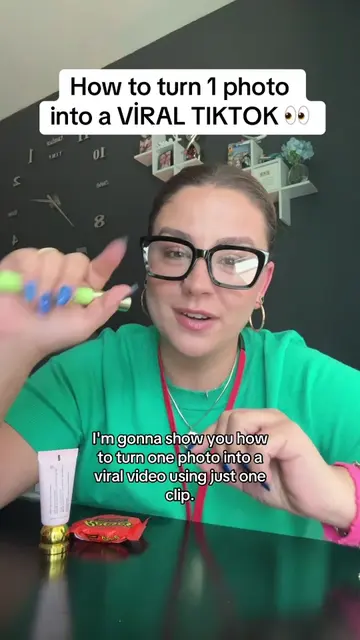
This video demonstrates how to use TikTok's built-in templates feature to turn a single photo into a viral video. The creator guides viewers through selecting a template, uploading their photo, and posting the resulting video, emphasizing that the process is free and encouraging engagement.
Tutorial included. How to turn a photo into a video to go viral #tiktokfeature #tiktokupdate #goviral #tiktoktutorial #tiktoktips
Tiktok 2026 Update
Introduction to turning a photo into a viral video on TikTok
Request for engagement (likes, saves, shares, comments)
Navigating TikTok to find the 'Templates' feature
Selecting a template and uploading a photo or short video
Posting the created video and adding it to a story or feed
Encouragement to share the knowledge and follow for more tips
TikTok (app): The platform where the tutorial is demonstrated and the video is posted. It acts as the environment for the tutorial. Removing it would change the context of the video. Templates (feature): A feature within TikTok used to create videos from photos. It acts as a tool within the app. Removing it would change the process of the tutorial. Geo Template (template name): A specific template within TikTok used for creating videos. It acts as a tool within the app. Removing it would change the process of the tutorial.
Follow me for daily TikTok tips.
Playing this video’s own audio, so you’ll hear the creator over the sound.
Promotes 5 products. Create free account to see more.
Outliers and viral hits: their videos on Overshot, all time.