Loading video…
Sound

original sound - fayedecenilla
Faye | Digital Product Seller · Original audio
0:00–:––
Playing this video’s own audio, so you’ll hear the creator over the sound.
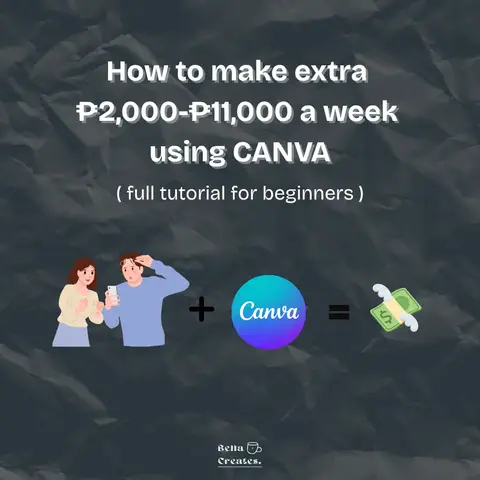
The video provides a clear, actionable, and step-by-step guide on how to make money online using a popular and accessible tool (Canva). It leverages the creator's personal success story and offers a free webinar, creating a sense of aspiration and providing a low-barrier entry point for viewers interested in digital product sales.
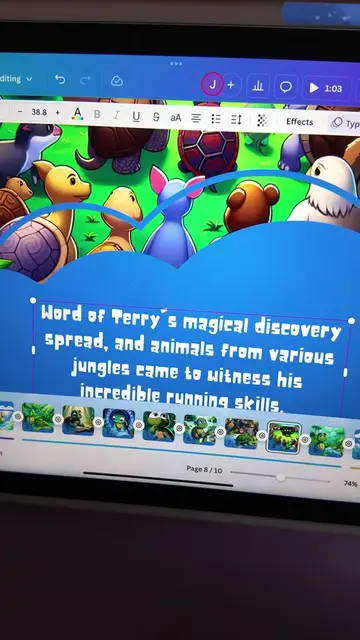
This video explains how to earn money using Canva by creating and selling digital products. It outlines a five-step process: identify your target market, brainstorm a needed digital product, create it using Canva, choose a platform to sell it on (like Raket PH or Gumroad), and market it consistently on social media.
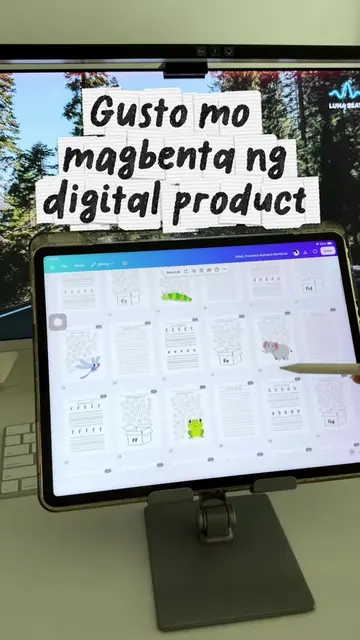
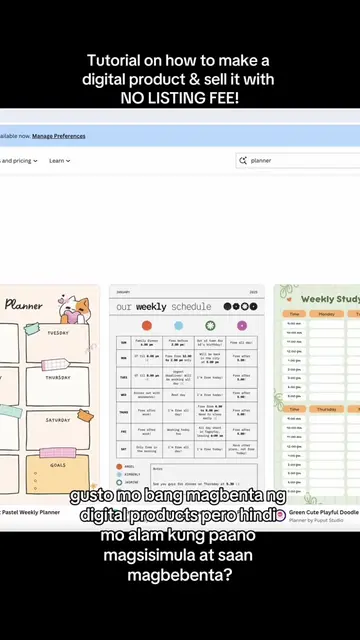
Kung estudyante ka at gusto mong malaman paano gamitin ang Canva for a side hustle, this is one way you can start. You can use Canva to create digital products like study planners, reviewers, worksheets, eBooks, social media templates, trackers, and other digital downloads na pwede mong i-list online. And hindi naman kailangan complicated agad yung first product mo. Start by choosing your target market. Alamin mo kung ano yung kailangan nila, then think of a simple digital product na makakatulong sa kanila. From there, you can learn how to create your product in Canva, make your mockups, set up your listing, and explore platforms like Raket PH, Gumroad, or Etsy. Pero one thing na importante rin matutunan is marketing. Hindi natatapos sa paggawa at pag-list ng product. You also have to learn how to create content, reach the right audience, and consistently promote what you're selling. So if you're still a student and interested ka sa digital products, Canva templates, or starting an online side hustle, you can start by learning the skills first. Hindi mo kailangan malaman lahat agad. Start with one product and learn the process from there. 🤍 #digitalproducts #canvatutorial #sidehustleph #digitalproductsforbeginners #canvaforstudents
PAANO BA KUMITA SA
Introduction to earning with Canva as a student
Step 1: Identify target market
Step 2: Create a digital product based on market needs
Step 3: Design the product in Canva and create mockups
Step 4: Choose a selling platform (Raket PH, Gumroad)
Step 5: Market the digital product consistently
Personal success story and offer of a free webinar
Canva (ACTS - graphic design tool, used to create digital products, removing it would change the video's content and purpose) | Raket PH (ACTS - online marketplace, used to sell digital products, removing it would change the video's content and purpose) | Gumroad (ACTS - online marketplace, used to sell digital products, removing it would change the video's content and purpose)
Check the link in my bio for my done-for-you mock-up templates.
Playing this video’s own audio, so you’ll hear the creator over the sound.
Promotes 1 product. Create free account to see more.
Outliers and viral hits: their videos on Overshot, all time.
Design app for people creating presentations, worksheets, and other visual content
All time.