Loading video…
Sound

original sound - subhansadiq90
Subi_EditZz📸 · Original audio
0:00–:––
Playing this video’s own audio, so you’ll hear the creator over the sound.
The video provides a clear, step-by-step tutorial for a popular video editing trend, making it highly shareable and useful for creators looking to enhance their content with trending effects.
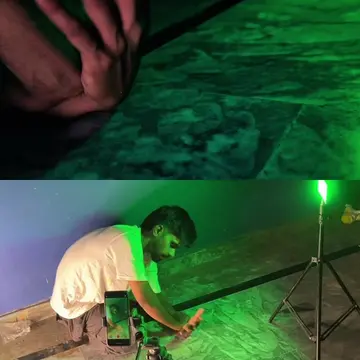
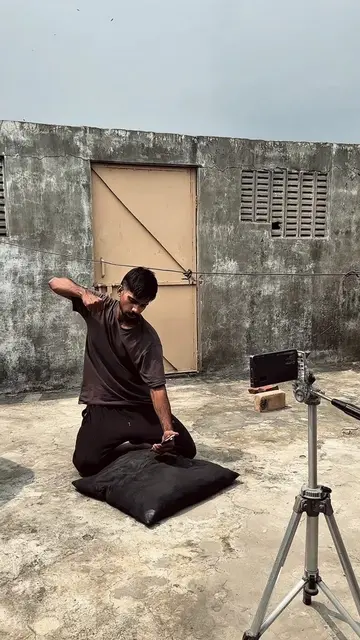
This video demonstrates how to create a trending video effect using the CapCut editing app. It shows how to shoot a clip, adjust its speed for a slow-motion effect, and apply various filters like "Bokeh," "Humble," "Snow Dust," "Dreamy Glow," and "Tremor Strobe" to achieve a cinematic look.
New trending sound and video 👍🏻 @Hina 🥀🙂 #editing #iwanttogrowmyaccount #iphoneediting #capcutediting ###viraltiktok
Pehly ap ye
Shoot video clip
Import into CapCut
Adjust speed and apply slow-motion
Apply "Bokeh" and "Humble" filters
Add "Snow Dust" and "Dreamy Glow" effects
Apply "Tremor Strobe" effect
CapCut: This is an app used to edit the video. It ACTS by allowing the user to cut, speed up, and apply effects to the video. Removing it would change what happens in the video. AI UHD: This appears to be a setting or feature within CapCut, possibly related to video quality. It merely APPEARS. Removing it would not change what happens in the video.
DM for paid promotion/editing/videos
Playing this video’s own audio, so you’ll hear the creator over the sound.
Promotes 2 products. Create free account to see more.
Outliers and viral hits: their videos on Overshot, all time.
Video editing app for creators making social media videos
Views and creators: posted in the last 30 days (English videos). Videos: all time.