Loading video…
Sound

original sound - supporter.eshita
🇯🇵 Eshita 🇯🇵 · Original audio
0:00–:––
Playing this video’s own audio, so you’ll hear the creator over the sound.
This video promotes it, but we haven’t matched it to a product page yet, so there are no product figures.
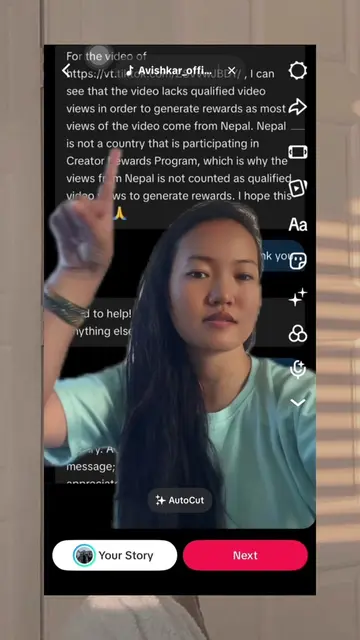
The video provides a clear, step-by-step tutorial on a popular video editing technique used on TikTok, addressing a common user need. The use of screen recording and clear verbal instructions makes the process easy to follow.
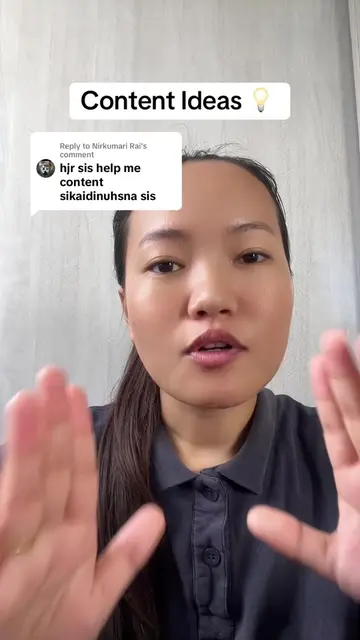
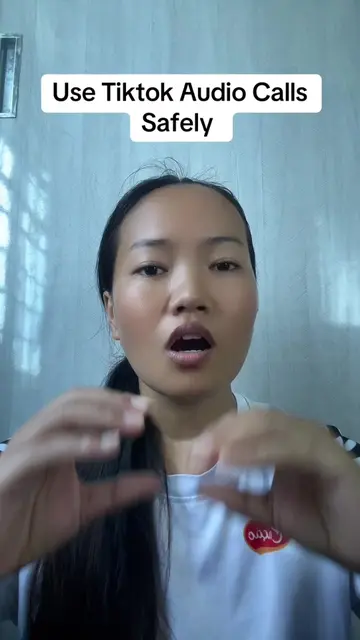
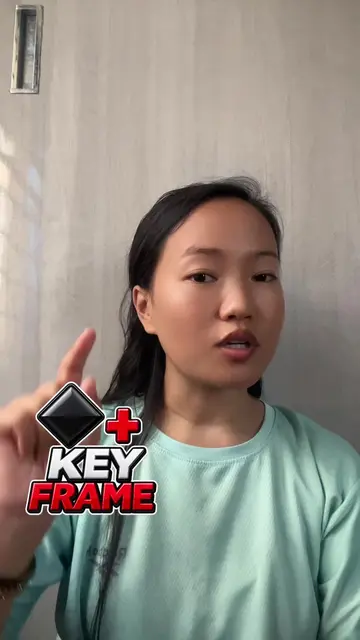
The creator demonstrates how to edit a video on TikTok to speak over another person's video. They explain the process of using TikTok and CapCut to cut and insert clips, allowing the user to speak while another video plays in the background. The tutorial covers selecting videos, splitting clips, and recording new audio over existing footage.
Replying to @smialsmagar5 Boldai garda katayara aafu bolne kasari ho? #ContentCreator #contentcreation #contentideas
अनि बोल्दै गर्दा कटाएर
Introduction to editing videos with spoken commentary
Using TikTok and CapCut for editing
Selecting and preparing the base video
Opening TikTok and accessing the '+' icon
Navigating the gallery and selecting videos
Editing the video by splitting and adding new audio
Demonstrating the process of speaking over another video
Concluding with a call to share and ask questions
TikTok (app): used to create and edit videos. The interface is operated, and a visible result (a video) comes from it. Removing it would change what happens in the video. CapCut (app): used to edit videos. The interface is operated, and a visible result (an edited video) comes from it. Removing it would change what happens in the video.
Playing this video’s own audio, so you’ll hear the creator over the sound.
Outliers and viral hits: their videos on Overshot, all time.