Loading video…
Sound

Tropical Melody
Lily Jane Doe
0:00–:––
- Videos using it
- 11
- Views on those videos
- 2.4M
This video promotes it, but we haven’t matched it to a product page yet, so there are no product figures.
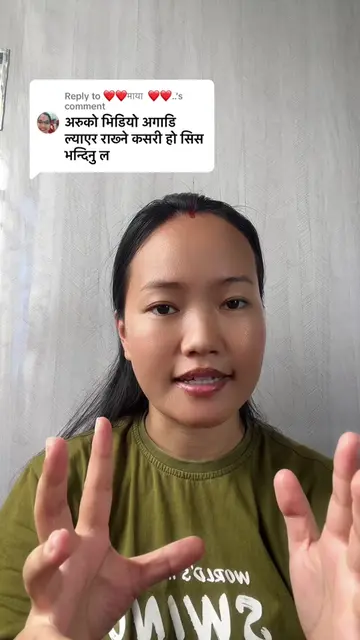
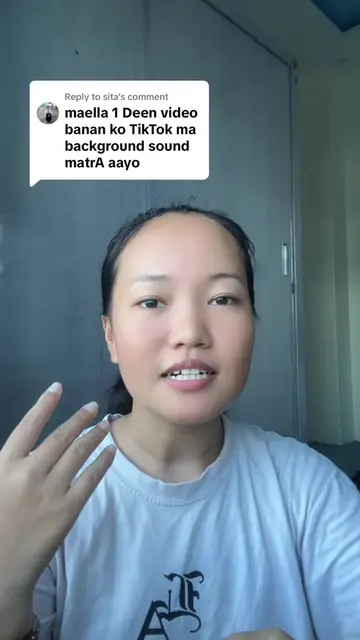
The video provides a clear, step-by-step tutorial on a specific video editing feature (keyframes) within a popular platform (TikTok), using visual cues and spoken instructions in Nepali to make it easily understandable for its target audience.
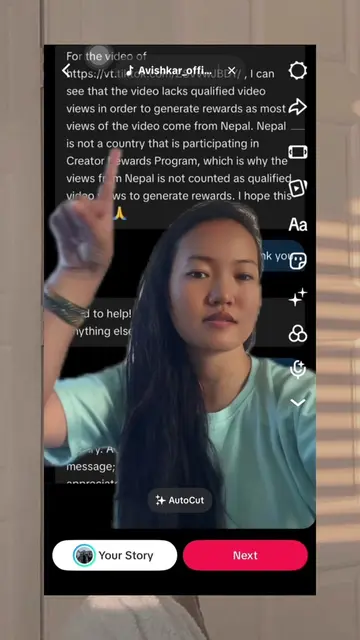
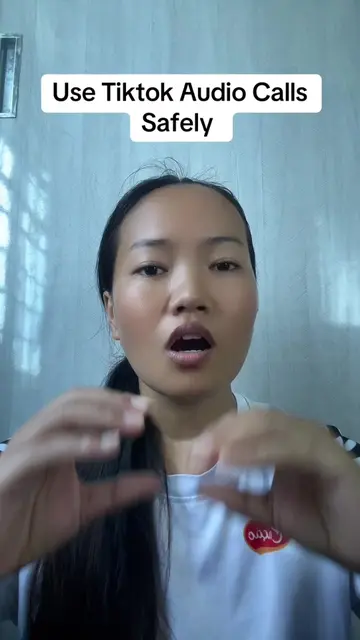
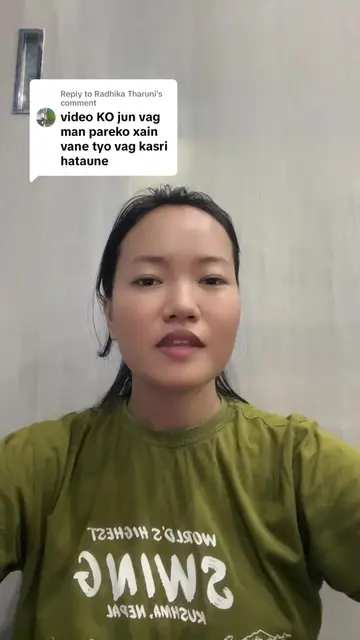
The creator explains what keyframes are in video editing and demonstrates how to use them within the TikTok app. The tutorial shows how to add keyframes to control zoom in and out effects on a video clip.
What exactly is Key frame? #ContentCreator #Keyframe #usa🇺🇸
तपाईंले भिडियो एडिटिङ गर्नुहुन्छ तर
Introduction to keyframes
Demonstration of keyframe usage in TikTok
Step-by-step guide to adding keyframes
Explaining the effect of keyframes on video zoom
Conclusion on keyframe functionality
TikTok: (a) it ACTS — it is the platform where the video is posted and where the creator is demonstrating how to use its features. Removing it would change what happens in the video. (b) it merely APPEARS — a corner watermark, a channel or studio logo, an end card, a credit, a name on clothing, a repost stamp. Removing it would not change what happens in the video. Reebok: (b) it merely APPEARS — a logo on the creator's shirt. Removing it would not change what happens in the video.
Outliers and viral hits: their videos on Overshot, all time.