Loading video…
Sound

original sound - ovaistalks
Ovais Talks · Original audio
0:00–:––
Playing this video’s own audio, so you’ll hear the creator over the sound.
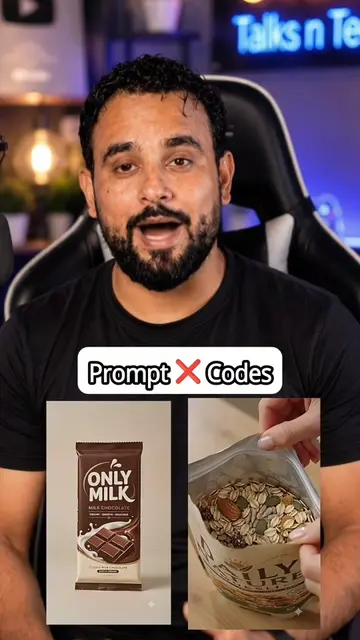
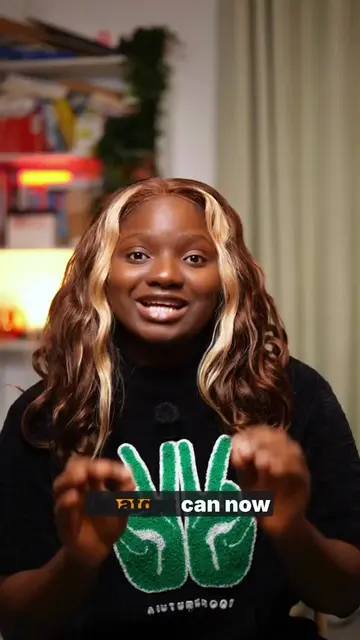
The video provides a practical, step-by-step tutorial on a useful AI integration (ChatGPT + Canva), demonstrating a clear value proposition for creators and designers looking to streamline their workflow.
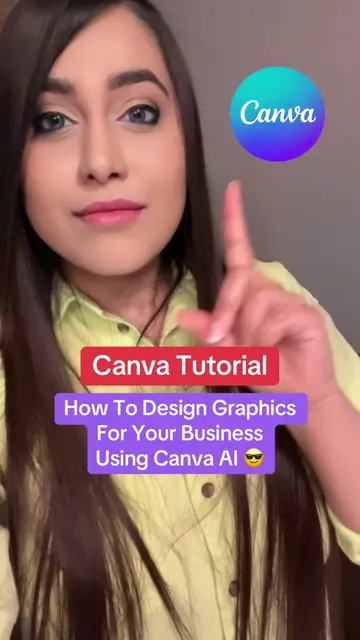
This video demonstrates how to convert a static design generated by ChatGPT into an editable Canva project. It guides viewers through enabling ChatGPT plugins, selecting Canva, and then using a prompt to transform the design, allowing for easy edits within Canva.
#creatorsearchinsights ChatGPT Hidden Secret Feature 😱 #chatgpt #ai #fypシ゚viral__ #LearnOnTikTok
You have designed your poster with ChatGPT
Introduction to editing ChatGPT designs
Enabling ChatGPT plugins and selecting Canva
Prompting ChatGPT to convert design to editable Canva project
Editing the design in Canva
Call to action for more tips
ChatGPT ACTS - it is used to generate and convert a design. Removing it would change what happens in the video. Canva ACTS - it is used to edit the generated design. Removing it would change what happens in the video. Flipazon APPEARS - it is the brand on the poster being edited. Removing it would not change what happens in the video.
Follow
Playing this video’s own audio, so you’ll hear the creator over the sound.
ChatGPT helps you get answers, find inspiration, and be more productive.
Views and creators: posted in the last 30 days (English videos). Videos: all time.
Promotes 1 product. Create free account to see more.
Outliers and viral hits: their videos on Overshot, all time.