Loading video…
Sound

original sound - inuriofficial
Inuri📱 Digital Marketing Tips · Original audio
0:00–:––
Playing this video’s own audio, so you’ll hear the creator over the sound.
Hook
Posted Jun 22, 2026Video · 1:59by @inuriofficial
The video provides a practical, step-by-step tutorial on using a popular design tool's AI features, addressing a common need for businesses to create marketing materials. The use of clear on-screen text and a concise demonstration makes it easy to follow and replicate.
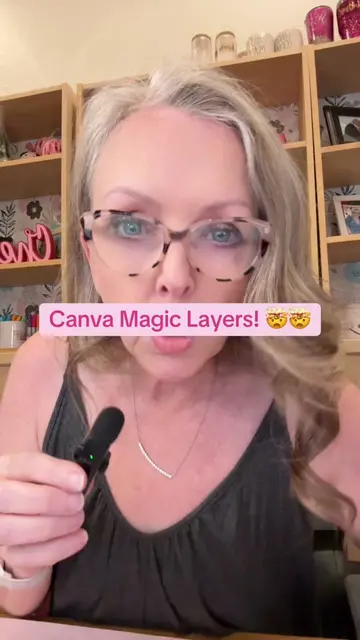
This video demonstrates how to use Canva's AI feature to generate business graphics, specifically a digital marketing poster. It walks through the process of opening Canva, accessing the AI tool, inputting a detailed prompt, selecting an aspect ratio, generating multiple design options, and then editing the chosen design within Canva.
#creatorsearchinsights Canva AI Tutorial - How To Design A Poster For Your Business Using Canva AI! #canvahacks #canvaai #canvatutorial #canvaforbusinessowners
Did you know you can design graphics like this for your business using camera AI?
Introduction to Canva AI for business graphics
Navigating to Canva AI and selecting 'Generate Image'
Choosing aspect ratio and inputting a detailed prompt
Generating and selecting from AI-generated design options
Editing the design in Canva and customizing elements
Downloading the final design
The video demonstrates how to use Canva's AI image generation tool to create a digital marketing poster. The Canva logo is visible at the beginning, and the interface of Canva is shown throughout the tutorial.
Comment 100
Playing this video’s own audio, so you’ll hear the creator over the sound.
Promotes 3 products. Create free account to see more.
Outliers and viral hits: their videos on Overshot, all time.
Design app for people creating presentations, worksheets, and other visual content
All time.