Loading video…
All breakouts
14.1Text-HeavyListicle hookEducation
Hook
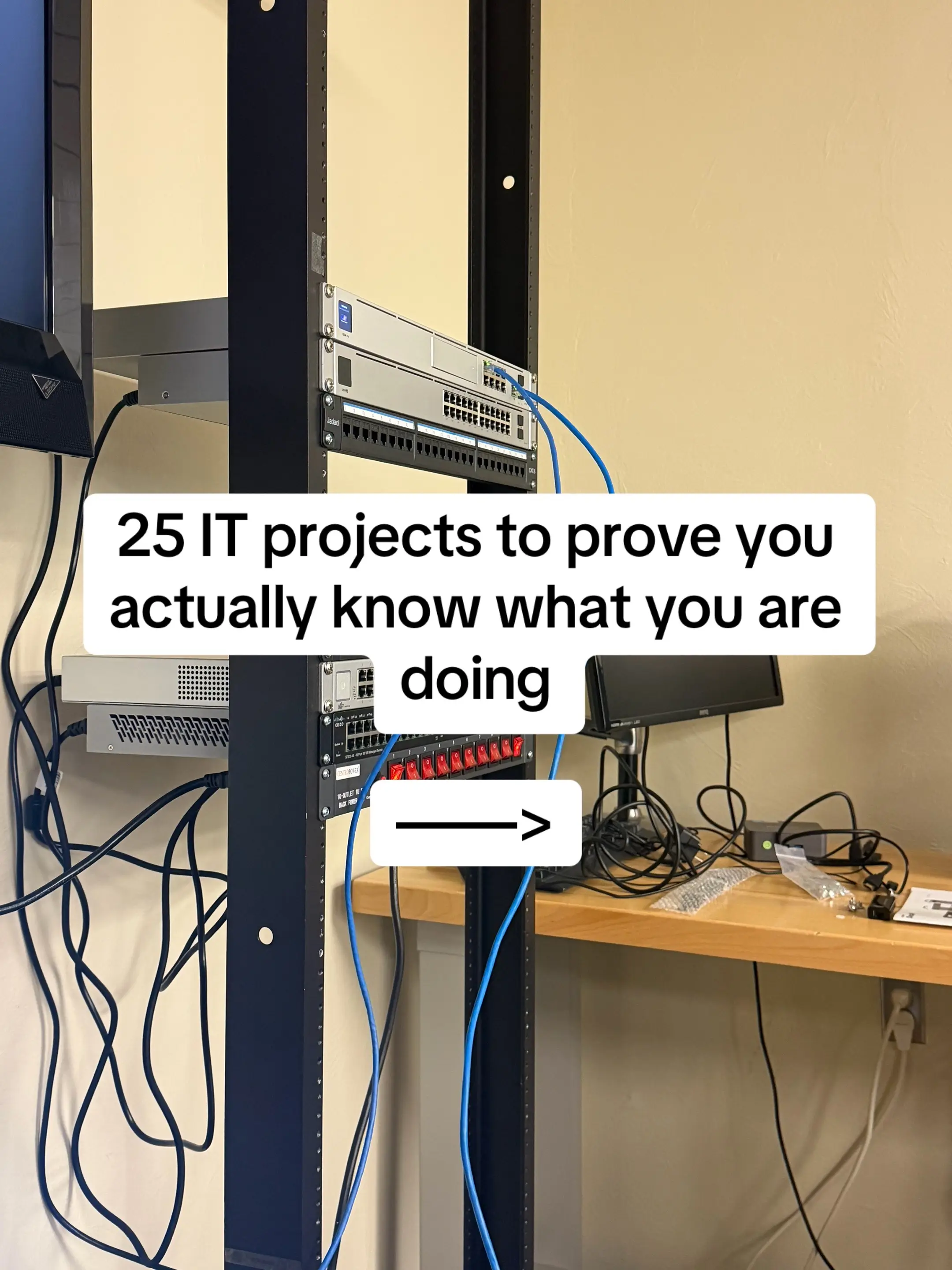
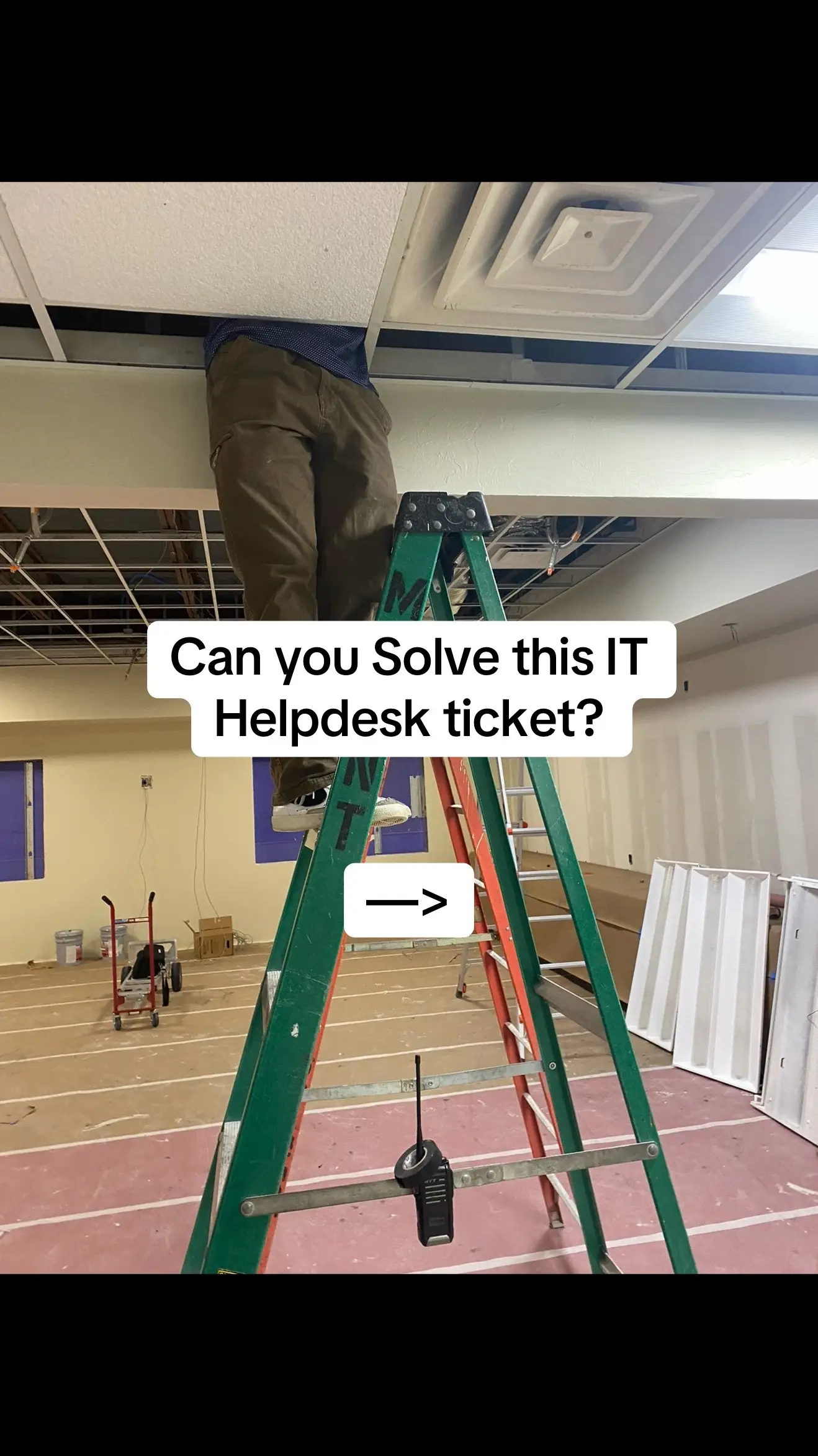
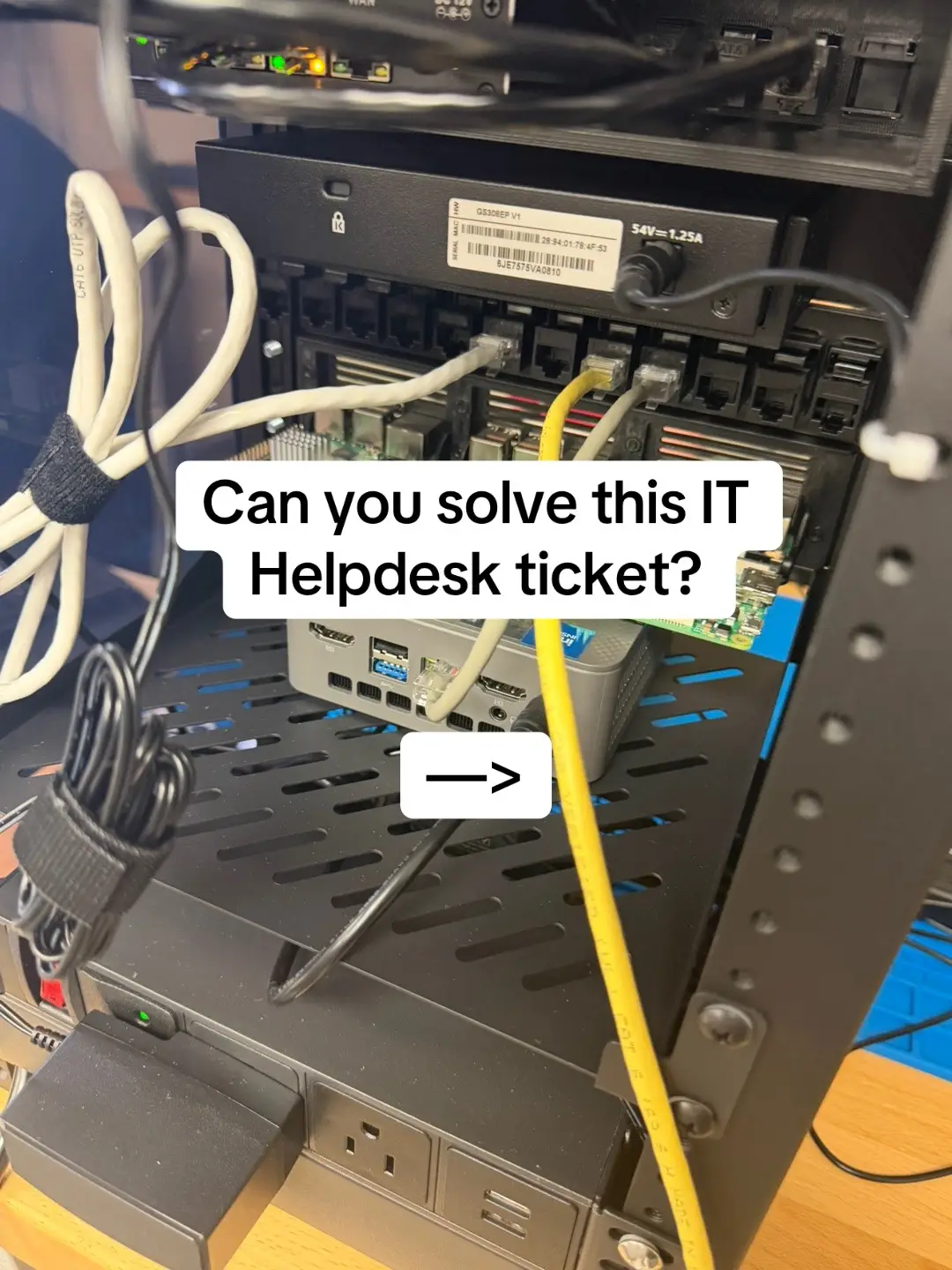
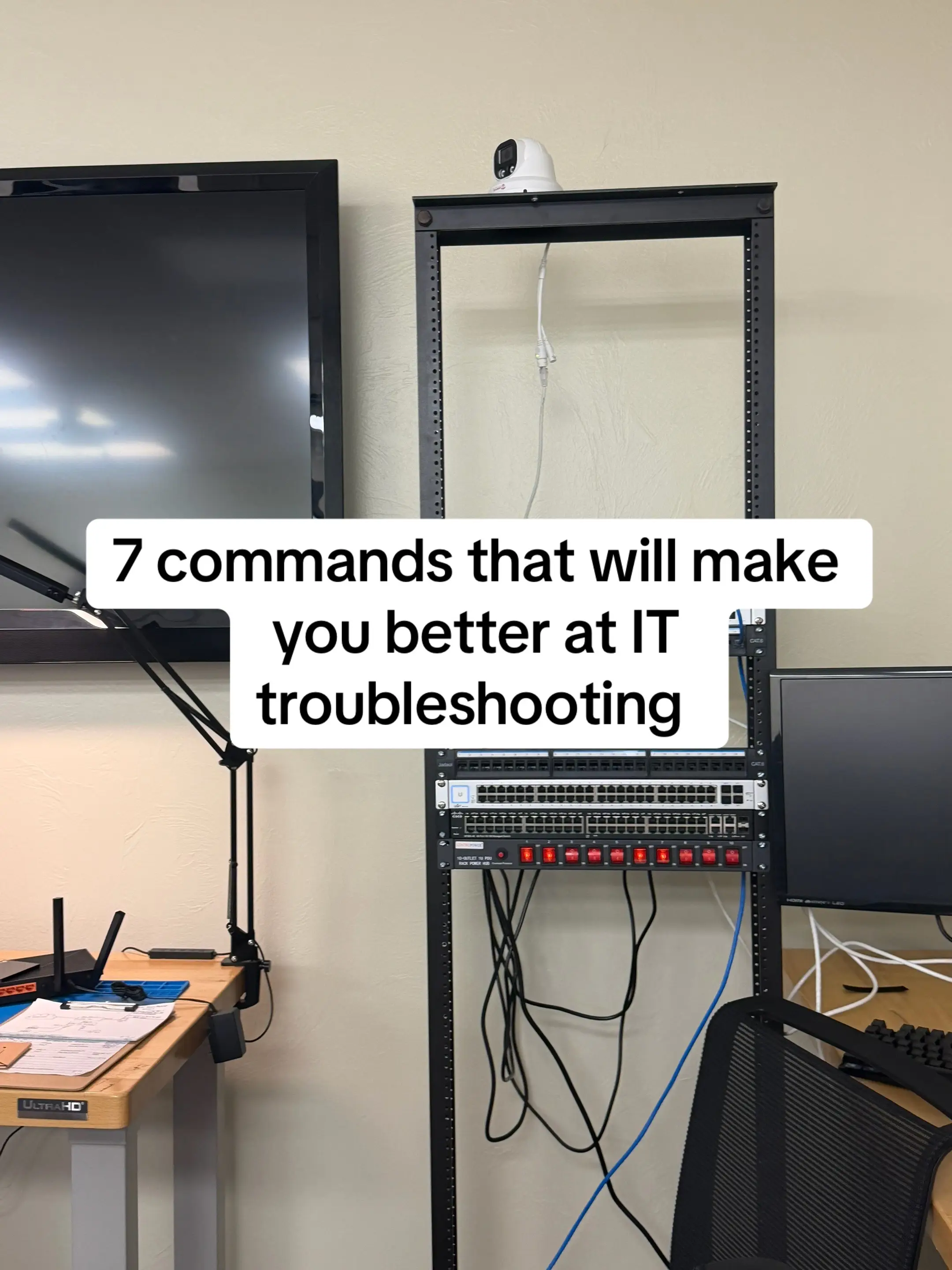
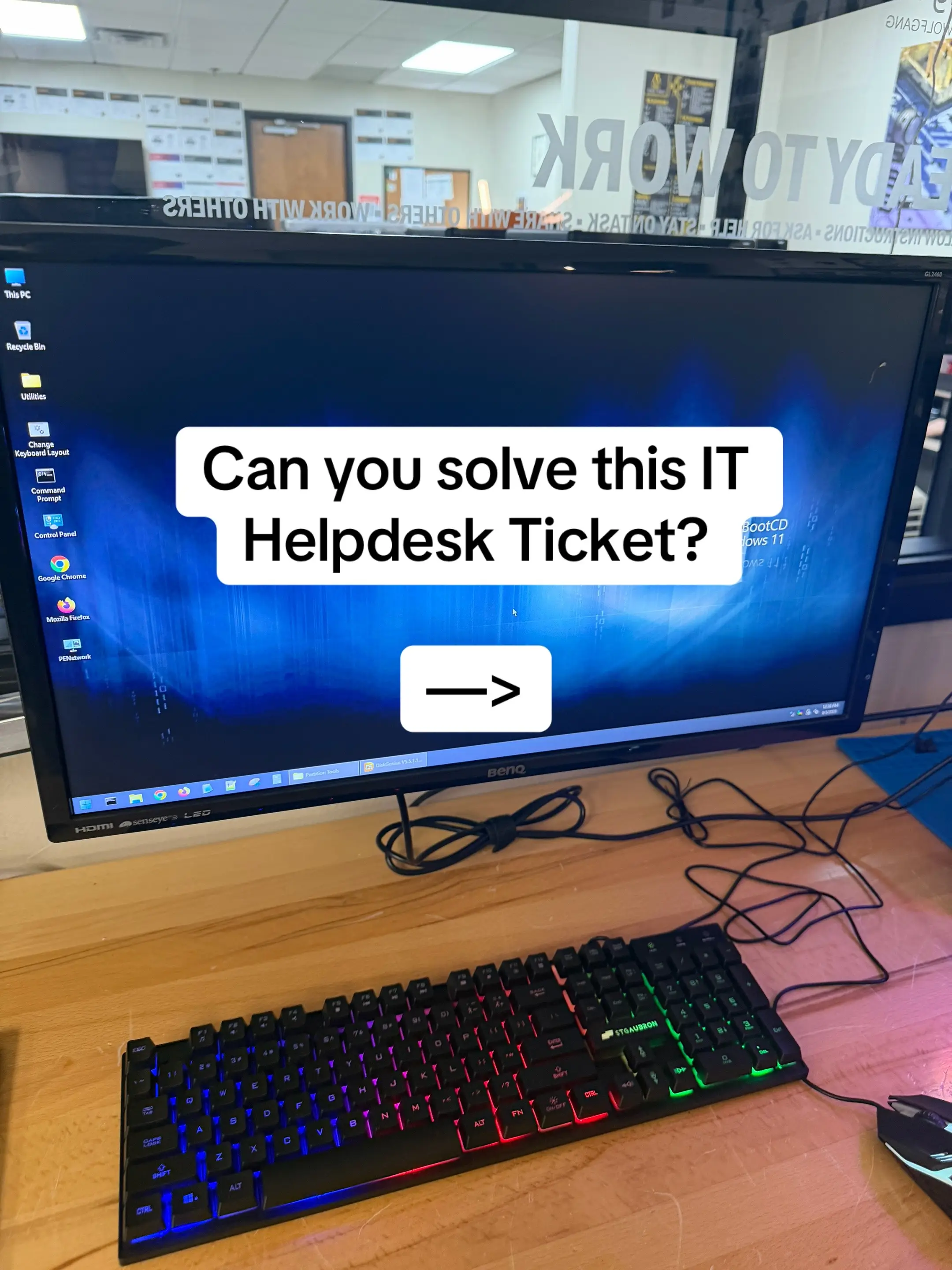
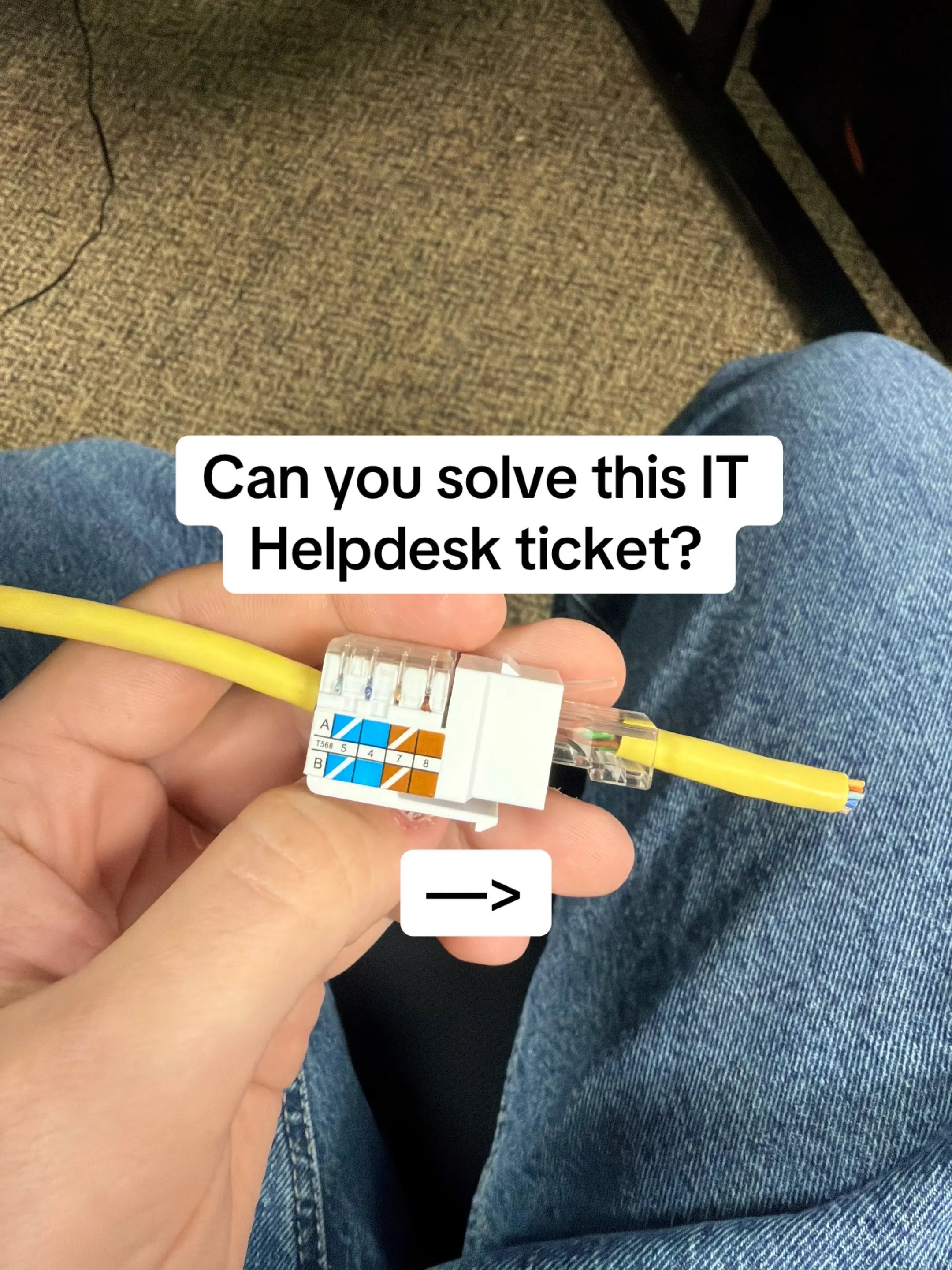
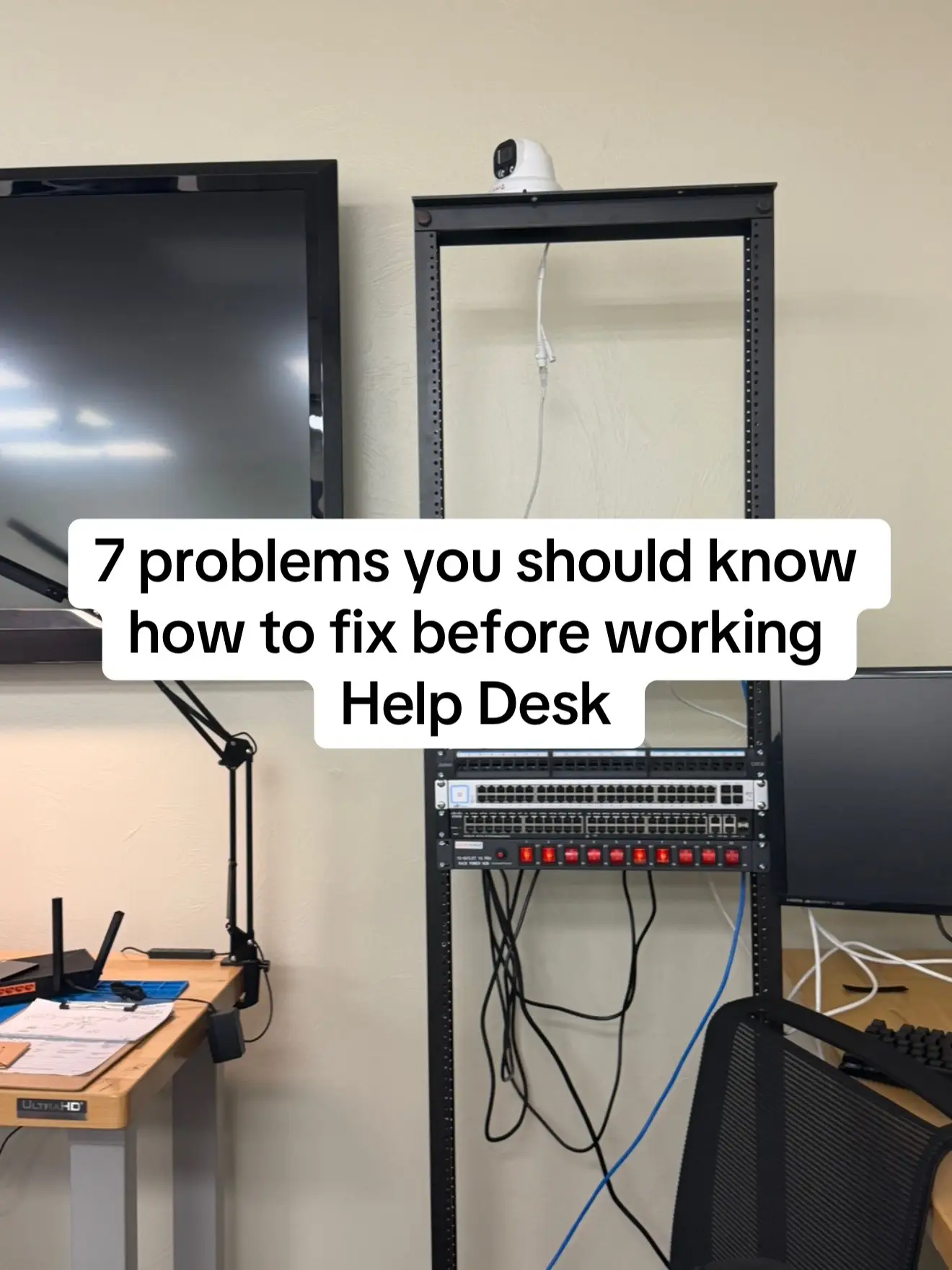
7 problems you should know how to fix before working Help Desk
@jonathon_eades
23.7K followers · usually 8.5K views a post
Views
119.6K
Likes
10.1K
Comments
48
Shares
470
Why it worked
The content directly addresses common pain points for individuals aspiring to work in IT, offering practical, actionable advice. By framing these problems within the context of the CompTIA A+ certification and promoting a relevant study tool, it provides immediate value and a clear path for skill development.
Summary
This slideshow presents common IT help desk problems and their troubleshooting steps, emphasizing the importance of knowing how to troubleshoot rather than just memorize definitions. It concludes by promoting ExamWizardz.app as a tool for practicing these skills for the CompTIA A+ certification.
Structure
- 1Introduction to common help desk problems
- 2Troubleshooting 'no internet'
- 3
Original caption
If you want to work in IT, these are the kinds of problems you’ll be dealing with every day. No internet, slow computers, login issues, printers that randomly stop working, monitors not displaying — the important part isn’t memorizing the fix. It’s learning how to troubleshoot and narrow down the problem. A lot of these same troubleshooting skills are covered on the CompTIA A+. If you’re studying for it, ExamWizardz lets you practice with mock exams, PBQs, and track your Exam Readiness Score before spending money on the real exam. ExamWizardz.app #techtok #it #helpdesk #comptia #networking
More from @jonathon_eades
More breakout videos from this creator.