Loading video…
All breakouts
26.6Talking HeadDirect Question hookLifestyle
Hook
are you tired of Summer Chrome
@tracecarrr
1.6K followers · usually 762 views a post
Views
20.0K
Likes
1.3K
Comments
28
Shares
45
Promoted product
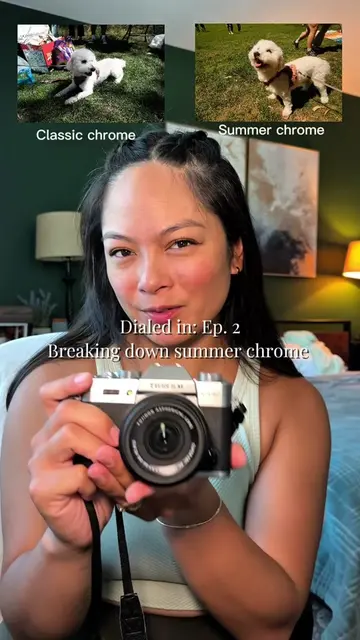
Fujifilm XT30
Why it worked
The video provides a practical, visual solution to a common problem faced by users of a specific camera brand and film simulation. By offering a clear "how-to" with visual examples and actionable tips, it resonates with a niche audience interested in photography aesthetics.
Summary
This video explains how to adjust white balance in Fujifilm cameras to fine-tune the "Summer Chrome" film simulation. The creator demonstrates how to reduce the warmth of the "Summer Chrome" recipe by adjusting the red and blue balance, offering a tip for achieving a more neutral look without completely abandoning the desired film aesthetic.
Structure
- 1Introduction to the problem of "Summer Chrome" being too warm
- 2Explanation of white balance and its function
- 3Demonstration of "Summer Chrome" settings and the resulting warmth
- 4Tip on adjusting white balance to neutralize warmth
Original caption
Ep. 7 | WB in Summer Chrome
Do you like EVERYTHING about summer chrome but your photos are just a little too warm? Try this little tweak that can make your photos more neutral! And this also works in other film recipes!
Let me be ur fujifilm bestie & teach you about for concepts 📷 I have an XT30ii, so let’s learn together 🤓 I personally love this tip for when my skin shows up a bit too orange or I am shooting in dim settings where the lamp lights make my scenes look too warm. #fujifilm #fujifilmxt30iii #fujifilmx100vi #photography #fujifilmxt30ii
More from @tracecarrr
More breakout videos from this creator.