Loading video…
Sound

original sound - vxcarmodification
J. Digital Creator · Original audio
0:00–:––
Playing this video’s own audio, so you’ll hear the creator over the sound.
The video provides a practical, step-by-step solution to a common user problem (changing a username display) in a concise and easy-to-follow manner, making it highly shareable and useful.
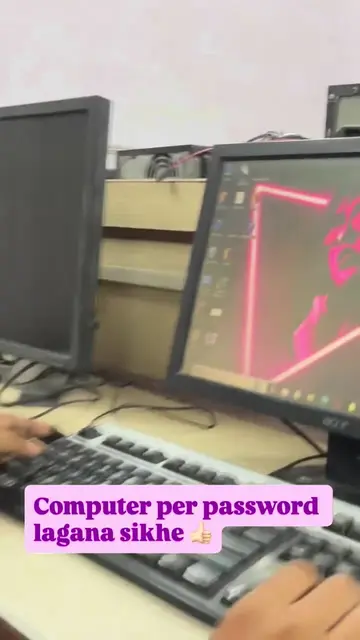
The video demonstrates how to change the displayed user name on a Windows computer. It guides viewers through the process of accessing user accounts settings via the Run command and modifying the full name associated with the user profile.
✅Windows Trick 🔥 Change Computer Name Instantly! | Accounts Advisor | Digitaltech Advisor#accountsadvisor #share #trending #computer #windows #tiktokgrowthchallenge
User name change karna Chahte ho
Introduction: Asking if the viewer wants to change their username
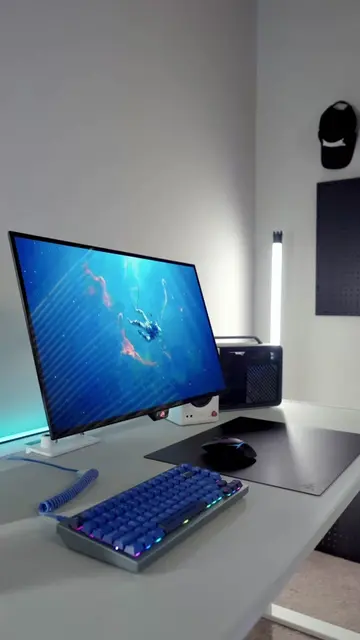
Demonstration: Showing the current login screen and the need for change
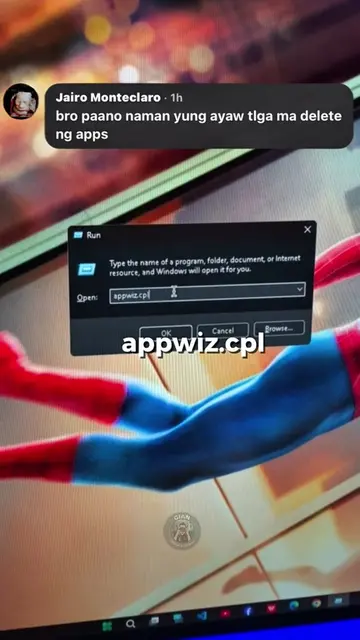
Step-by-step guide: Using the Run command (Windows + R) and netplwiz
Modifying properties: Changing the full name in the user accounts window
Applying changes: Signing out and back in for the changes to take effect
Conclusion: Showing the updated username on the login screen and call to action
Windows (operating system): Allows users to log in and manage user accounts. It ACTS by providing the interface and functionality to change user names. Removing it would change what happens in the video. IVOOMI (monitor brand): Appears as a watermark on the monitor. It merely APPEARS and removing it would not change what happens in the video.
Like and subscribe
Playing this video’s own audio, so you’ll hear the creator over the sound.
Promotes 4 products. Create free account to see more.
Outliers and viral hits: their videos on Overshot, all time.
Experience the Windows difference | Microsoft Windows
All time.