Loading video…
Sound

original sound - pames.jawl
James Paul TikTok Growth · Original audio
0:00–:––
Playing this video’s own audio, so you’ll hear the creator over the sound.
This video promotes it, but we haven’t matched it to a product page yet, so there are no product figures.
The video provides a quick and actionable solution to a common pain point for content creators: the time it takes to edit photos into engaging videos. By highlighting a built-in, easy-to-use feature like AutoCut, it offers immediate value and encourages adoption.
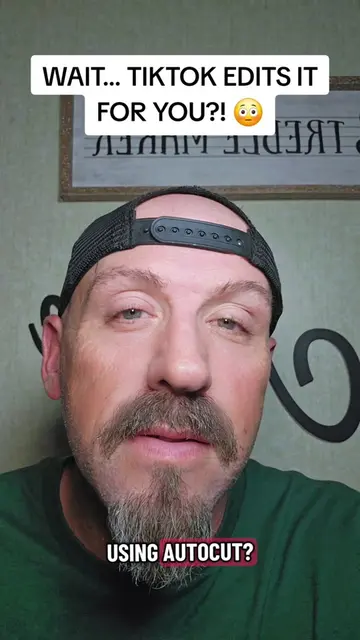
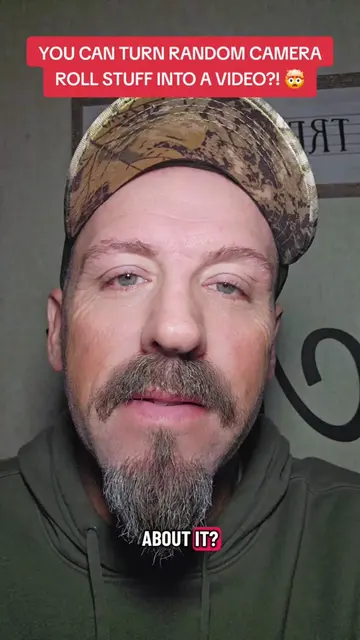
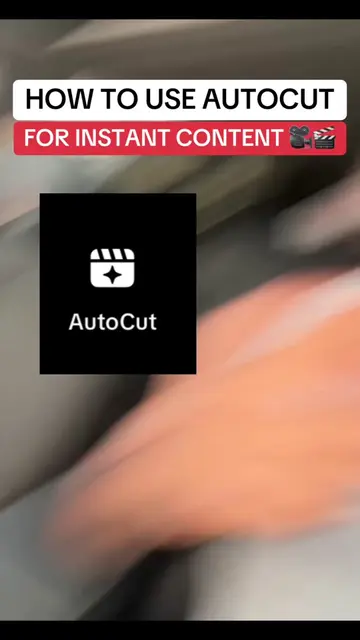
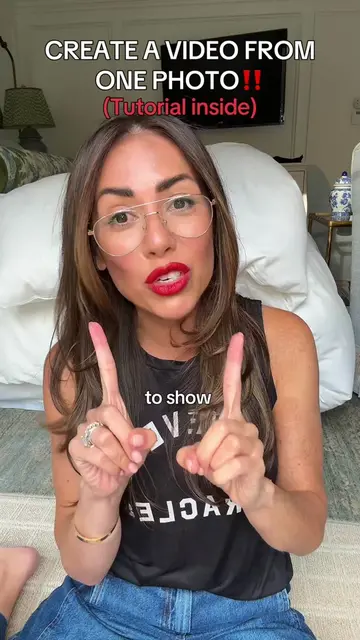
This video demonstrates how to use TikTok's AutoCut feature to quickly turn multiple photos into a fully edited TikTok video. The creator explains the simple steps involved, from selecting photos to choosing an AutoCut template, highlighting the time-saving benefits.
Turn photos into TikToks in seconds with TikTok AutoCut #TikTokTips #TikTokHacks #AutoCut #ContentCreator #TikTokTutorial
20 PHOTOS → 1 FULLY EDITED TIKTOK 🤯
Introduce the problem of time-consuming photo editing for TikToks.
Explain the existence and function of TikTok's AutoCut feature.
Demonstrate the step-by-step process of using AutoCut.
Showcase the variety of templates and customization options.
Encourage viewers to try AutoCut and follow for more tips.
TikTok (app): used to create and edit videos. It ACTS by providing the interface and features for video creation, including the AutoCut feature. Removing it would prevent the video's creation and demonstration. TikTok (app): The AutoCut feature within TikTok. It ACTS by automatically turning photos into a video. Removing it would prevent the automatic video creation process shown. TikTok (app): The "Create" button and camera roll interface within TikTok. They ACT by allowing users to upload photos and initiate video creation. Removing them would prevent the demonstrated workflow.
Try AutoCut for your next video and see how much time it saves you. And if you want me to show you more TikTok features that makes creating content faster, hit that follow button and stick around.
Playing this video’s own audio, so you’ll hear the creator over the sound.
Promotes 5 products. Create free account to see more.
Outliers and viral hits: their videos on Overshot, all time.