Loading video…
Sound

original sound - ellis.sage
ELLIS SAGE · Original audio
0:00–:––
Playing this video’s own audio, so you’ll hear the creator over the sound.
Hook
Posted Oct 6, 2026Video · 0:29by @ellis.sage
We didn’t find a product being promoted in this video. Its hook, format and structure below still show why it took off.
Browse products winning on TikTokThe video addresses a common, relatable privacy concern with a clear, actionable solution that users can immediately apply to their own devices.
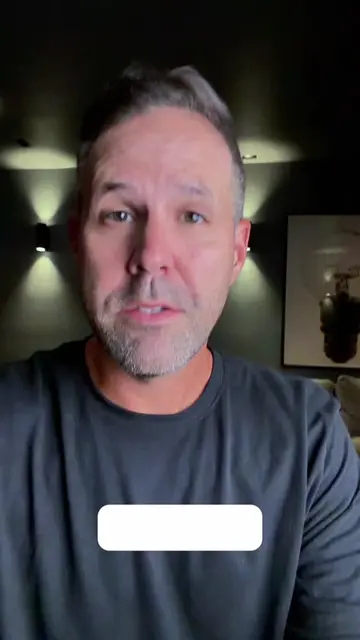
The creator demonstrates how to remove location metadata from photos on an iPhone, both for individual images and as a permanent system setting. The video provides a step-by-step tutorial on navigating the iOS Photos and Settings menus.
Worried about sharing your location in photos? 😱 Learn how to remove location data easily on your iPhone! Swipe up on your photo, hit “Adjust,” and select "no location.” For a permanent solution, change your camera settings in Privacy & Security to NEVER! 💡 Save this tip for your next share! #tiktok #iphonetrick #fyp #iphonetips #iphonehack
Make sure you remove the location on your photo before you send it to somebody.
Explain the privacy risk of sharing photo location data
Demonstrate how to remove location from a single photo
Show how to permanently disable location tagging for the camera
iPhone (a) it ACTS — the interface is operated to demonstrate a privacy setting; removing it would change the video entirely. Photos app (a) it ACTS — the interface is operated to edit metadata; removing it would change the video entirely. Settings (a) it ACTS — the interface is operated to change a system permission; removing it would change the video entirely.
Save this tip for your next share!
Playing this video’s own audio, so you’ll hear the creator over the sound.
Outliers and viral hits: their videos on Overshot, all time.