Loading video…
All breakouts Locked — upgrade to Pro to open.Open on TikTokPro

No preview available · watch on TikTok below
10.6SaaS
Post
Post by @ivee.jobss
@ivee.jobss
40.9K followers · usually 982 views a post
Views
11.2K
Likes
333
Comments
1
Shares
73
We’re still analyzing this post.
Original caption
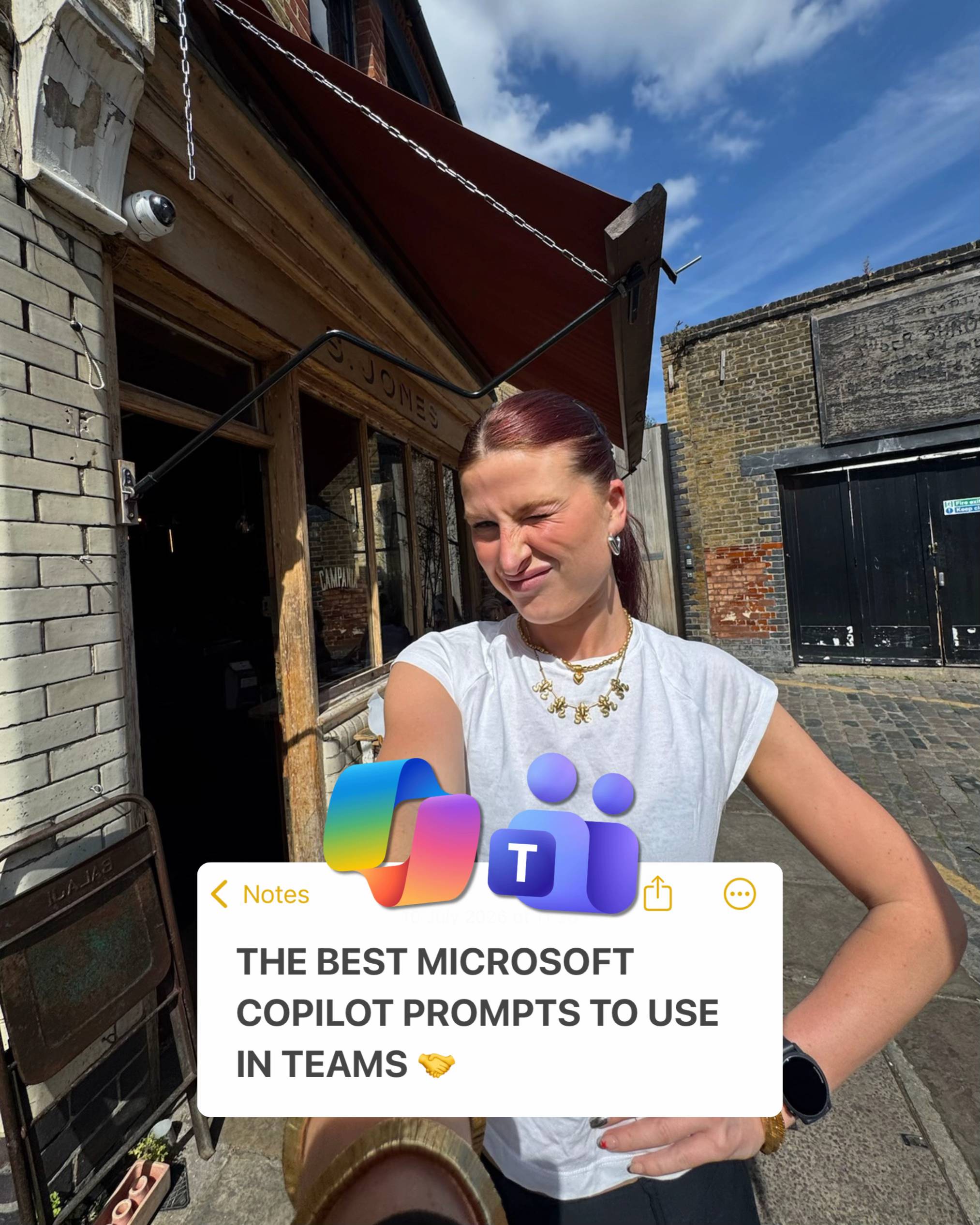
1. Morning inbox triage ‘Act as a sharp executive assistant who knows how to separate real priorities from noise’. Review every unread email in my inbox from the last 24 hours and tell me what needs my attention today. I’m busy, I have limited time before my first meeting, and I need to know what’s urgent, what can wait and what I can ignore. Treat anything from my manager [name] , clients, or emails with deadlines in the next 48 hours as high priority, and treat newsletters, automated notifications and FYI emails as low priority. Keep it scannable, under 250 words, with no waffle. Present it as three groups (Act now, Reply this week, Safe to ignore), with each email shown as the sender, subject and a one-line summary of what they need from me. 2. Drafting a reply Act as a clear, professional communicator who writes emails people read in one go. Draft a reply to the selected email from [sender] that [agrees to / declines / answers] their request about [topic] . The sender is a [client / colleague / supplier] and our relationship is [friendly but professional] , so the reply should keep that goodwill while being clear about my position, which is [your key point or decision] . Keep the tone warm and confident, avoid corporate jargon and over-apologising, and stay under 150 words. Deliver a ready-to-send email with a short greeting, the main point in the first two sentences, any next steps or dates clearly stated, and a simple sign-off. 3. Catching up on a long thread Act as a project coordinator who has to brief someone joining a conversation late. Summarise the email thread titled [subject] so I understand where things stand without reading every message. The thread involves several people and may contain decisions, disagreements and open questions, and I need to respond or pick up actions from it today. Focus on outcomes, not who said what in which order, and keep it under 200 words in plain English. Provide a two-sentence overview, followed by decisions made, open questions still unresolved, and any actions assigned to me with deadlines. 4. Meeting prep Act as a well-organised chief of staff preparing me for my next meeting. Using my calendar and related emails, brief me on my meeting [meeting name / next meeting today] so I walk in prepared. Pull from the invite, the attendee list and any emails with those attendees about this topic from the past two weeks, as I may not remember the background or what was previously agreed. Keep it brief enough to read in two minutes, under 200 words, and flag anything you’re unsure about rather than guessing. Present the meeting purpose in one sentence, who’s attending and their role, key points from recent related emails, any outstanding actions on my side, and three sensible questions or talking points I could raise. 5. Chasing an unanswered email Act as a polite but persistent professional who knows how to get a reply without being pushy. Write a follow-up to my email to [recipient] about [topic] , which they haven’t responded to since [date] . I still need [the specific thing, e.g. sign-off, a document, a decision] by [deadline] , and the original email may have been buried, so this follow-up needs to stand on its own. Keep it friendly, under 100 words, with no guilt-tripping or passive-aggressive phrases like “as per my last email”. Deliver a short email that briefly recaps the original request, states exactly what I need and by when, and makes it easy for them to reply in one line. #microsoftai #microsoftcopilot #mscopilot #outlook #promptengineering
More from @ivee.jobss
More breakout videos from this creator.