Loading video…
All breakouts
17.9App DemoOther hookEducation
Hook
MS Excel
@dataanalytics.07
139.0K followers · usually 3.6K views a post
Views
51.7K
Likes
2.0K
Comments
13
Shares
200
Why it worked
The video addresses a common pain point for Excel users (manual column resizing) and offers a quick, effective solution, making it highly shareable and valuable for a broad audience.
Summary
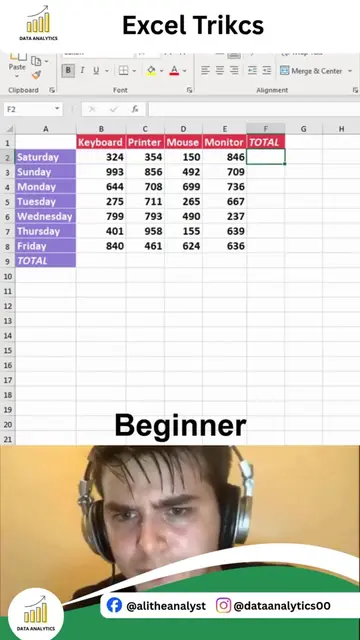
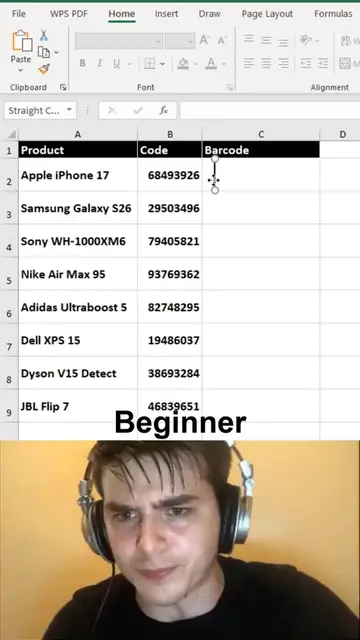
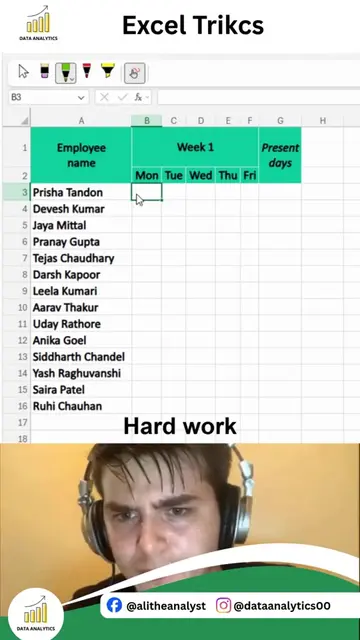
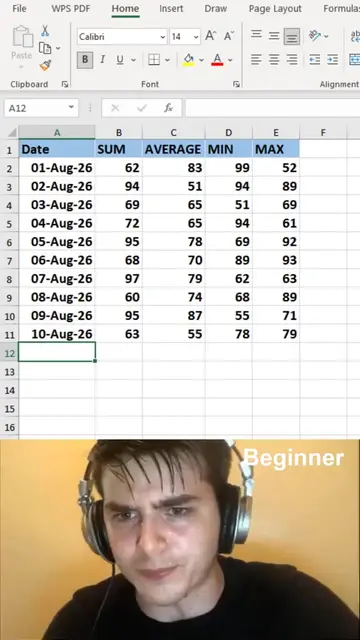
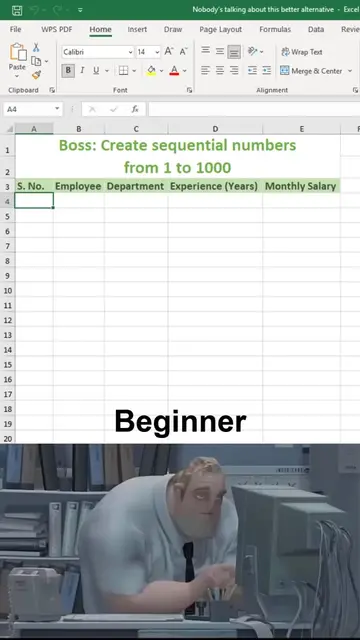
The video contrasts two methods of adjusting Excel columns: a slow, manual method for beginners and a fast, automated method for pros. It demonstrates how to use VBA code to instantly autofit all columns, saving time and improving spreadsheet readability.
Structure
- 1Beginner method: manual column adjustment
- 2Pro method: VBA for autofit
- 3Demonstration of VBA code
- 4Result: instantly autofitted columns
Product placement
Original caption
Still Adjusting Excel Columns One by One? There's a much faster way. One simple Excel trick can instantly auto-fit all your columns so every value is displayed perfectly, no dragging, no resizing, and no wasted time. It may seem like a small feature, but when you're working with large datasets, reports, or dashboards, these small shortcuts make a huge difference. Why this trick is worth learning: • Instantly resize multiple columns • Keep your spreadsheets clean and professional • Improve readability in seconds • Save time when working with large datasets • Speed up your daily Excel workflow The best Excel users aren't just good with formulas, they know the shortcuts and hidden features that help them work smarter. Small improvements in your workflow can save hours over the course of a month. What's the first Excel shortcut you learned that completely changed how you work? Share it in the comments. If you want to master Advanced Excel, Power BI, SQL, Python, and Data Analytics through 1:1 practical training with real business projects and hands-on learning, comment INTERESTED, and we'll reach out with more details. #Excel #ExcelTips #MicrosoftExcel #Spreadsheet #OfficeTips #ExcelHacks #DataAnalysis #Productivity #LearnExcel #PowerBI #SQL #Python #BusinessIntelligence #AliDataAnalytics
More from @dataanalytics.07
More breakout videos from this creator.