Loading video…
Sound

original sound - natcsluvr
م · Original audio
0:00–:––
- Videos using it
- 43
- Creators
- 42
- Views on those videos
- 6.8M
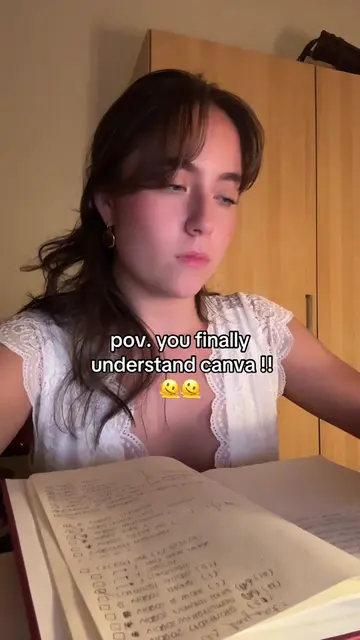
The video uses a popular 'POV' format to demonstrate a high-quality, visually satisfying design process, which builds authority before transitioning into a direct, value-driven pitch for the creator's own educational product.
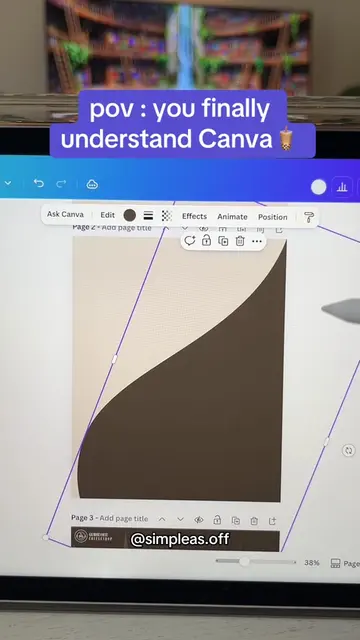
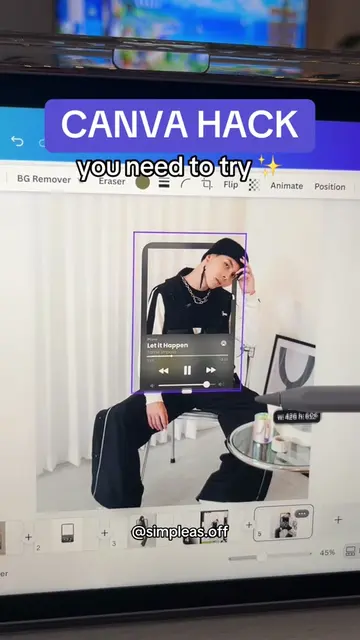
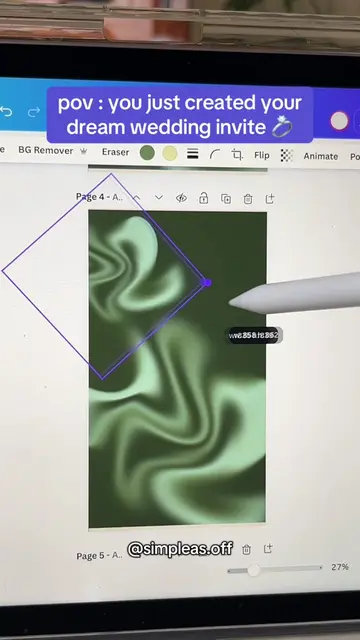
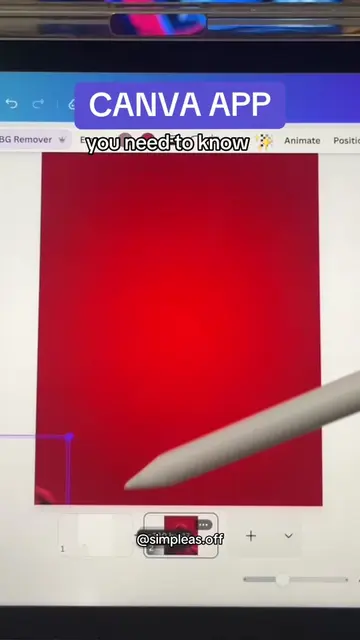
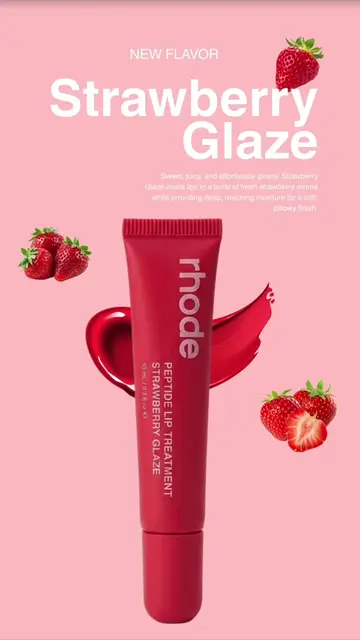
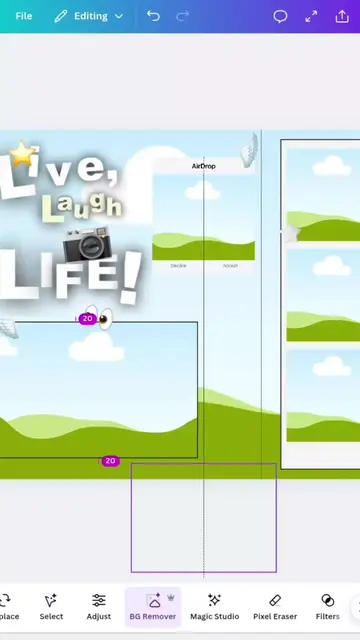
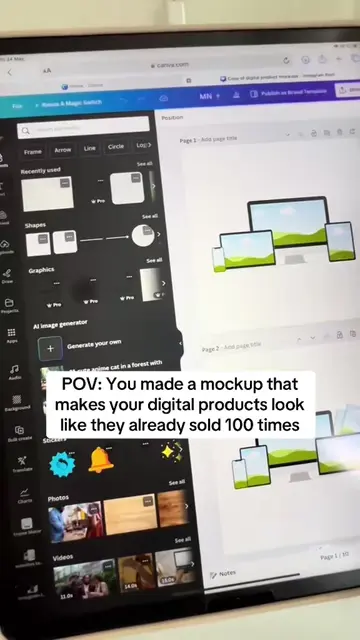
The creator demonstrates a holiday-themed graphic design process using Canva to showcase their expertise. They then promote their paid guide, 'Top 100 Canva Tips & Tricks', by showing its contents and directing viewers to the link in their bio.
To help you create animations like this, I crafted a guide with 20+ detailed tutorials & 80+ Tips & Tricks to help you get even more out of Canva ✨Link in bio 🤍#canvatutorial #canvatemplate #graphicdesign
pov : you finally understand Canva ✨
Creator demonstrates a holiday graphic design in Canva
Showcase of various Canva tools and animation features
Transition to promoting the Top 100 Canva Tips & Tricks guide
Visual walkthrough of the guide's content
Call to action to purchase via the link in bio
Canva (a) It acts: the creator uses its interface to edit a graphic, add elements, and animate a design. Removing it would change the entire video. Top 100 Canva Tips & Tricks Guide (a) It acts: the creator showcases the guide on screen, demonstrating its content and value. Removing it would change the video's purpose.
Get my ✨TOP 100 CANVA TIPS & TRICKS GUIDE✨ LINK IN BIO
Digital guide teaching Canva tips and tricks to people designing graphics
All time.
Promotes 1 product. Create free account to see more.
Outliers and viral hits: their videos on Overshot, all time.