Loading video…
Sound

original sound - wps_office
WPS Office · Original audio
0:00–:––
Playing this video’s own audio, so you’ll hear the creator over the sound.
The video addresses a common, relatable pain point (unreadable text in images) and provides a quick, clear solution using the product's specific feature.
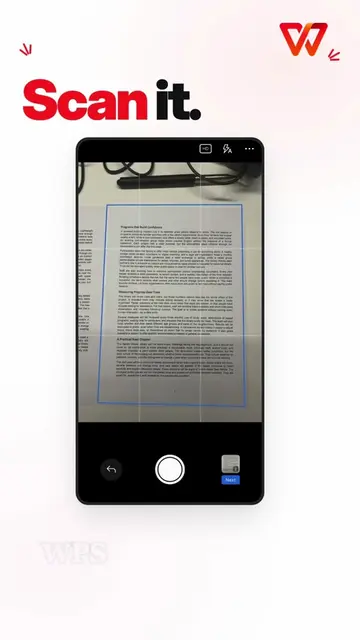
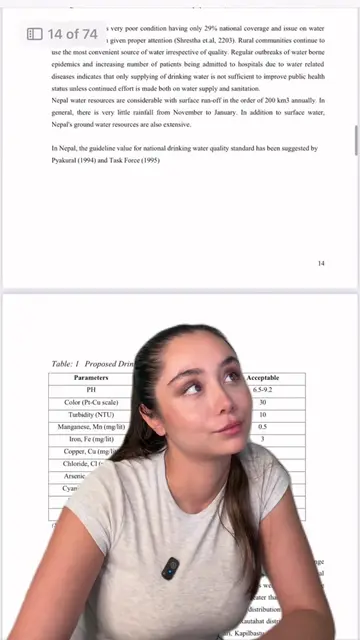
The video demonstrates how to use the WPS Office app to translate text within photos. It shows a step-by-step process of opening an image and using the translation feature to make foreign text readable.
Can’t read that text? 📸 Translate your photos with WPS. #WPSOffice #ImageTranslation #StudyTips #wpseasyoffice
Can't read the text in your photo?
Identify the problem of unreadable text in photos
Introduce WPS Office image translation
Demonstrate the translation process
Show examples of translated documents
Call to action to try the app
WPS Office (a) acts: the video demonstrates its image translation feature, showing the interface being operated to convert text in photos into readable English. Removing it would remove the entire purpose of the video.
Try WPS today.
Playing this video’s own audio, so you’ll hear the creator over the sound.
Promotes 1 product. Create free account to see more.
Outliers and viral hits: their videos on Overshot, all time.
Office software for writing, spreadsheets, presentations, and PDF tasks
All time.