Loading video…
Sound

original sound - jennasharp13
Jenna | UGC creator · Original audio
0:00–:––
Playing this video’s own audio, so you’ll hear the creator over the sound.
Hook
Posted Nov 24, 2026Video · 0:36by @jennasharp13
The video provides a clear, high-value 'before and after' transformation that solves a common pain point for creators—tedious manual editing—while showcasing the app's specific AI capabilities in a natural, tutorial-style format.
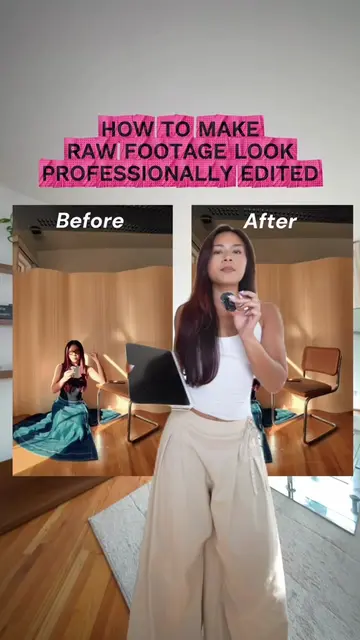
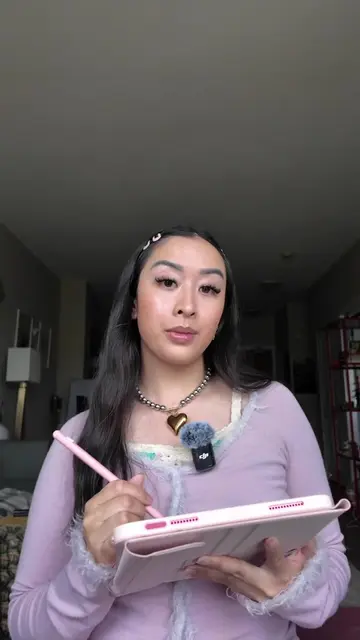
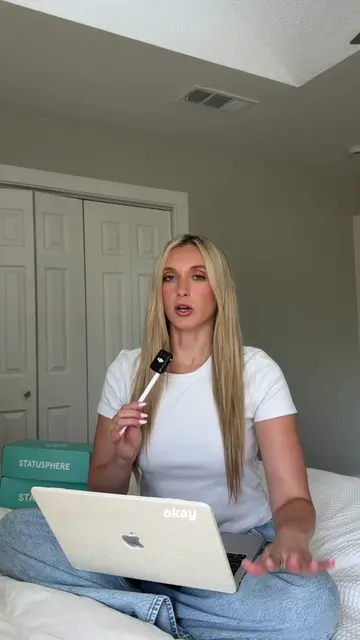
The creator demonstrates how to use the 'Cozy' style and integrated AI features within the Captions app to quickly add whimsical edits, stickers, and sound effects to a video. She highlights the app's ability to follow natural language prompts to adjust the video's tone and style.
Who doesn’t love a sticker?! But timing every single one by hand takes forever!!! The Cozy style in the new Captions app adds so much whimsy to my edits! My favourite part is being able to tell Captions exactly what I want. I wanted my footage a little warmer, so I just asked. You can even upload your own graphics/fonts as a reference if you want it to match your style. And if you’re still figuring out keyframes, Captions adds those little zooms and transitions for you ✨ Save this for your next edit and give the Cozy style a try! #ad #captionsapp #editingtutorial
Here's how to give your videos this cozy sticker edit in just a few taps.
Introduce the whimsical edit style
Demonstrate importing footage into the Captions app
Show the AI prompt process for style and music
Highlight the automatic animation and B-roll integration
Show manual timeline adjustments
Final call to action
(a) Captions app: ACTS — the creator demonstrates its interface, selects the "Cozy" style, and uses its AI features to edit the video. Removing it would change the video entirely. (b) Claude: ACTS — the creator uses it within the Captions app to request specific edits (warmer footage). Removing it would change the video's demonstration of the app's capabilities.
Try this edit in captions with your footage
Playing this video’s own audio, so you’ll hear the creator over the sound.
AI video editing software for creators making social content
All time.
Promotes 3 products. Create free account to see more.
Outliers and viral hits: their videos on Overshot, all time.