Loading video…
All breakouts
6.0App DemoHow-To hookEducation
Hook
Create a *secret* measure table in Power BI!!
@jennytumay
2.1K followers · usually 1.9K views a post
Views
9.6K
Likes
108
Comments
7
Shares
8
Why it worked
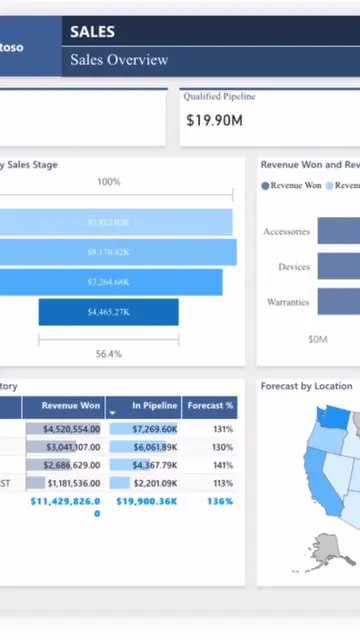
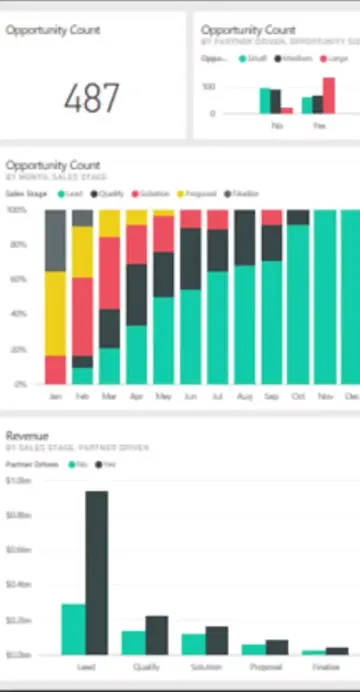
The video provides a practical and visually clear demonstration of a useful Power BI feature, appealing to users looking to improve their data organization and workflow. The "secret" aspect and the promise of organization likely drove engagement.
Summary
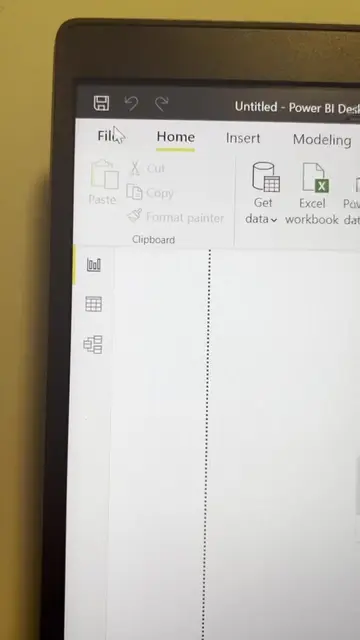
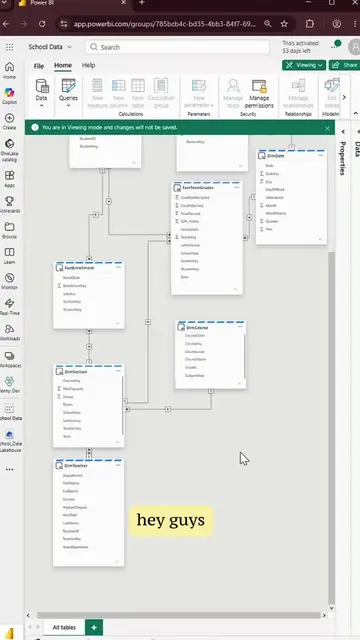
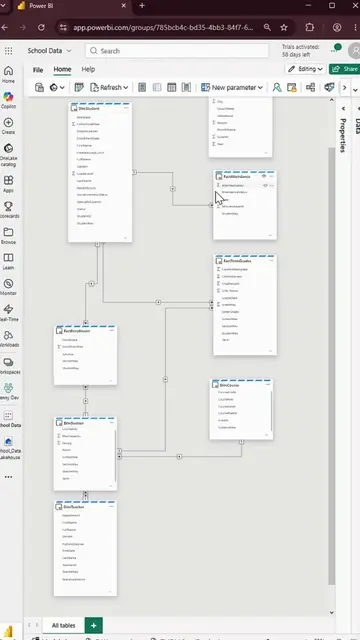
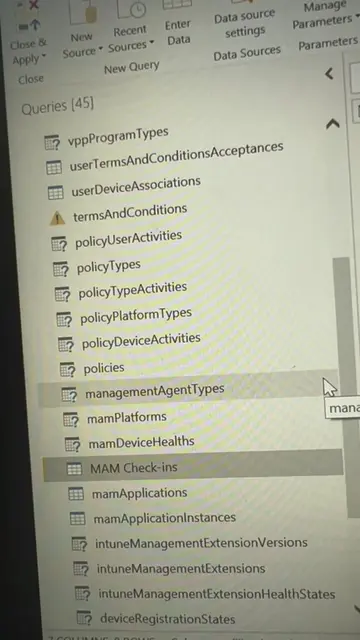
This video demonstrates how to create a hidden measure table in Power BI to organize measures and expressions. It guides the viewer through entering data to create an empty table, naming it, and then adding a measure to it.
Structure
- 1Create an empty table for measures/expressions
- 2Name the table and column
- 3Close and apply changes
- 4Create a new measure within the new table
Original caption
Create a measure table in Power BI to organize your measures / expressions!! #powerbi #dataanalyst #microsoft #powerbitips #dataviz
More from @jennytumay
More breakout videos from this creator.