Hook
More breakout videos from this creator.
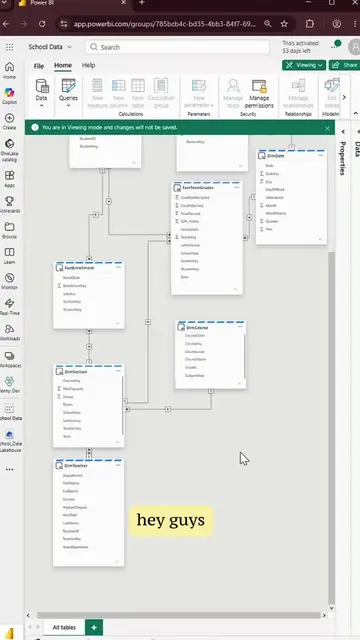
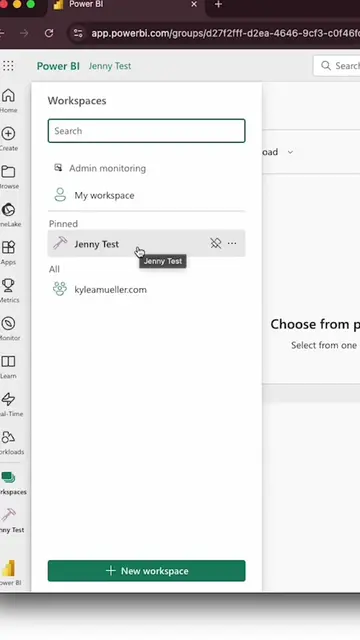
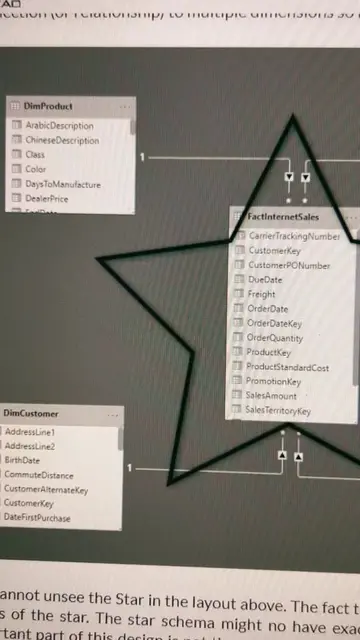
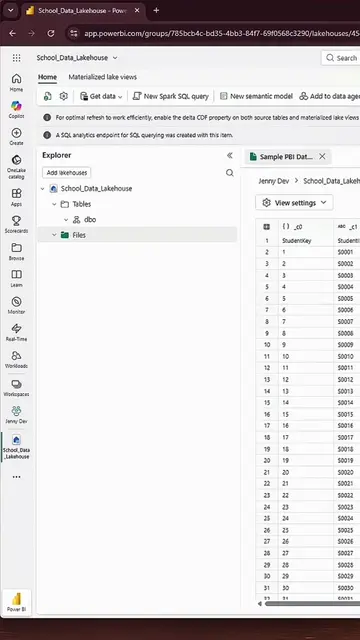
alright everyone, it's time to build a semantic model in Microsoft Fabric in episode 4 of back to basics ok so we're going to navigate to our dev workspace and click New Item at the top and click New Item at the top and then we can search for a semantic model and then we can search for a semantic model and select that and select that and this is where we're gonna bring in our tables and this is where we're gonna bring in our tables from the school data lakehouse from the school data lakehouse so we're gonna select OneLake catalog so we're gonna select OneLake catalog and click on the school data Lakehouse and click on the school data Lakehouse click connect and I'm just naming my semantic model school data right here at the top and I'm selecting all of the tables in the schema and I'm selecting all of the tables in the schema and this next screen should look familiar to anyone and this next screen should look familiar to anyone who's worked in the relationship view of Power BI who's worked in the relationship view of Power BI so I have all of my tables in here so I have all of my tables in here and I'm just gonna move them so that it's easier to create the relationships and I'm just gonna move them so that it's easier to create the relationships and I'm just gonna move them so that it's easier to create the relationships Power BI loves a star schema so that's exactly how I'm going to model this Power BI loves a star schema so that's exactly how I'm going to model this here I'm connecting the student dimension table to the here I'm connecting the student dimension table to the enrollment fact table enrollment fact table and it will default to the one-to-many or the many-to-one and it will default to the one-to-many or the many-to-one single direction filter for single direction filter for so it's a super simple model so it's a super simple model and if you need guidance on what to connect to what and if you need guidance on what to connect to what I recommend asking copilot I recommend asking copilot so there we have it our star schema data model so there we have it our star schema data model even though it doesn't really look like a star even though it doesn't really look like a star stay tuned for episode 5 where we're gonna build the report stay tuned for episode 5 where we're gonna build the report