Loading video…
All breakouts
13.9App DemoOther hookEducation
Hook
hey guys
@jennytumay
2.1K followers · usually 1.9K views a post
Views
25.3K
Likes
1.4K
Comments
6
Shares
99
Why it worked
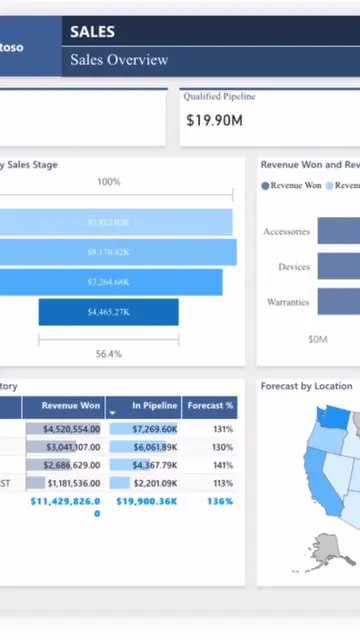
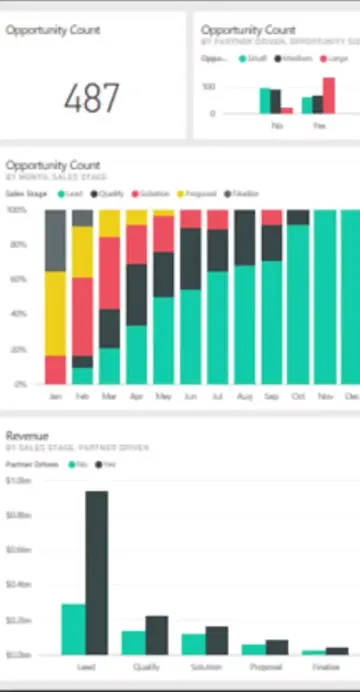
The video effectively demonstrates a new feature in Power BI (.pbip files) that appeals to users looking for more organized and text-based project storage. By showing the practical steps and benefits, it provides clear value to the audience interested in data analytics and reporting.
Summary
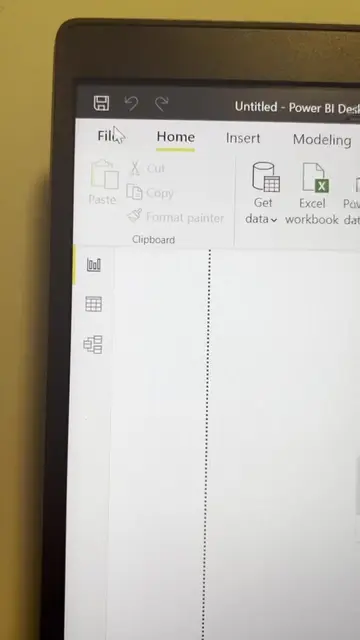
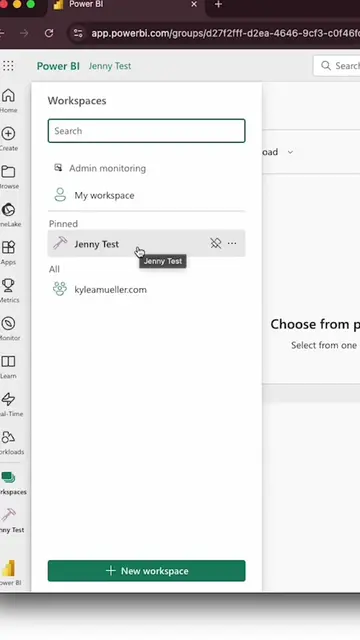
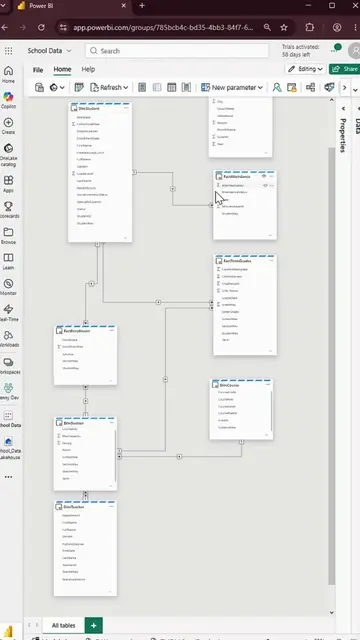
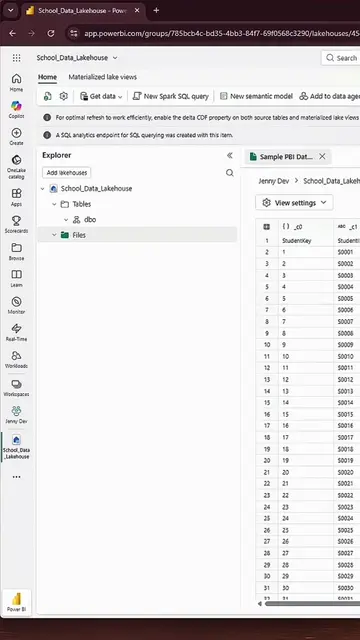
This video demonstrates how to create a Power BI Project File (.pbip) in Power BI. It covers saving a report in the cloud, downloading it, and then saving it as a .pbip file in Power BI Desktop, highlighting the benefits of this new file format.
Structure
- 1Introduction to Power BI + Fabric and episode topic
- 2Saving a report in Power BI cloud
- 3Downloading the report and opening in Power BI Desktop
- 4
Original caption
Create/build a Power BI Project File (PBIP) in Microsoft Power BI for vibecoding reports with AI models #dataanalytics #vibecoding #powerbi (first step for set up)
More from @jennytumay
More breakout videos from this creator.