Loading video…
All breakouts
3.7App DemoDirect Question hookEducation
Hook
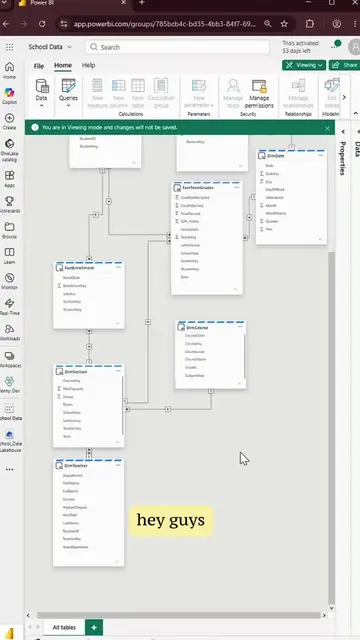
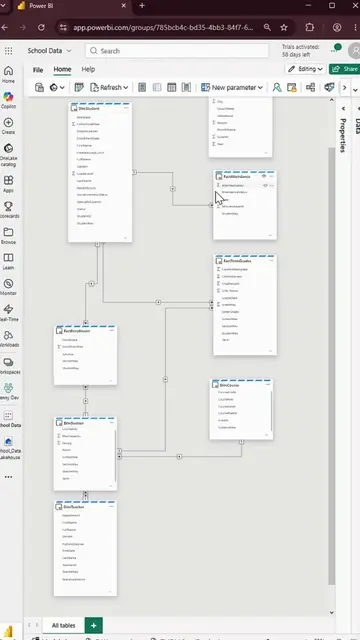
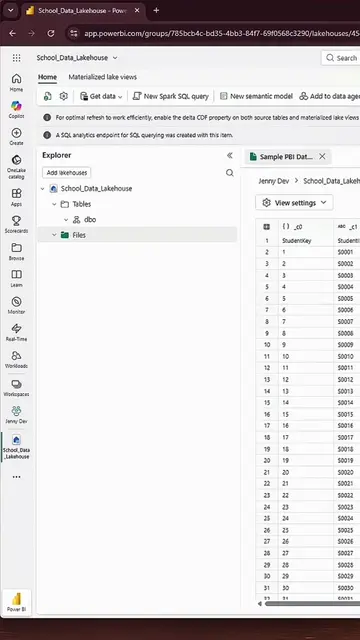
Do you have a lot of tables originating from the same data source in Power BI?
@jennytumay
2.1K followers · usually 1.9K views a post
Views
5.9K
Likes
56
Comments
0
Shares
8
Why it worked
The video provides a practical and efficient solution to a common problem faced by Power BI users, making it highly shareable and valuable content for those working with data sources.
Summary
This video demonstrates a Power BI life hack using parameters to easily switch between different data sources. The creator shows how to create a parameter for the data source URL, allowing for quick changes between 'test' and 'prod' environments.
Structure
- 1Introduction to the problem of multiple tables from the same data source
- 2Demonstration of creating a new parameter in Power BI
- 3Setting the parameter name and type
- 4
Original caption
Learn Power BI parameters in power query!! #powerbi #powerbitips #powerbiparameters
More from @jennytumay
More breakout videos from this creator.