Loading video…
All breakouts

15.1App DemoHow-To hookEducation
Hook
How to be an HTML GOD
@mrllama25
47.0K followers · usually 9.1K views a post
Views
137.5K
Likes
6.8K
Comments
29
Shares
140
Promoted product
Emmetemmet.io
Cheat Sheet
Why it worked
The video provides immediate, high-value utility to a specific audience (web developers) by solving a common, tedious problem with a simple, free tool.
Summary
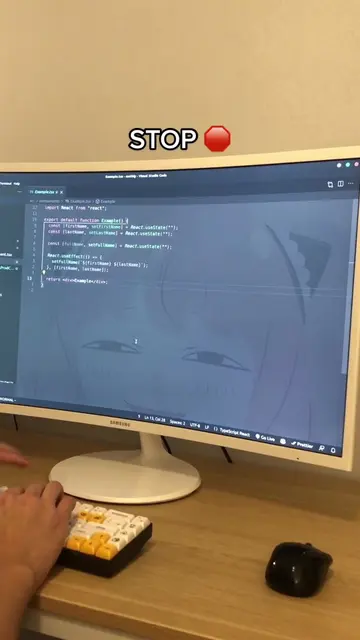
The creator demonstrates how to use the Emmet plugin in VS Code to write HTML code significantly faster using shorthand syntax. They showcase various shortcuts for creating tags, classes, and IDs, and provide a link to the official documentation for further learning.
Structure
- 1Identify the pain point of writing HTML tags manually
- 2Introduce Emmet as the solution for faster coding
- 3Demonstrate basic HTML structure generation
- 4Show shorthand for creating tags, classes, and IDs
- 5
Original caption
All the cool kids use Emmet, you should too 🔥 #html #htmlcss #htmlcsscode #programming #progamer #frontend #frontenddeveloper #devtok #coding #code #compsci #webdeveloper #fyp #techtok #
More from @mrllama25
More breakout videos from this creator.