Loading video…
All breakouts
4.2Talking HeadHow-To hookSaaS
Hook
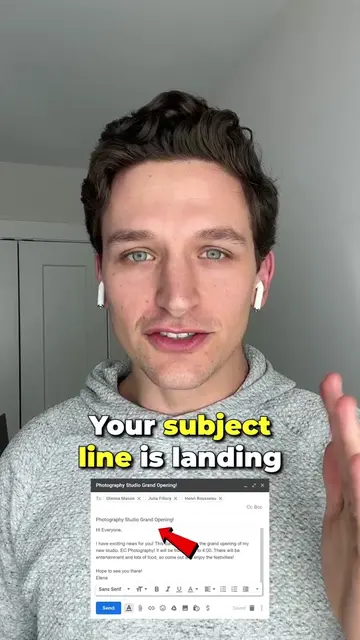
Gmail Features I Bet You Didn't Know 🤯
@willtheemailguy
5.0K followers · usually 1.0K views a post
Views
4.3K
Likes
95
Comments
2
Shares
3
Why it worked
The video provides practical, actionable tips for a widely used platform (Gmail), addressing common pain points like accidental sends and inbox clutter. The creator's personal experience as a founder adds credibility, and the 'native mention' of Lavender via the bio link suggests a subtle, effective promotional strategy.
Summary
The video showcases three underutilized Gmail features: undo send, advanced search operators, and templates (canned responses). It also highlights the 'multiple inboxes' feature for organizing emails by sender or category and the 'schedule send' function for sending emails at optimal times.
Structure
- 1Introduction to Gmail features
- 2Undo Send feature
- 3Advanced Search Operators
- 4
Original caption
I spent countless hours in my email every day and I've started to discover some features in Gmail that are saving me a ton of headaches 📧! #gmail #gmailhacks #producitivity
More from @willtheemailguy
More breakout videos from this creator.