Loading video…
Sound

Calm background music with acoustic guitar and saxophone(1288148)
ame
0:00–:––
- Videos using it
- 55
- Creators
- 43
- Views on those videos
- 7.8M
The video provides practical, actionable tips for using a built-in iPhone feature that many users may not fully utilize. The clear demonstration of advanced features like location-based reminders and widgets makes it highly valuable and shareable.
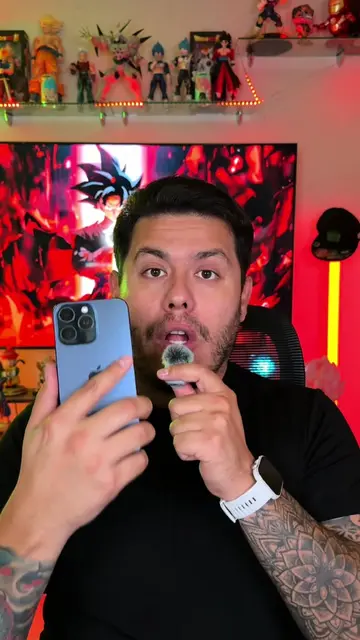
This video demonstrates how to maximize the use of the iPhone's Reminders app. It shows how to create custom lists, set specific dates and times for reminders, and even trigger reminders based on location or when entering/exiting a vehicle. The tutorial also covers how to display these lists as widgets on the home screen.
Los recordatorios me han salvado de muchos olvidos. 🤭 #iphone #iphonetricks #recordatorio #iphonetips #iphonefeatures
App de Recordatorios en tu iPhone
Creating custom reminder lists
Setting dates, times, and locations for reminders
Using location-based reminders (arrival/departure)
Adding reminders to the home screen as widgets
Completing and managing reminders via widgets
iPhone (ACTS - its interface is operated to create and manage reminders, a visible result comes from it. Removing it would change what happens in the video.)
Sígueme para más tips
Reminder and task-list app for iPhone users
All time.
Promotes 8 products. Create free account to see more.
Outliers and viral hits: their videos on Overshot, all time.