Loading video…
All breakouts

3.0Talking Head
Hook
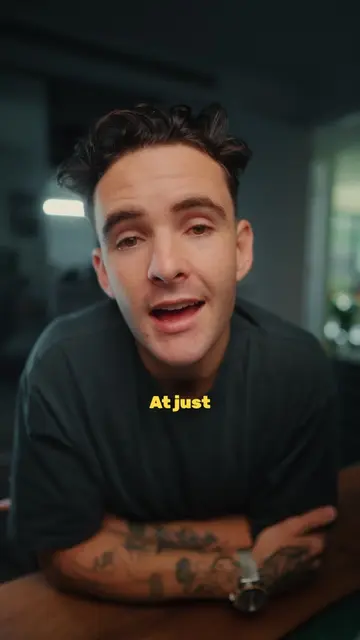
So I am
@tomnoske
88.4K followers · usually 1.6K views a post
Views
4.4K
Likes
165
Comments
3
Shares
7
Why it worked
The video provides a detailed and practical look into the creator's setup for running live sessions, which is highly valuable for their audience interested in building businesses. The native mention of specific, high-quality equipment like the RODEcaster Duo and Elgato Prompter adds credibility and aspirational value.
Summary
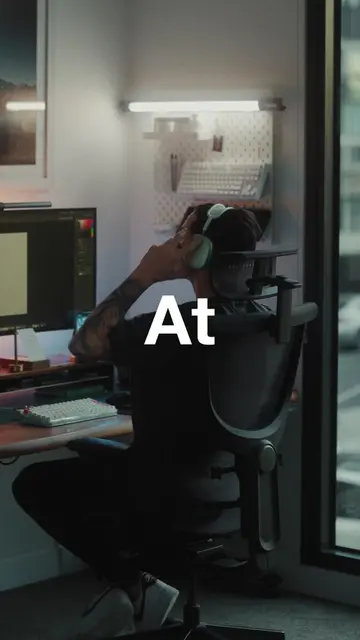
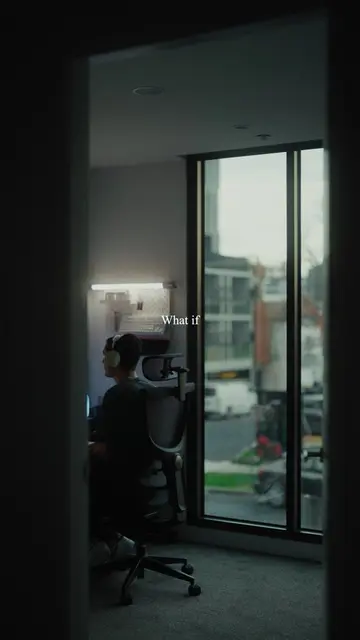
The creator details their live session setup, highlighting the Elgato Prompter, Sony FX3 camera, RODEcaster Duo audio mixer, and RODE SM7B microphone. They explain how this setup allows for effective teaching and engagement during their "Time to Build" program.
Structure
- 1Introduction to the final lesson of cohort nine
- 2Overview of the triple monitor setup
- 3Explanation of the Elgato Prompter and Sony FX3 camera
- 4Demonstration of the iPad as a sidecar for OBS Studio
- 5Details on the RODEcaster Duo for audio management
- 6
Original caption
Full breakdown of how I run my live lessons inside Time to Build. We’re opening enrollments for cohort ten on the 7th of May. If you want to be apart of that cohort, visit the link in my bio.
More from @tomnoske
Their other posts in the index, biggest breakout first.