Loading video…
Sound

original sound - neophyteh4ck3r
Francisco · Original audio
0:00–:––
- Videos using it
- 12
- Creators
- 6
- Views on those videos
- 1.8M
The video provides high-value, actionable technical tutorials for a popular device, solving a common user desire for deeper personalization that the stock OS doesn't easily allow.
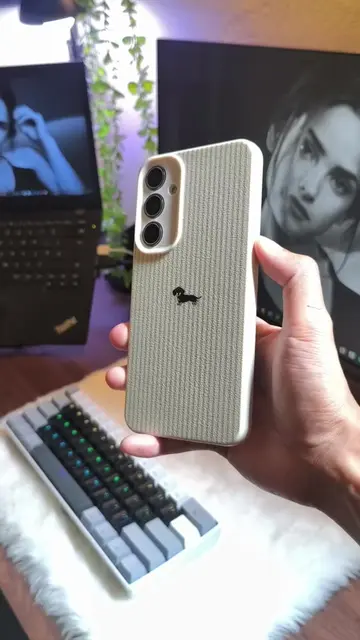
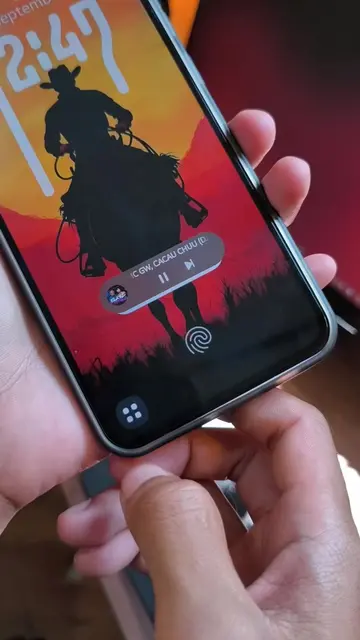
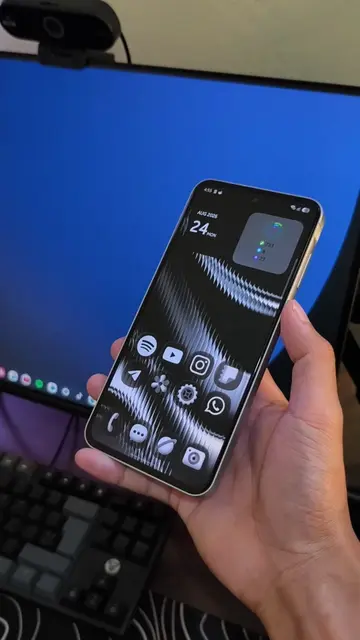
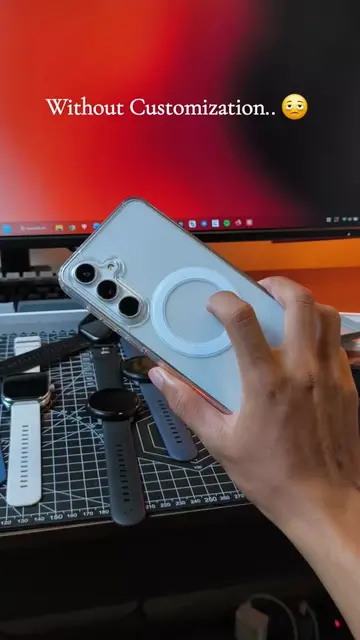
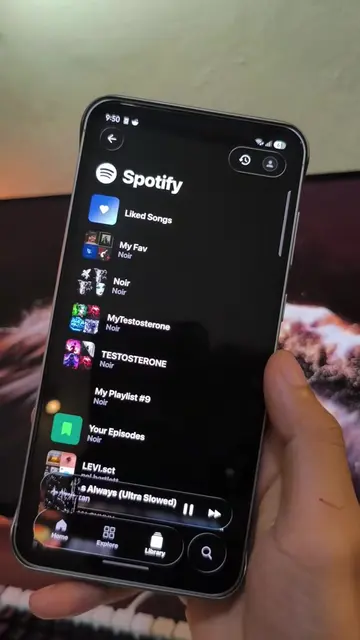
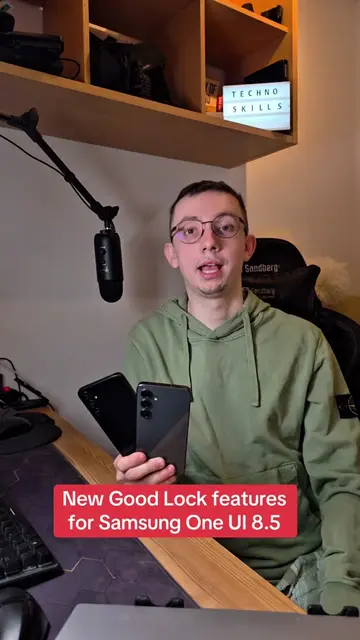
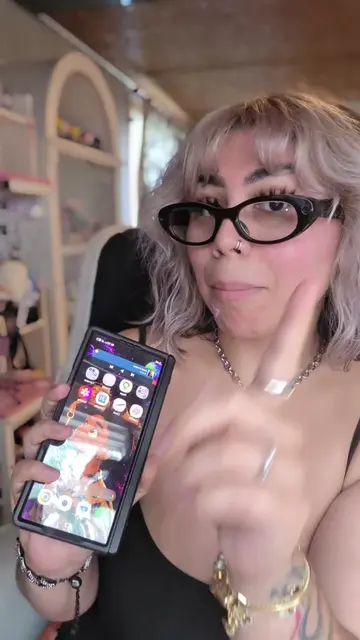
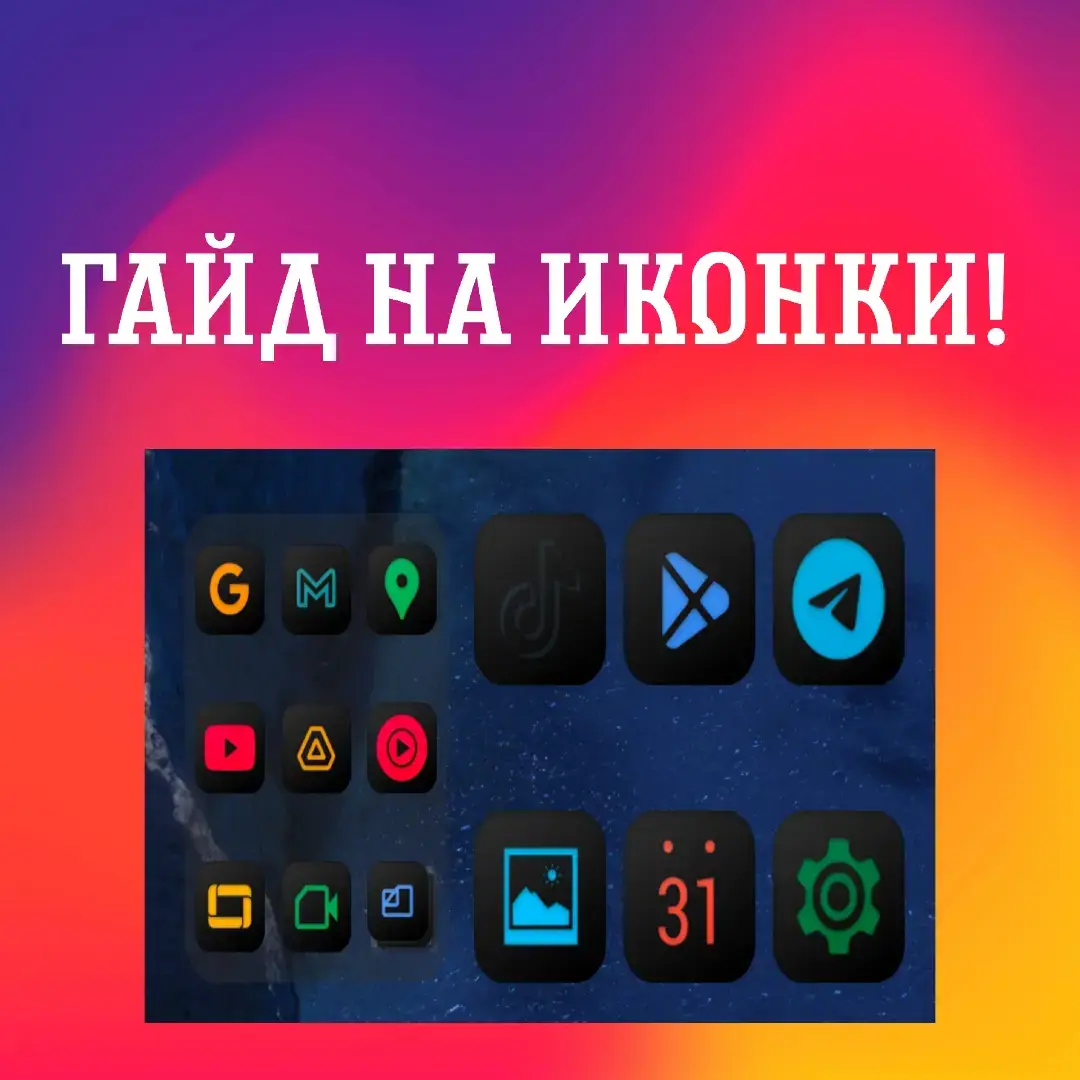
The video provides a tutorial on how to customize a Samsung smartphone using various Good Lock modules, including Theme Park, Home Up, and DynamicSpot. It demonstrates how to change icon packs, folder animations, and add dynamic island-style notifications to the device.
Sorry For Long Duration guyss #samsung #oneui9 #goodlock #s24fe
Full Tutorial
Introduction to phone customization
Applying custom icon packs with Theme Park
Configuring home screen and folder animations with Home Up
Setting up dynamic island notifications with DynamicSpot
Final look at the customized interface
Good Lock (a) ACTS: it is the primary tool used to customize the phone's UI, including lock screen, home screen, and gesture animations. Removing it would change the entire video. Theme Park (a) ACTS: it is used to create custom icon packs and themes. Removing it would change the video. Home Up (a) ACTS: it is used to modify home screen layout and folder animations. Removing it would change the video. DynamicSpot (a) ACTS: it is used to add a dynamic island-style notification feature. Removing it would change the video. Darkify Color Icon Pack (a) ACTS: it is used to change the app icons. Removing it would change the video.
Link in Bio
Promotes 3 products. Create free account to see more.
Outliers and viral hits: their videos on Overshot, all time.
Samsung phone customization app for Galaxy users
All time.