Loading video…
All breakouts

5.9App DemoPOV / Skit hook
Hook
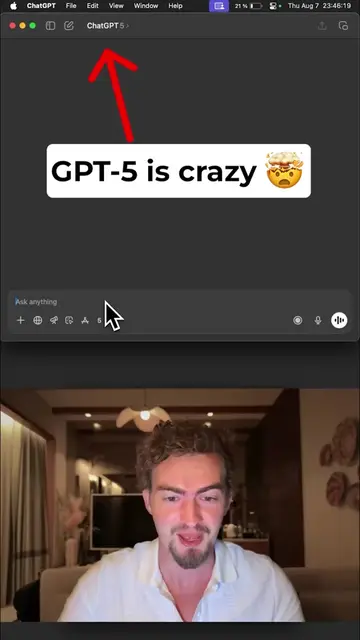
This is how my WhatsApp agent handles my tasks.
@edhillai
69.5K followers · usually 7.3K views a post
Views
43.1K
Likes
1.1K
Comments
135
Shares
233
Why it worked
The video effectively demonstrates a practical and automated solution for task management using familiar tools like WhatsApp and Google Sheets, appealing to users looking for productivity enhancements. The clear, step-by-step visual guide on how to build the automation makes it easily replicable.
Summary
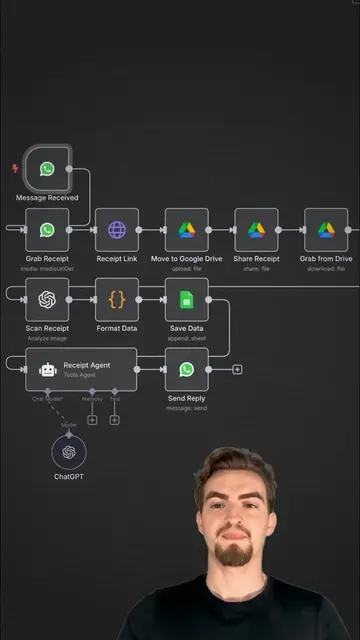
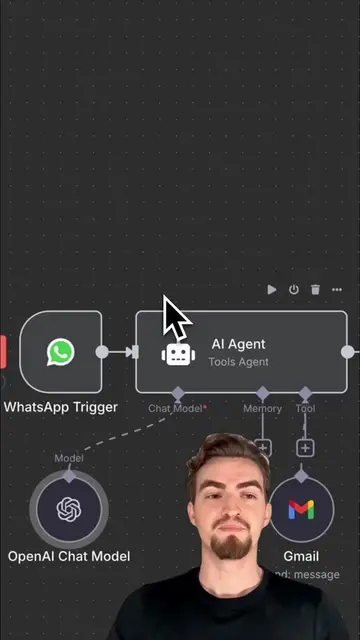
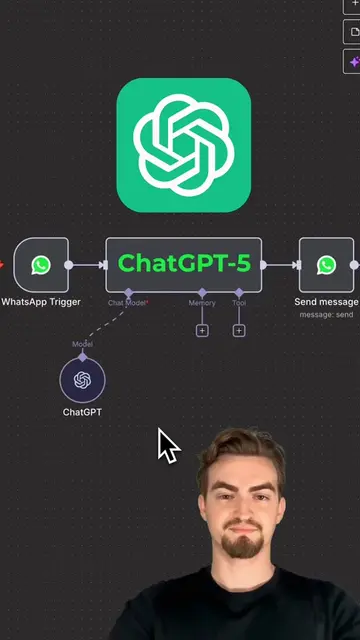
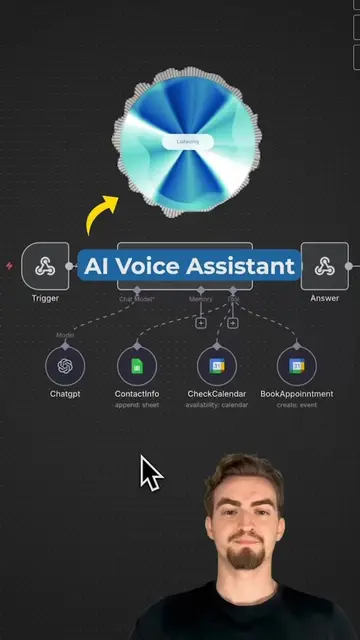
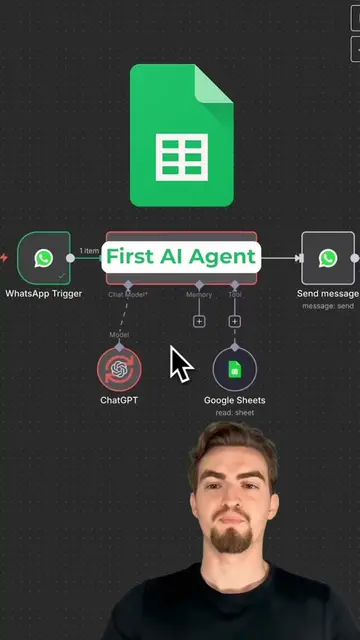
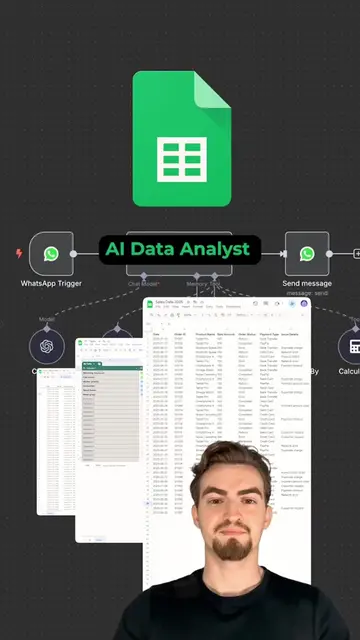
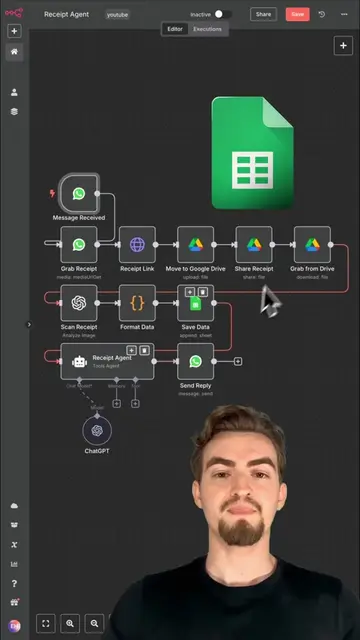
This video demonstrates how to build an n8n automation that integrates with WhatsApp and Google Sheets. The automation allows users to ask for their daily tasks via WhatsApp, which are then retrieved from a Google Sheet using an AI agent and ChatGPT, and the response is sent back to the user.
Structure
- 1Introduction to the WhatsApp AI agent
- 2Demonstration of the agent accessing Google Sheets
- 3ChatGPT generating a response
- 4Building the automation workflow in n8n
- 5Adding the AI agent and ChatGPT
- 6
Original caption
This n8n automation reads your google sheet to-do list via WhatsApp #n8n #aiautomation
More from @edhillai
Their other posts in the index, biggest breakout first.