Loading video…
All breakouts

42.1App DemoHow-To hook
Hook
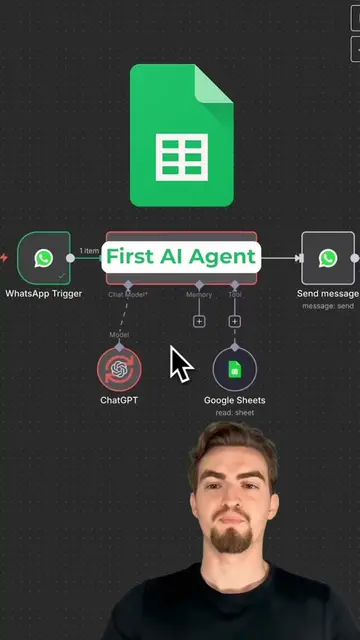
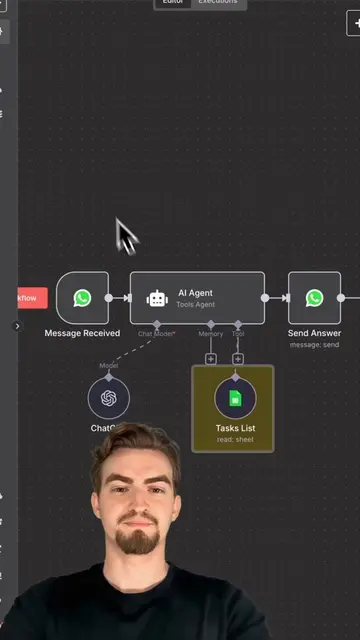
This is how to add Google Sheets to your WhatsApp AI agent in under 30s.
@edhillai
69.5K followers · usually 7.3K views a post
Views
305.9K
Likes
12.8K
Comments
150
Shares
1.9K
Why it worked
The video provides high-value, technical utility by solving a specific automation problem in a concise, fast-paced format that respects the viewer's time.
Summary
The creator demonstrates how to integrate Google Sheets with a WhatsApp AI agent using the n8n automation platform. The video shows the step-by-step configuration process and verifies the integration by querying data from a spreadsheet.
Structure
- 1State the goal of the tutorial
- 2Add Google Sheets tool to the workflow
- 3Configure document and sheet settings
- 4Update AI agent prompt
- 5Test the integration via WhatsApp
Product placement
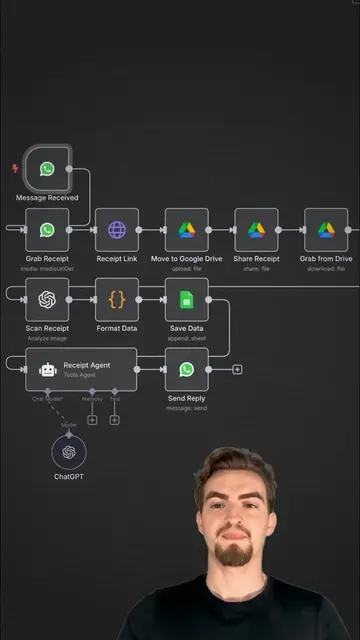
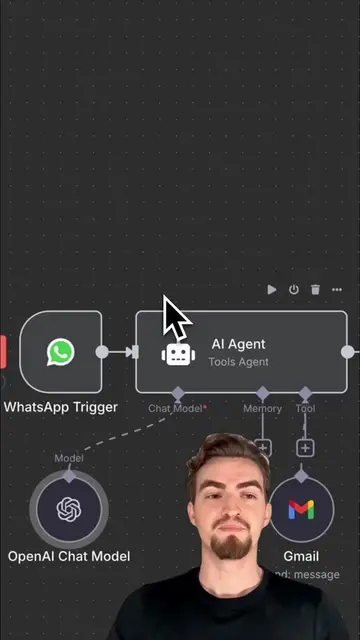
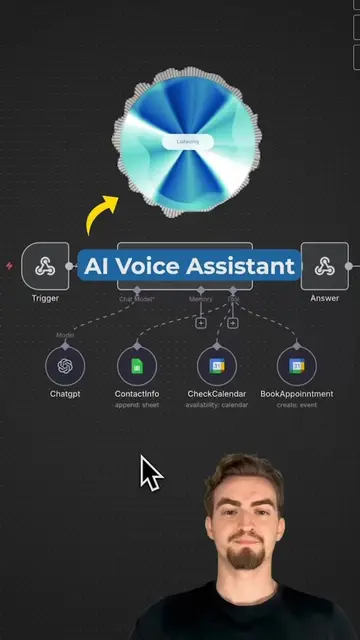
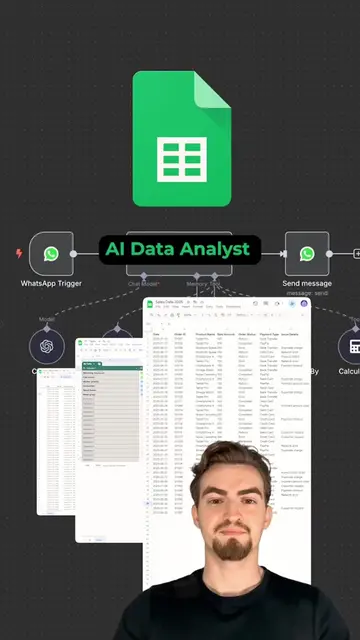
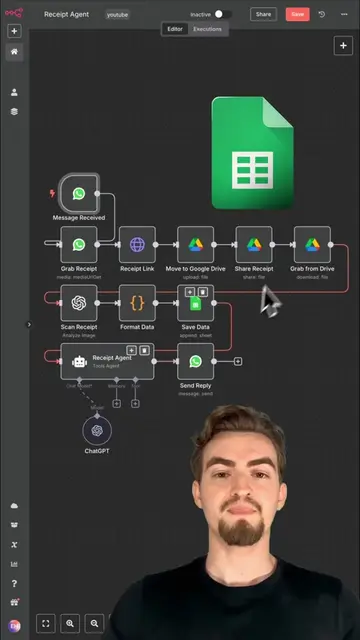
The entire video is a screen recording of the n8n automation platform interface, demonstrating how to build a specific workflow.
On-screen text
This is how
AI agent in
under 30s.
Firstly, click
on the plus
icon under tools
and search for
Google Sheets.
Then under
documents, select
by URL
and copy and paste
the URL
of your Google
Sheets document.
Afterwards,
you need to select
the desired
sheet.
Simply choose
the appropriate
sheet from the dropdown
menu provided.
Then return
to canvas.
AI agent
with the new
prompt snippet,
which instructs
the AI agent
to utilize
Google Sheets.
Now let's verify
whether it works.
I'll ask the
AI agent
for Kevin's
email.
Excellent.
It worked
seamlessly.
Here,
you can observe
the process
happening
in the background
when the message
is received.
Original caption
n8n Tutorial: Connect WhatsApp AI Agent in n8n with Google Sheets #n8n #n8ntutorial #googlesheets #aiautomation
More from @edhillai
Their other posts in the index, biggest breakout first.