Loading video…
Sound

original sound - edhillai
Ed Hill · Original audio
0:00–:––
Playing this video’s own audio, so you’ll hear the creator over the sound.
The video leverages the hype surrounding a major tech release (ChatGPT-5) to provide immediate, actionable utility, making the automation tool feel like a necessary bridge to access the new technology.
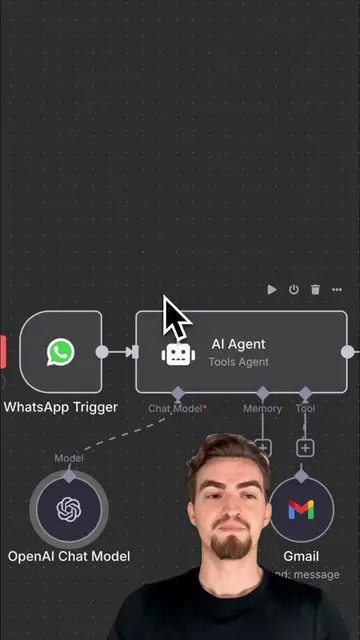
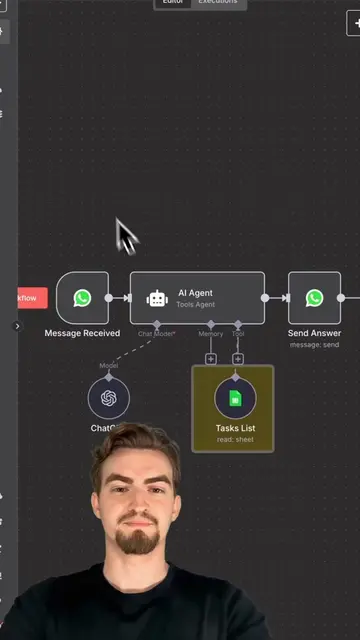
The creator demonstrates how to integrate the new ChatGPT-5 model into a WhatsApp AI agent using the n8n automation platform. The video provides a quick, three-step tutorial on setting up the workflow to receive smart replies directly in WhatsApp.
Comment „FLAGSHIP“ for full tutorial and free template. OpenAI released yesterday their new FLAGSHIP model. It’s their most capable model and it leads all leaderboards. Sam Altman the CEO of OpenAI praises it as the next step towards AGI. The best part you can now already integrate in your own WhatsApp AI agent. This enables you to create a AGI that is bespoke to your needs. No need to wait and this is also how you stay ahead. This is how you gain your competitive advantage. And it’s easy. Everyone is talking about the unprecedented intelligence of the new ChatGPT-5, but very few know how to actually use it. This tutorial shows you how to take the most powerful AI model and put it right in your pocket. This isn’t a simple chatbot; it’s an AI Agent with cutting-edge intelligence. Here’s how it works. Using a no-code tool called n8n, you can integrate ChatGPT-5 directly into an agent that lives on WhatsApp. You send a quick message with a complex question or a detailed request. In the background, the agent, now with the advanced reasoning of ChatGPT-5, processes your query and provides a powerful, insightful response. No more waiting for access or dealing with complex APIs. Just effortless, on-demand access to the world’s most advanced AI. Imagine a WhatsApp conversation where your AI agent is summarizing long documents, drafting complex emails, or even generating code—all at your command. What new tasks could an agent this smart help you with? Comment „FLAGSHIP“ to get the template and a full tutorial.
ChatGPT-5 is here.
Introduce ChatGPT-5 integration
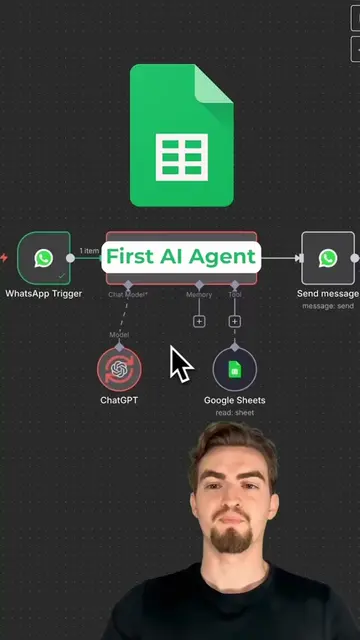
Step 1: Drag and drop WhatsApp and AI agent
Step 2: Configure ChatGPT node with GPT-5
Step 3: Add WhatsApp output node
Demonstrate the AI agent responding to a user query
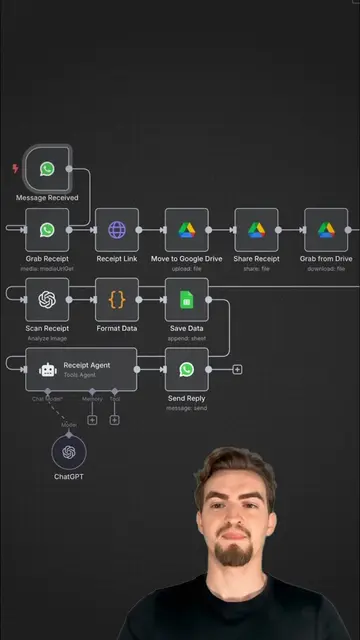
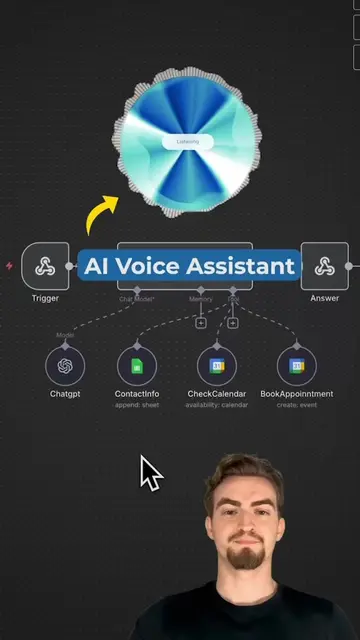
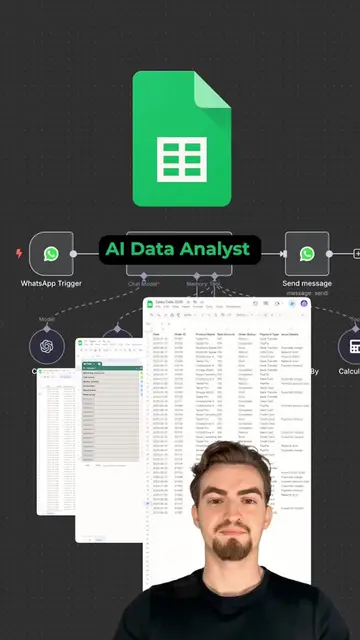
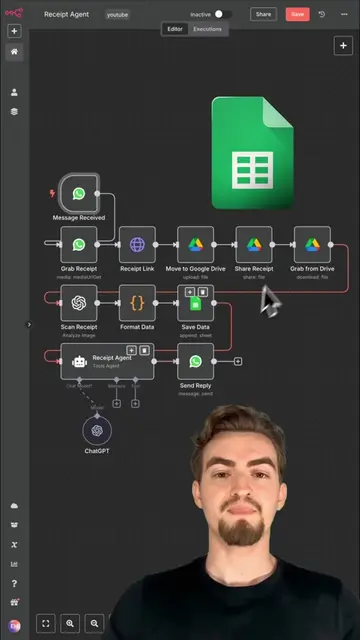
The video is a screen recording of the n8n workflow automation platform, which is the tool being promoted.
Comment „FLAGSHIP“ for full tutorial and free template.
Playing this video’s own audio, so you’ll hear the creator over the sound.
Promotes 4 products. Create free account to see more.
Outliers and viral hits: their videos on Overshot, all time.
Workflow automation software for technical teams
All time.