Loading video…
Sound

original sound - tiktoklive_ph
TikTok LIVE Philippines · Original audio
0:00–:––
Playing this video’s own audio, so you’ll hear the creator over the sound.
This video promotes it, but we haven’t matched it to a product page yet, so there are no product figures.
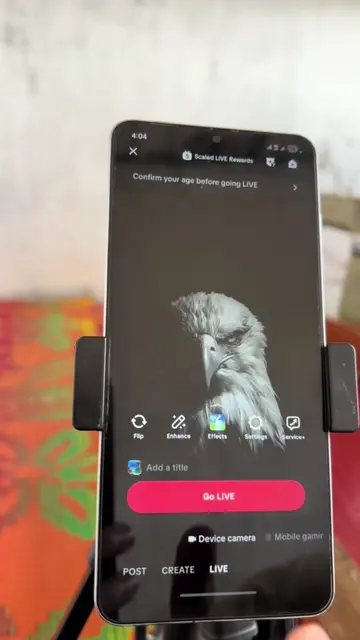
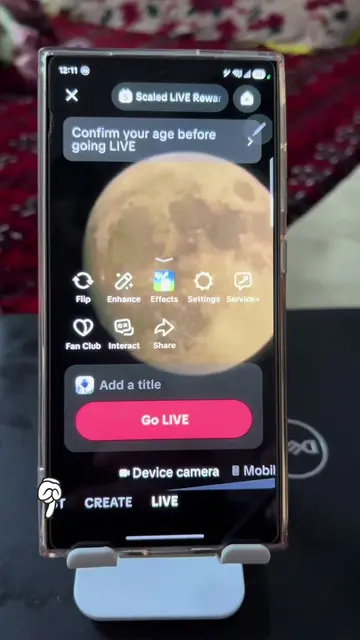
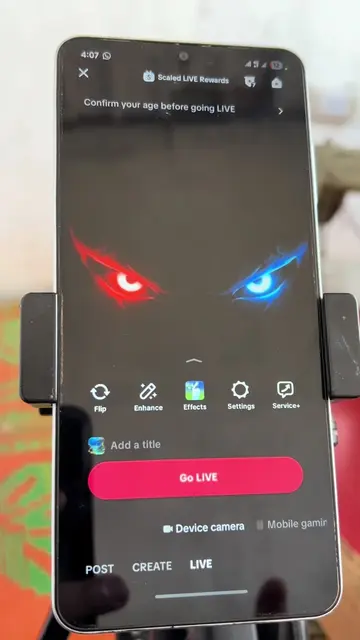
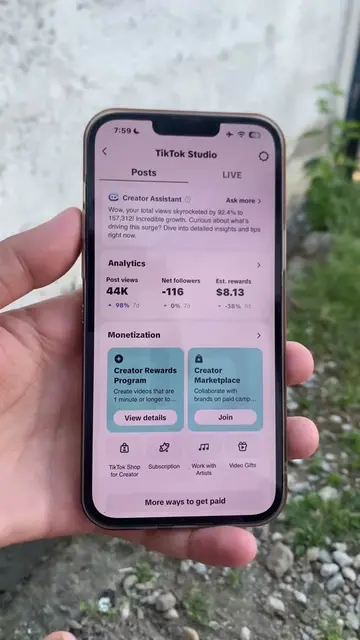
The video provides a clear, step-by-step tutorial on how to complete a necessary but potentially confusing process (age verification for going live on TikTok). This practical, problem-solving content is highly shareable among users seeking to utilize the platform's features.
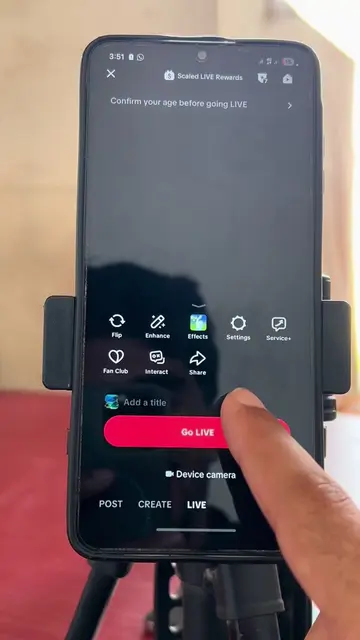
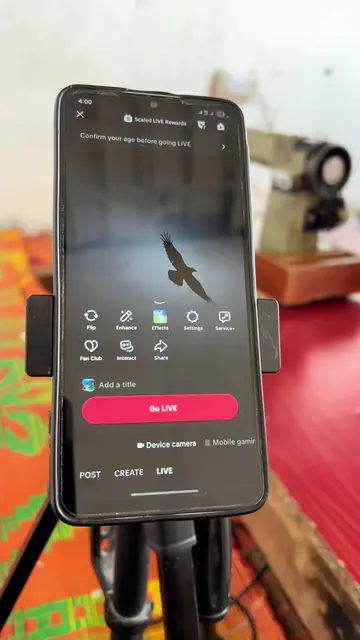
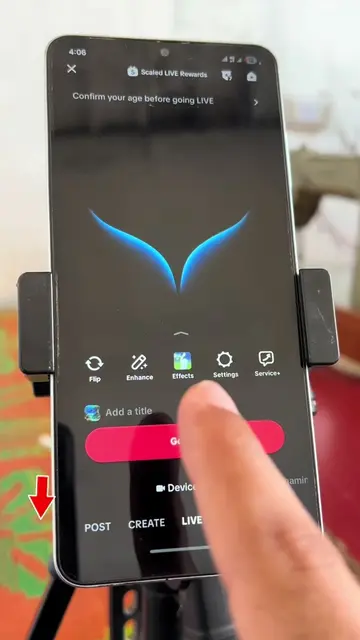
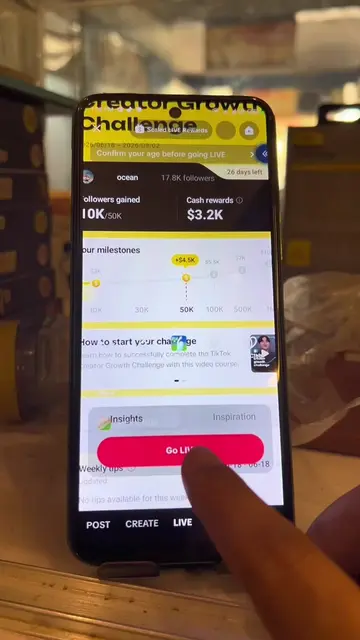
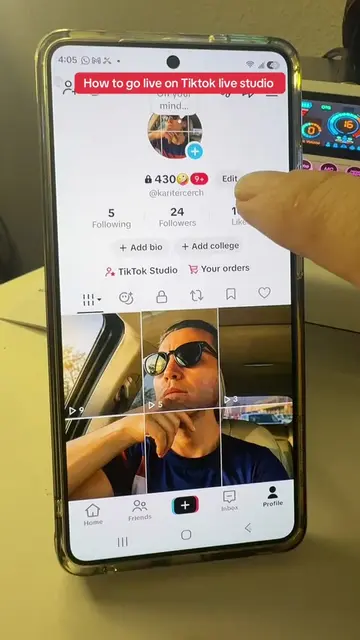
The video demonstrates how to complete age verification on TikTok to go live. It guides the user through confirming their birth date and then selecting the facial age estimation method, which involves taking a selfie.
Age verification 💯 easy #LIVEIncentiveProgram #LIVEStory #PaidPartnership #ageverification #tiktoktips
How to fix age verification before going live?
Initiate age verification for going live
Confirm birth date
Select facial age estimation method
Prepare camera and take selfie
Age confirmed
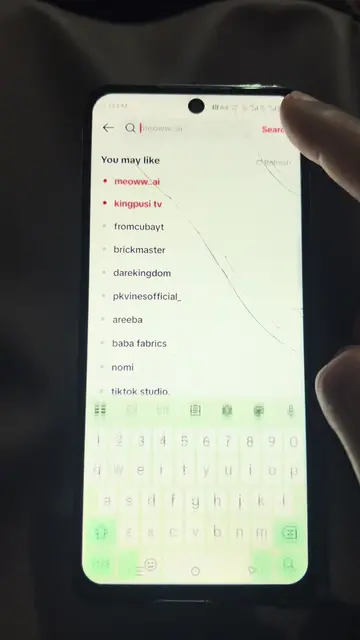
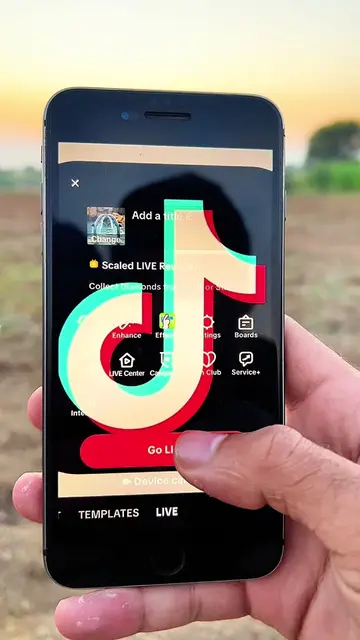
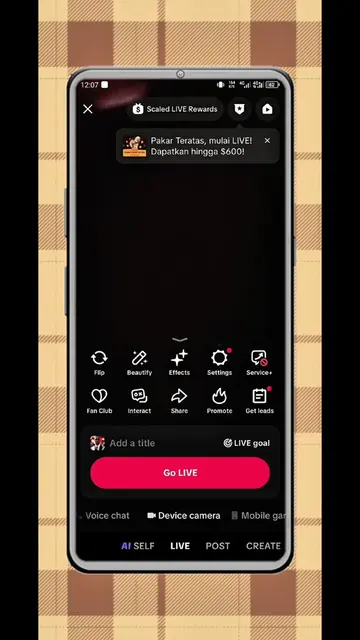
The video shows the process of navigating the TikTok app to go live, specifically focusing on the age verification steps. This includes entering a birth date and using facial age estimation.
Click on confirm. Choose age above 18 years. Tap on the plus icon. Swipe the live. Tap Continue. Tap Got it.
Playing this video’s own audio, so you’ll hear the creator over the sound.
Outliers and viral hits: their videos on Overshot, all time.