Loading video…
All breakouts
32.7App DemoDirect Question hookAI Tools
Hook
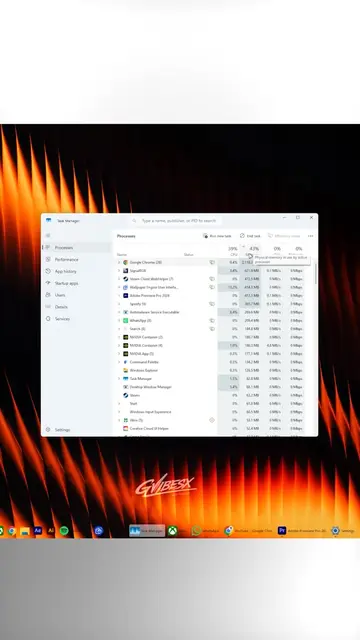
Did you know that Windows is taking screenshots of your desktop every few seconds?
@techow
397.8K followers · usually 45.2K views a post
Views
1.2M
Likes
49.3K
Comments
743
Shares
10.4K
Why it worked
The video addresses a widespread privacy concern regarding a new operating system feature, providing a clear, actionable solution that saves the viewer time and effort.
Summary
The video explains how to disable a Windows 11 feature called Recall that takes periodic screenshots of the user's desktop. It provides a step-by-step tutorial using the Command Prompt to turn off the feature.
Structure
- 1Identify the privacy concern
- 2Name the feature
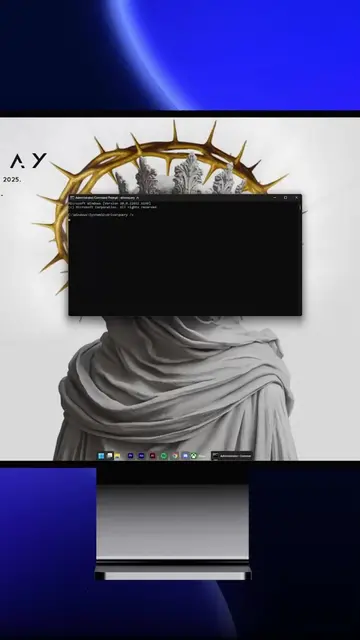
- 3Show the command prompt steps
- 4Advise to restart the PC
On-screen text
Did you know that Windows is taking screenshots of your desktop every few seconds?
Recall
Start
CMD
Command Prompt
Administrator
DISM /Online /Disable-Feature /FeatureName:Recall
Restart your PC
Transcript
Did you know that Windows is taking screenshots of your desktop every few seconds? The feature is called Recall. As you can see, it says it silently takes a screenshot of your desktop every few seconds. To disable this feature, press Start, type CMD, right click Command Prompt, select Run as administrator, then type this command and hit Enter. After it finishes, restart your PC for the change to take effect.
Original caption
Do This Before Your Pc starts taking screenshots. #pc #pctips #pcgaming #techow #techtok
More from @techow
More breakout videos from this creator.