Loading video…
Sound

original sound - techow
TecHow · Original audio
0:00–:––
Playing this video’s own audio, so you’ll hear the creator over the sound.
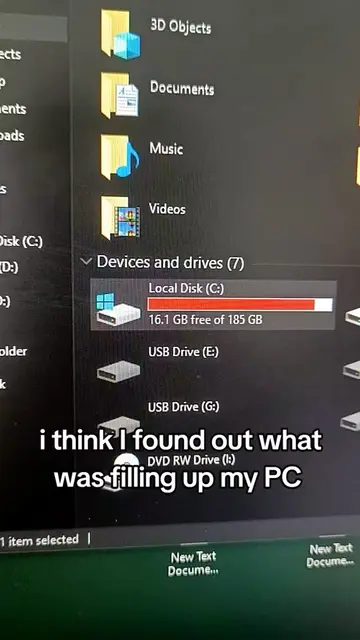
The video offers a practical and actionable solution to a common problem (lack of storage space) with clear, step-by-step instructions. The promise of freeing up a significant amount of space (10GB) is a strong incentive for viewers to follow along.
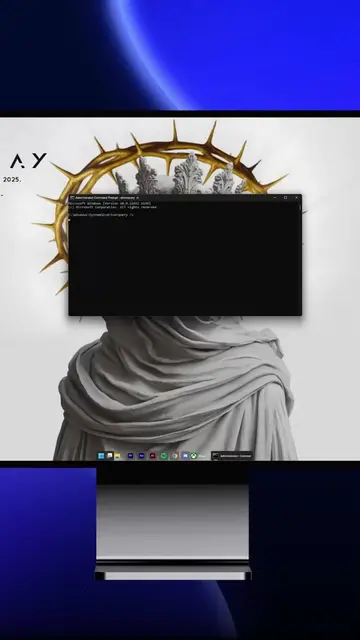
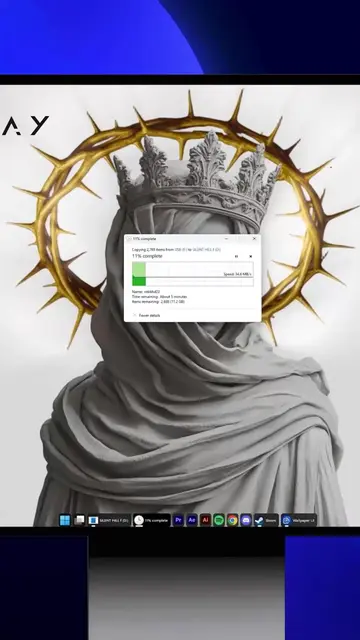
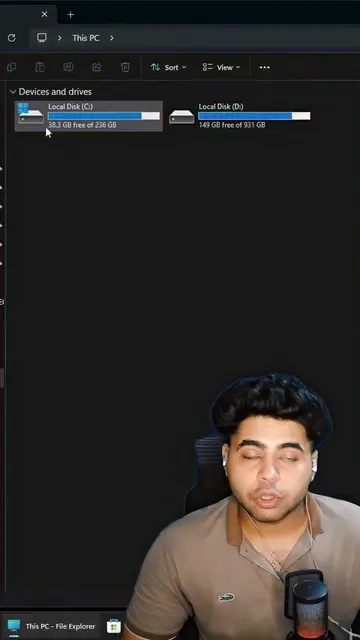
This video demonstrates how to free up 10GB of storage space on a Windows PC by deleting specific files within the SoftwareDistribution folder. It explains that these files are remnants of Windows updates and can be safely removed as Windows will recreate them if necessary.
FREE Up 10GB Storage:Delete This Hidden Windows Folder #TechTips #pc #techtok #techow
Running out
Identify the problem: running out of space.
Locate the hidden folder: SoftwareDistribution in the Windows directory.
Explain the folder's purpose: storing update files.
Instruct to delete the folder's contents.
Reassure that it's safe and Windows will recreate it.
Highlight the benefit: freeing up significant storage space.
The video shows how to navigate Windows File Explorer to find and delete files in the 'SoftwareDistribution' folder.
delete everything inside that folder
Playing this video’s own audio, so you’ll hear the creator over the sound.
Promotes 9 products. Create free account to see more.
Outliers and viral hits: their videos on Overshot, all time.
Experience the Windows difference | Microsoft Windows
All time.